Client's manual
The client portal is where your organization runs its cloud resources. You set up an organization and its billing, create projects, invite the people who work on them, and create servers, volumes, networks, load balancers and DNS zones in them. Each create form shows the monthly price before you commit, and each project's dashboard shows what it costs so far.
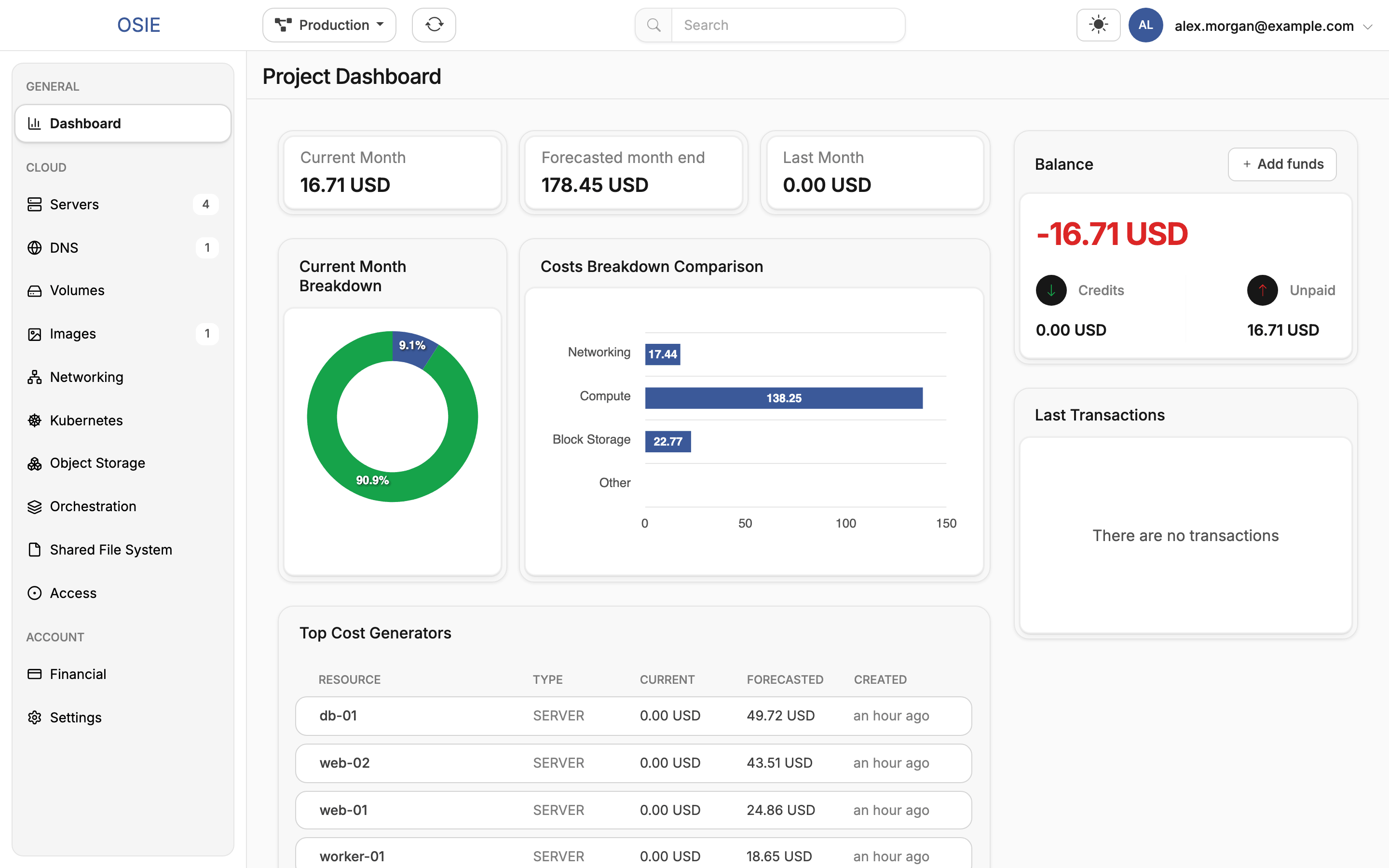
Everything in the portal is also reachable from the OpenStack APIs, with the CLI, an SDK or Terraform. See Access the cloud APIs.
Organizations
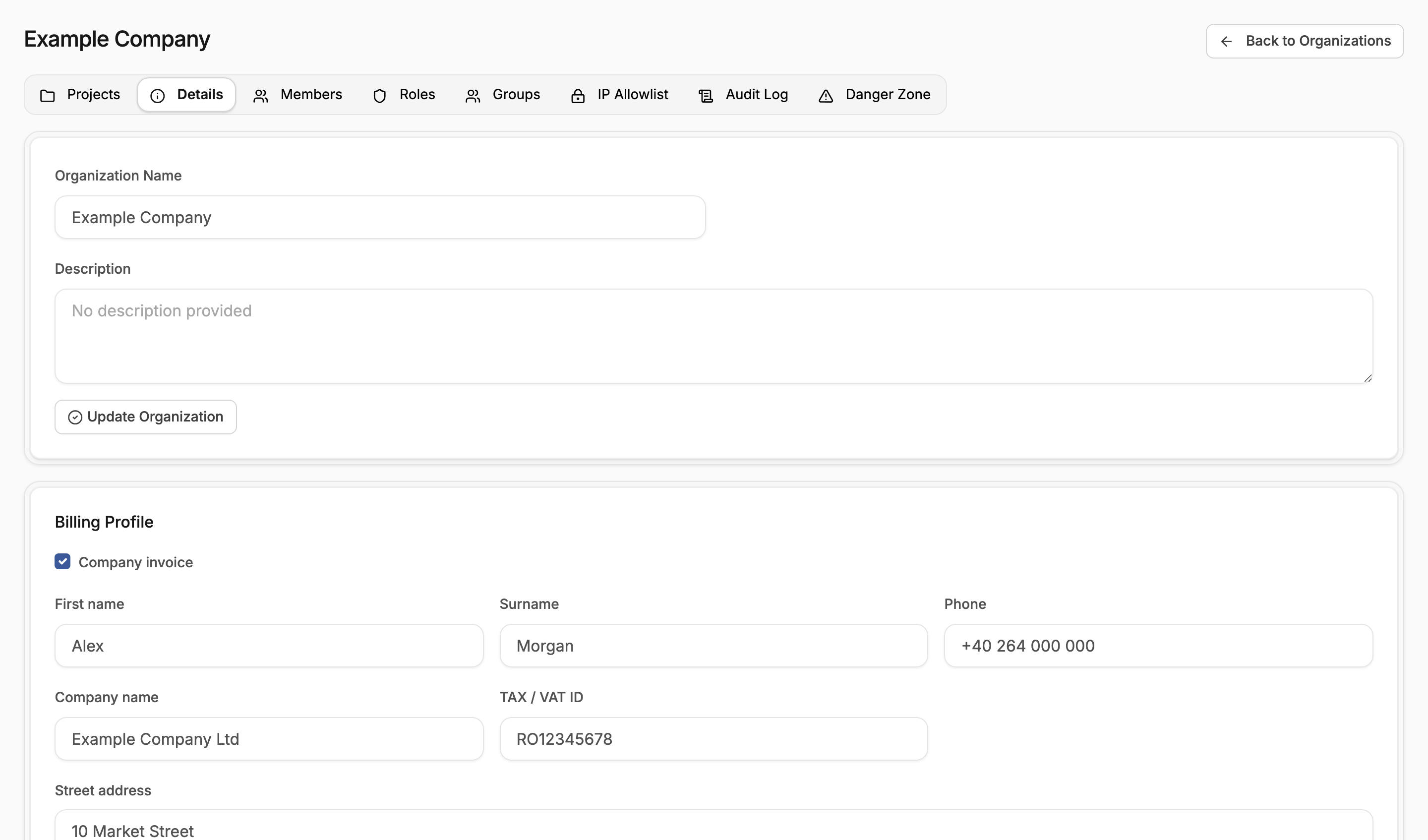
OrganizationsYour company in the portal: its projects, members, billing details and settings.
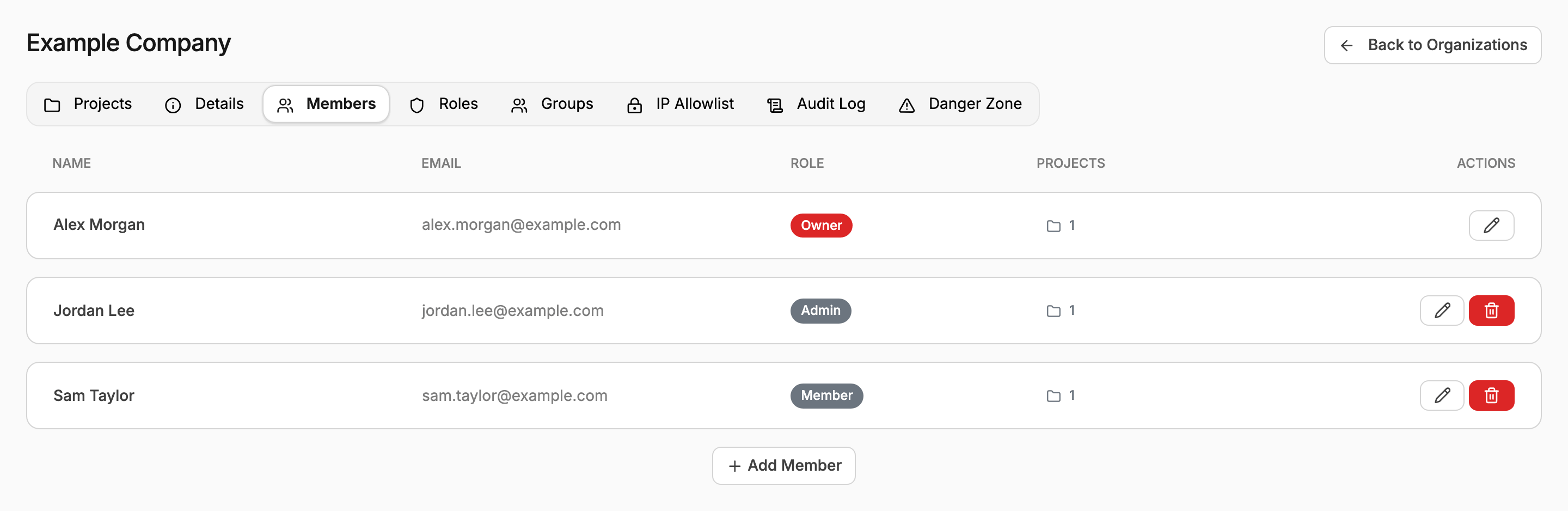
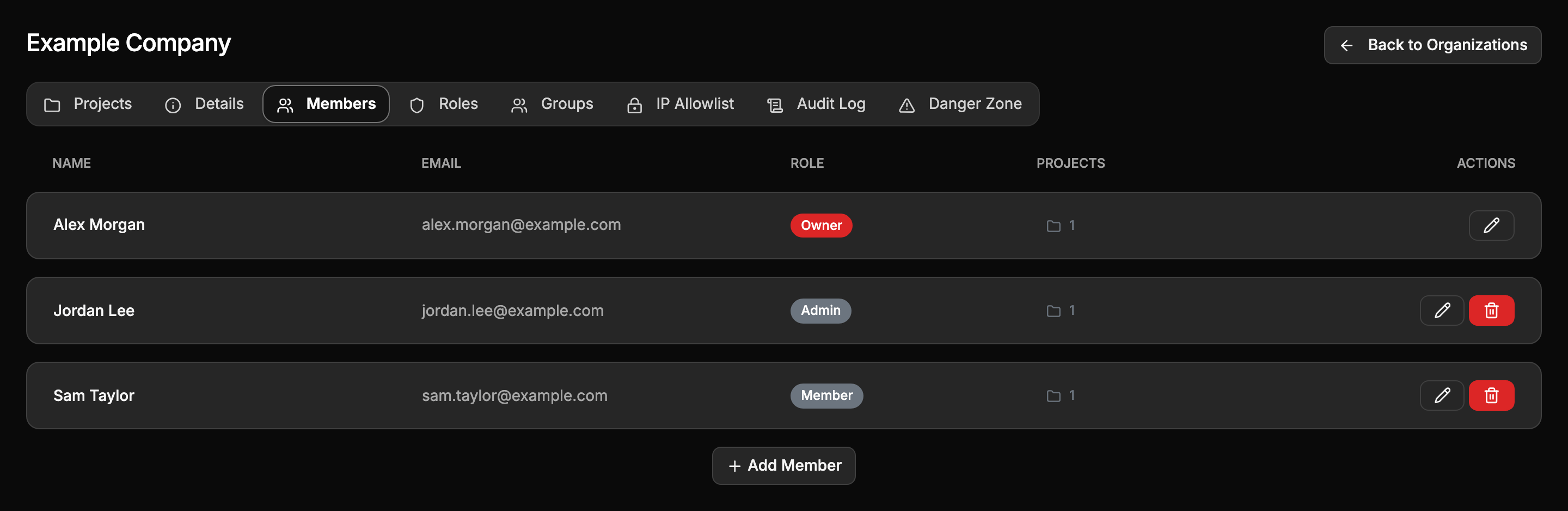
Members and rolesWho belongs to the organization, and what each role may do.
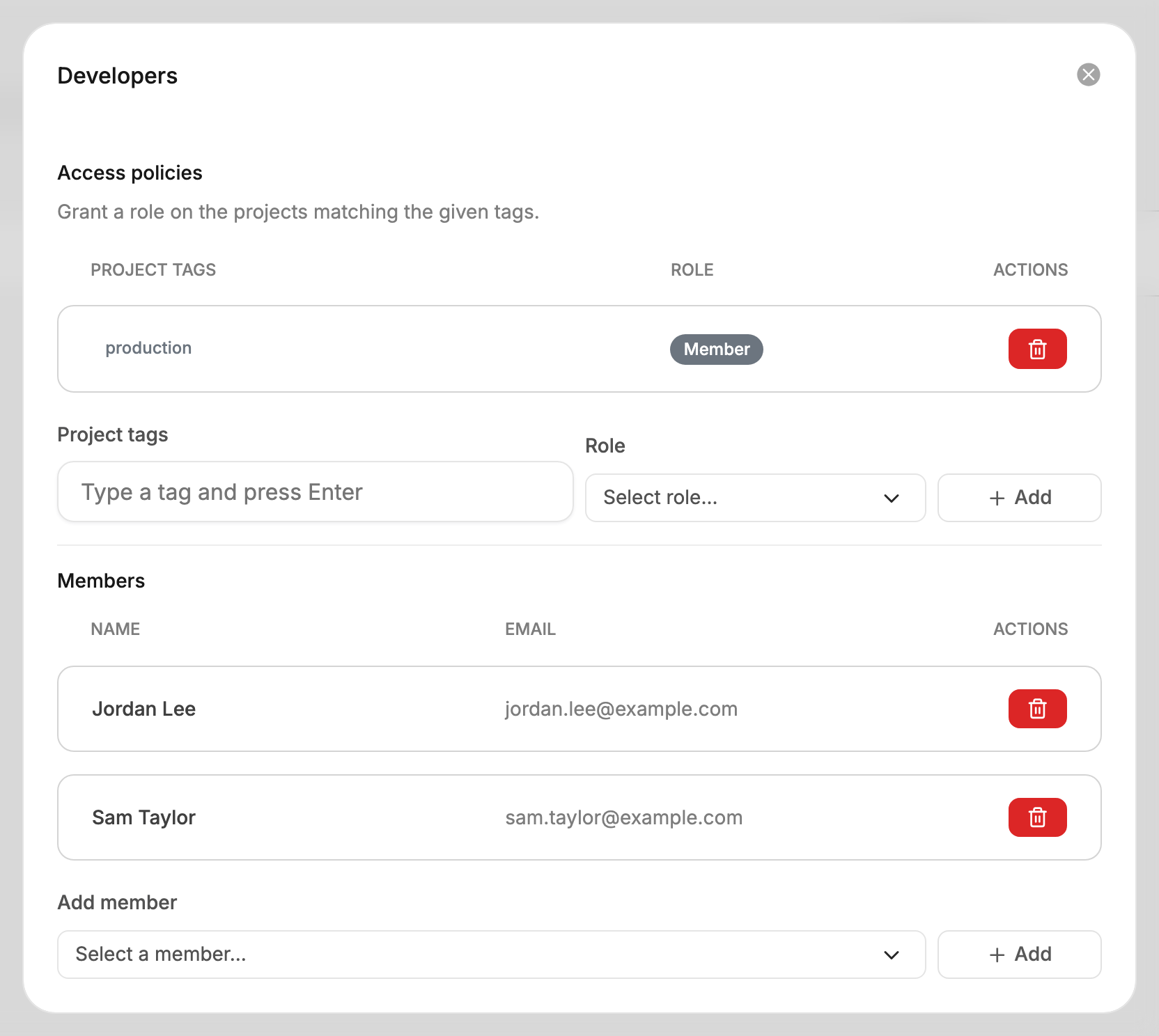
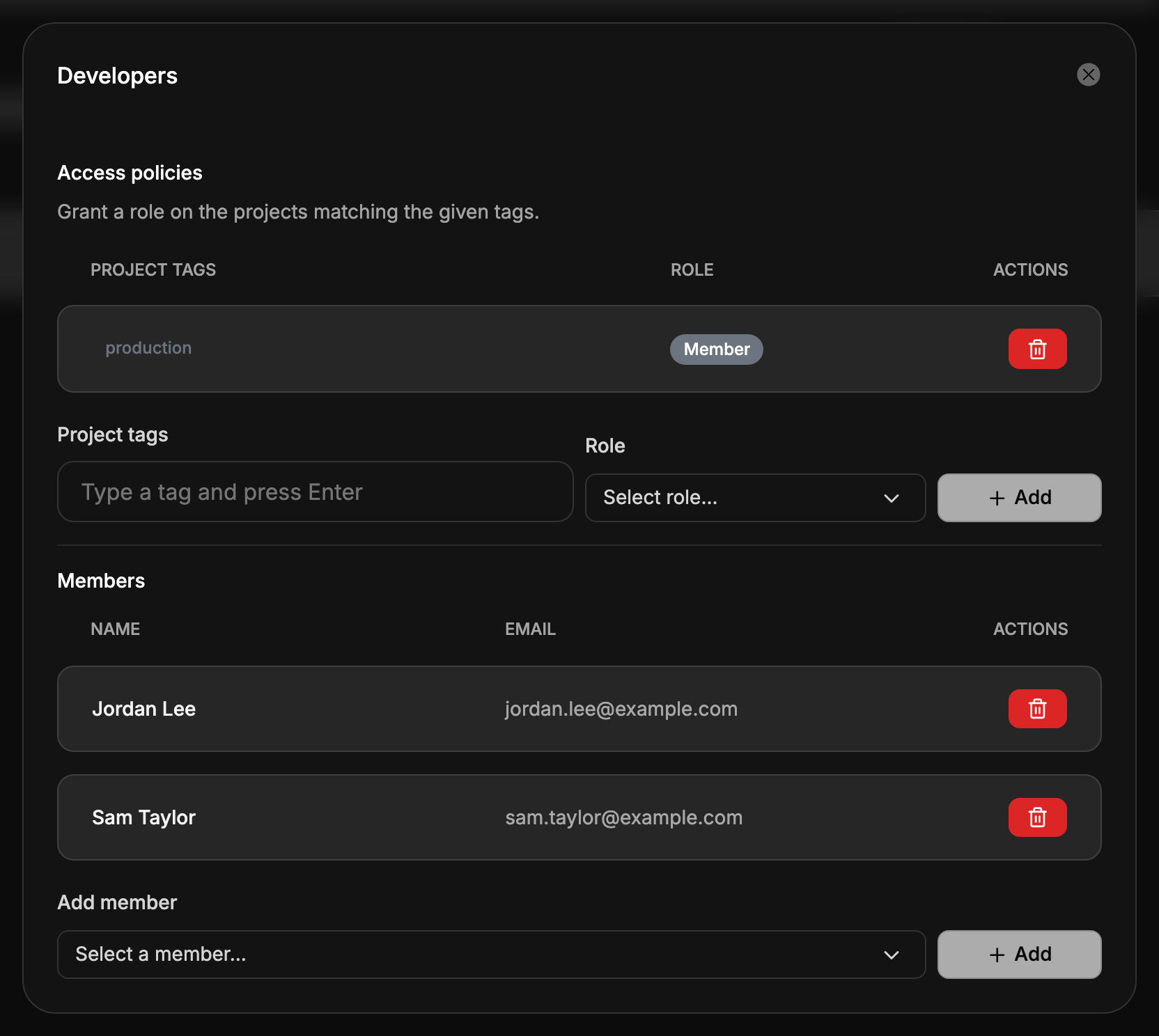
GroupsGrant a team a role on every project that carries a tag.
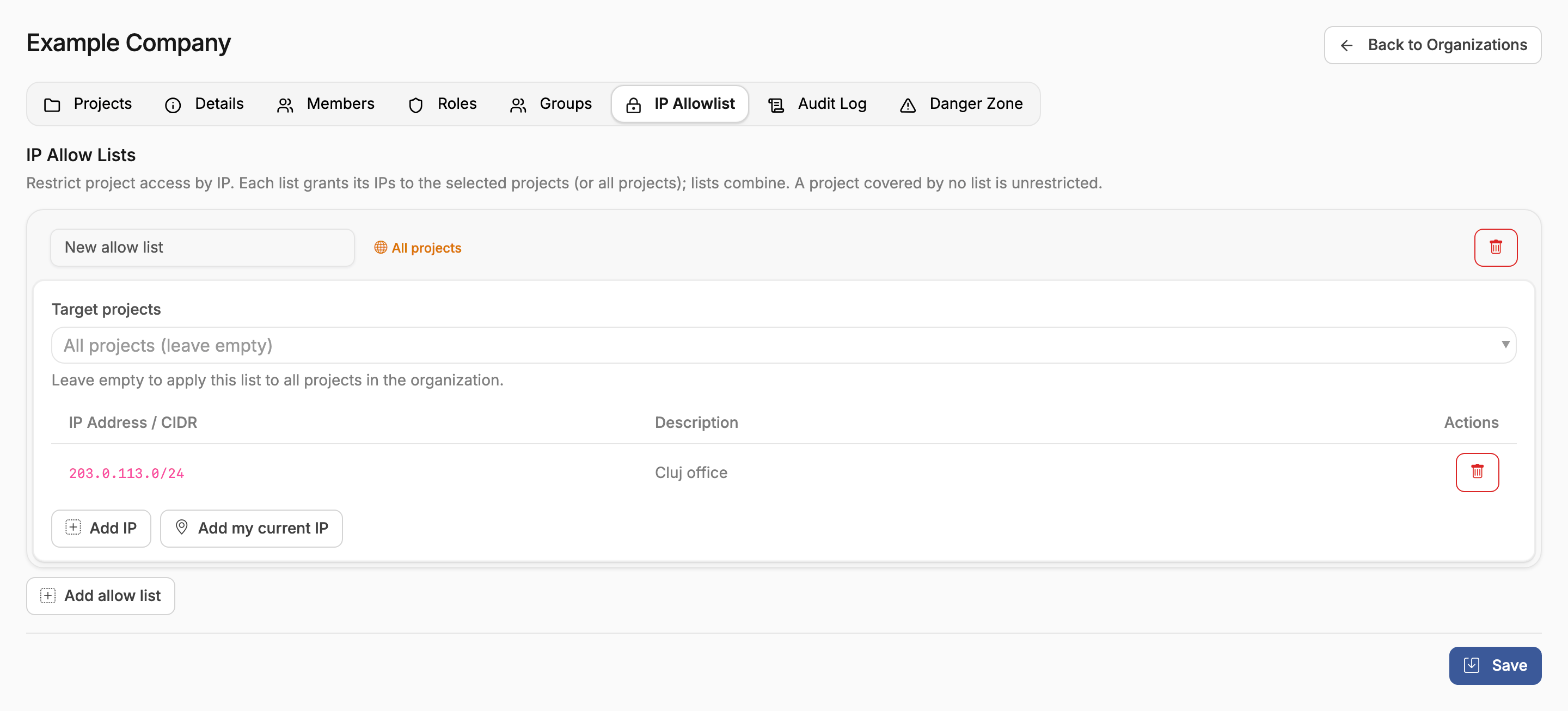
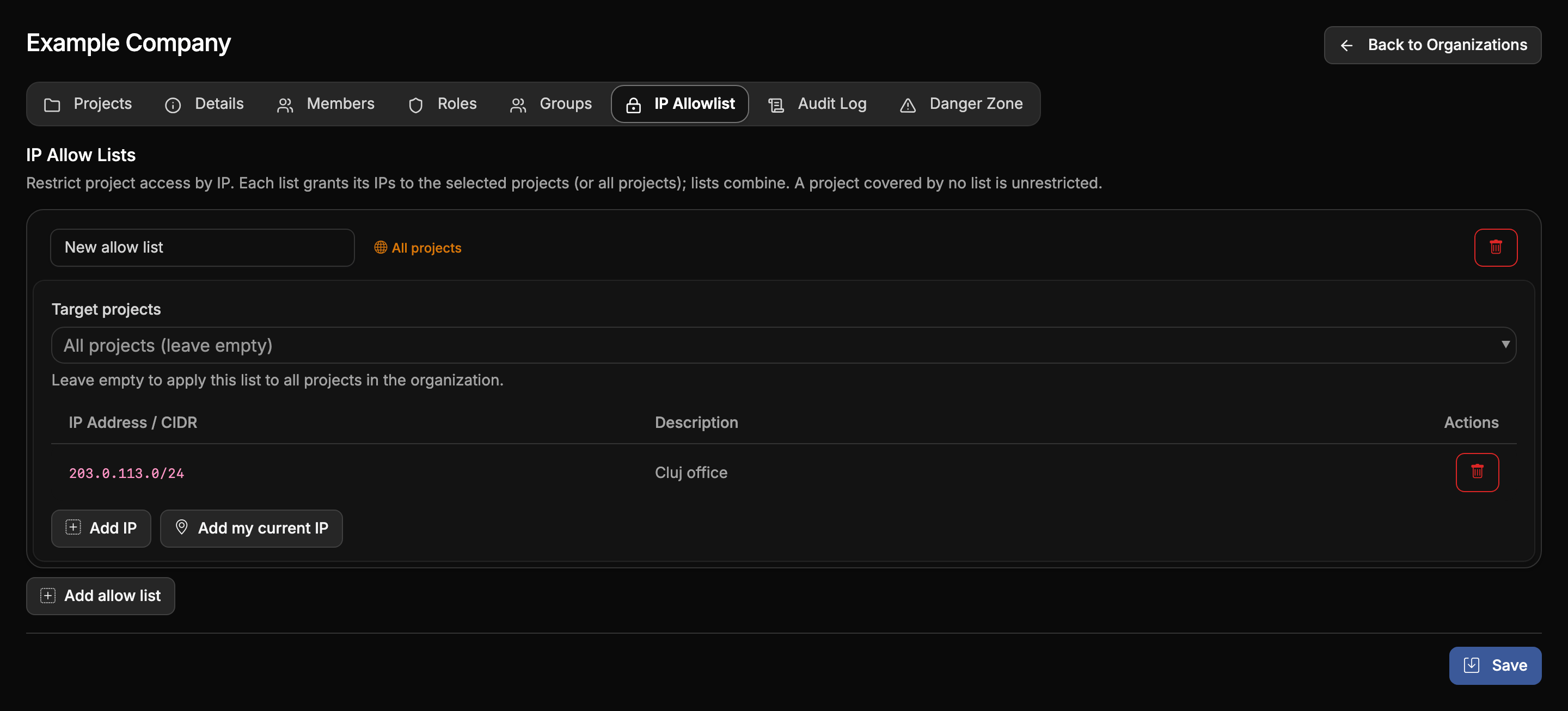
IP allow listsRestrict access to projects to your offices' IP addresses.
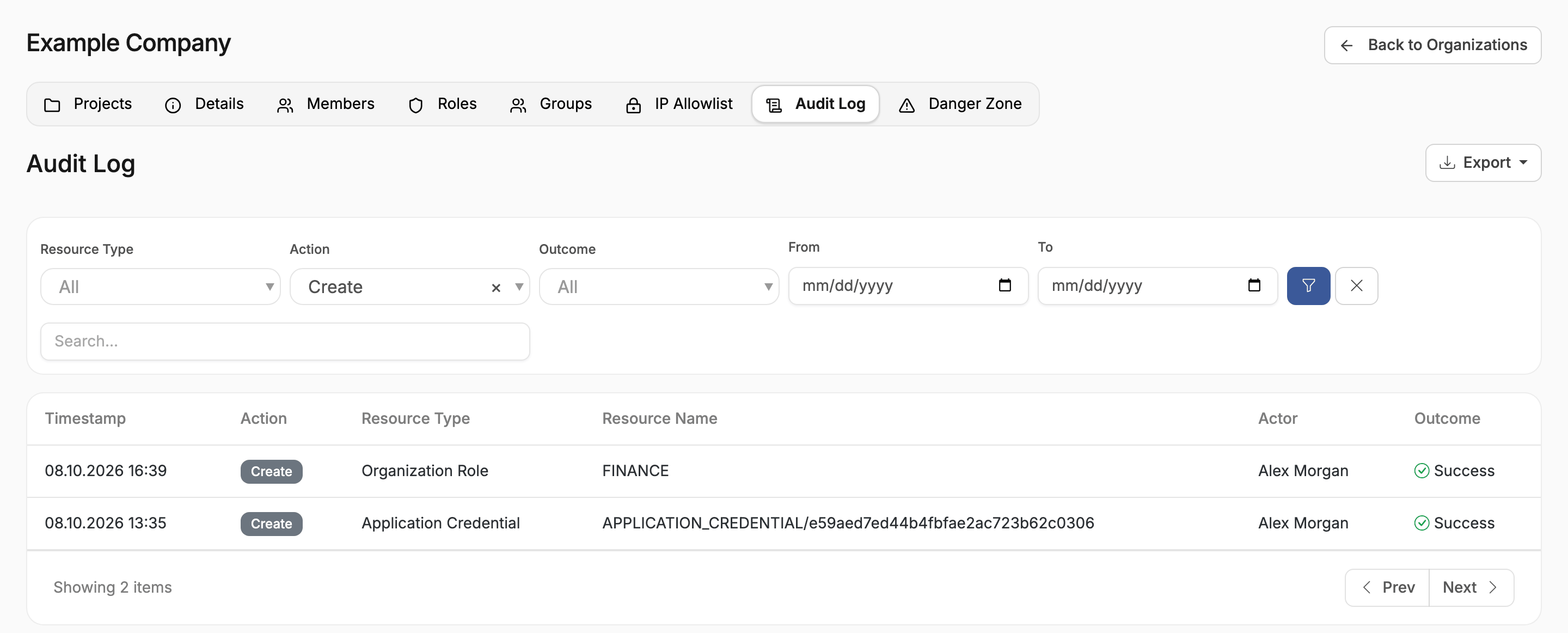
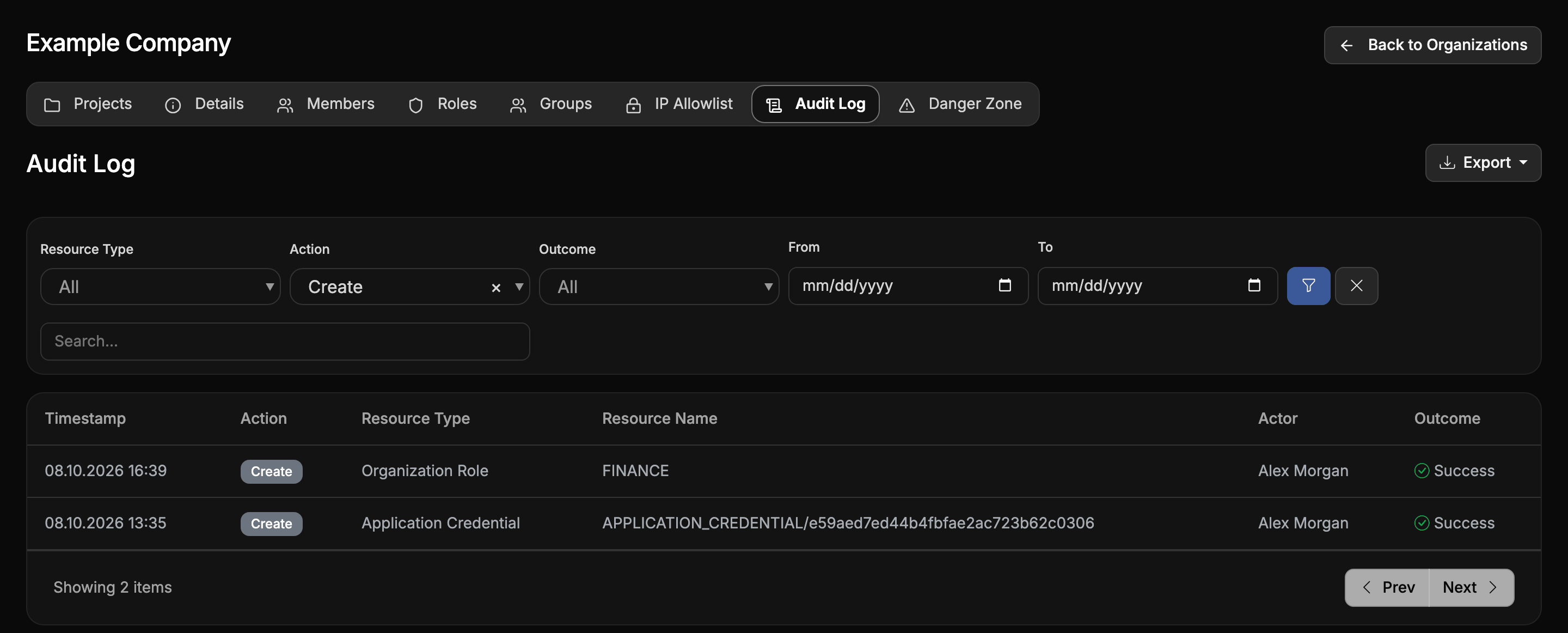
Audit logWho did what, when, and with what result.
Projects
ProjectsSeparate environments, follow their costs, and remove them when they are done.
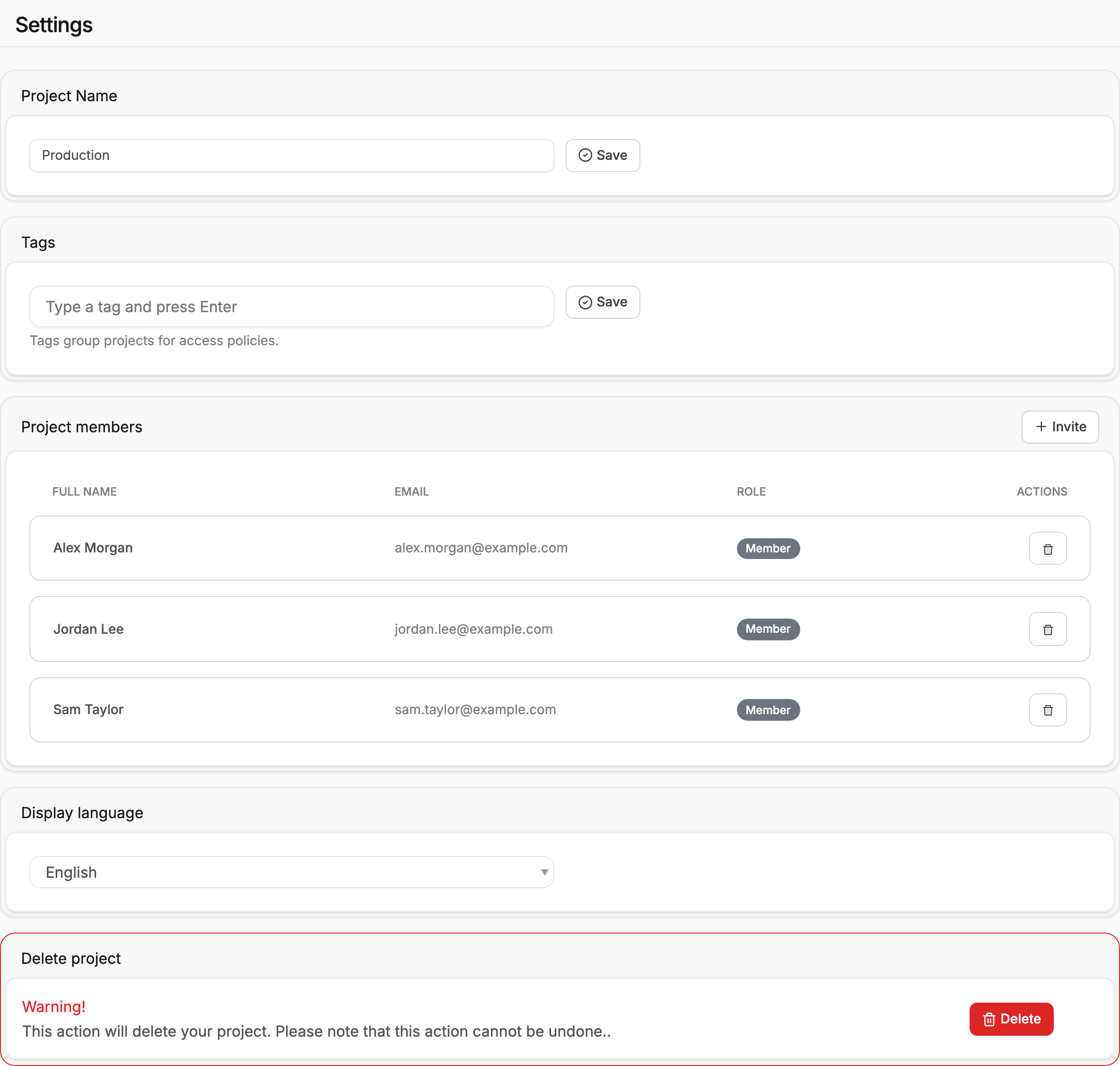
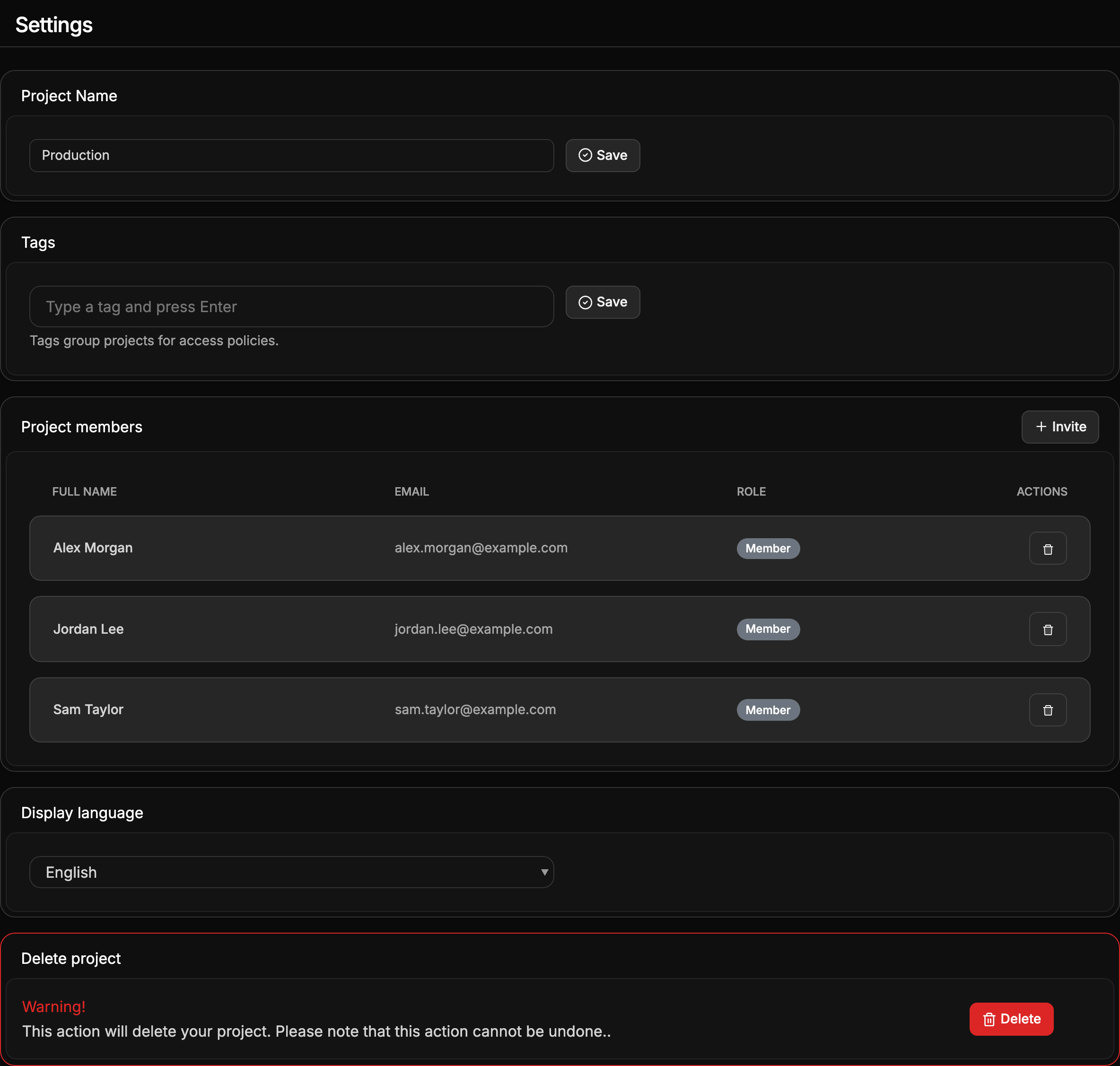
Project membersInvite people by email and decide who keeps access to a project.
Servers and images
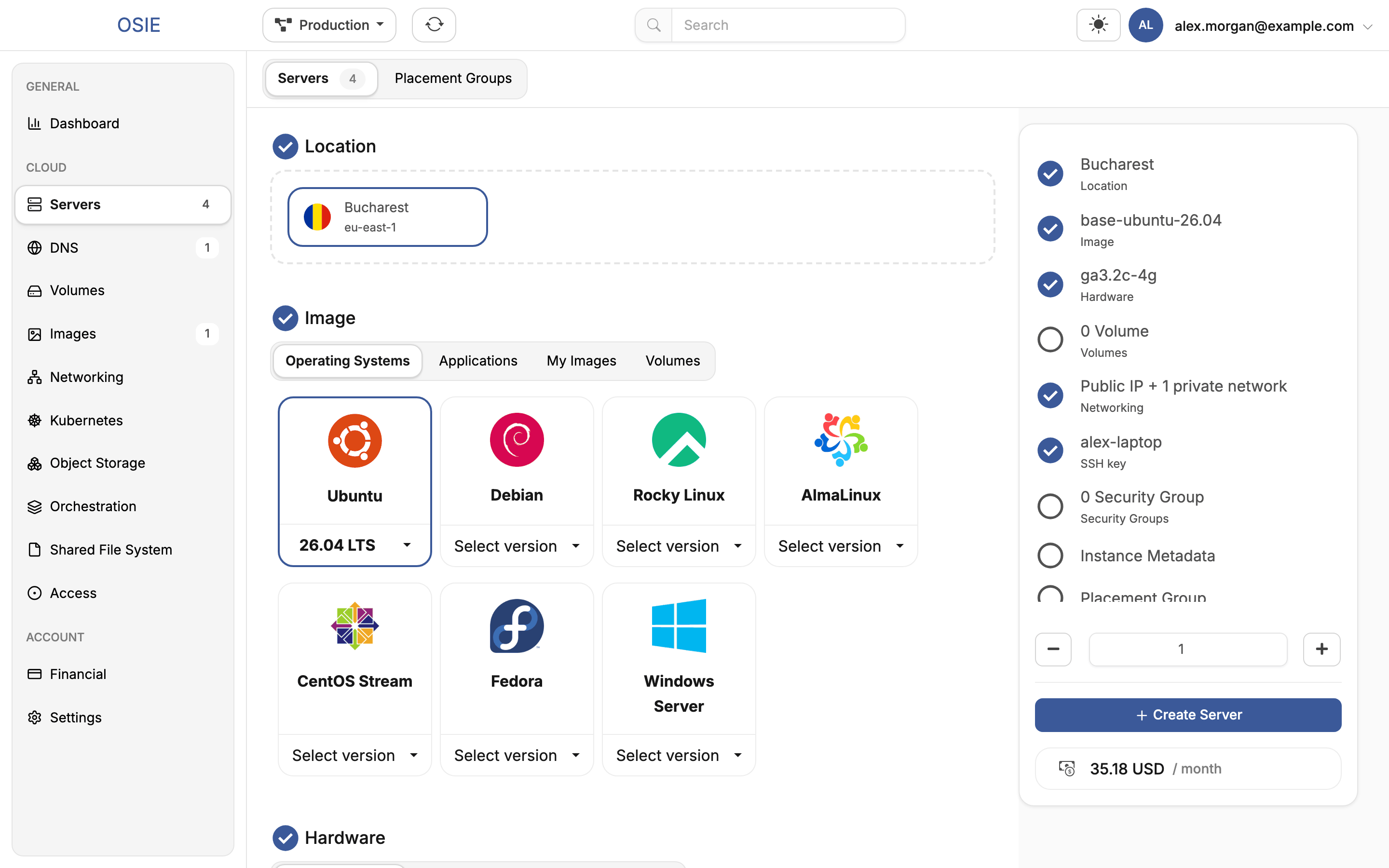
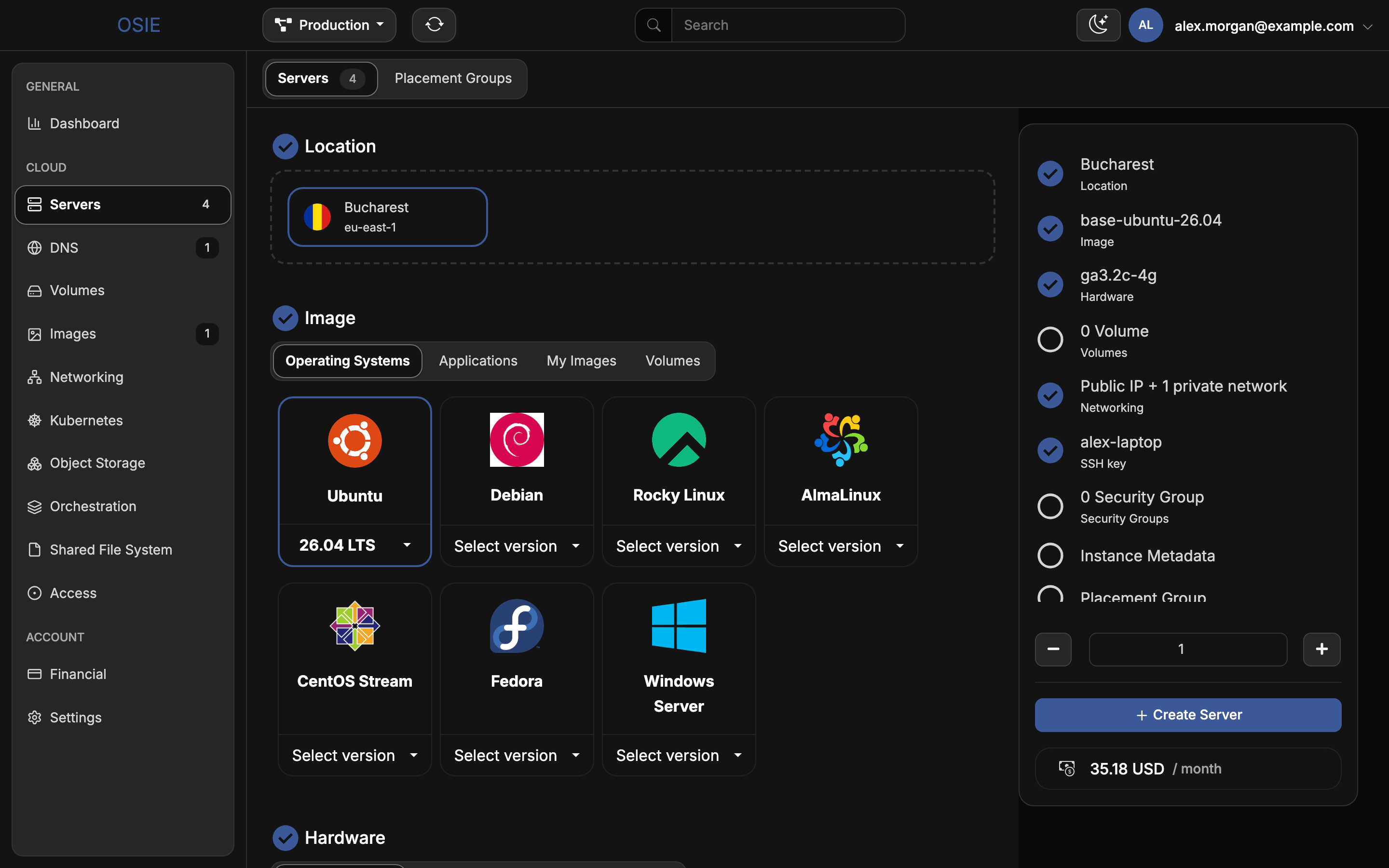
Create a serverChoose an operating system and hardware, connect networks, and sign in with an SSH key.
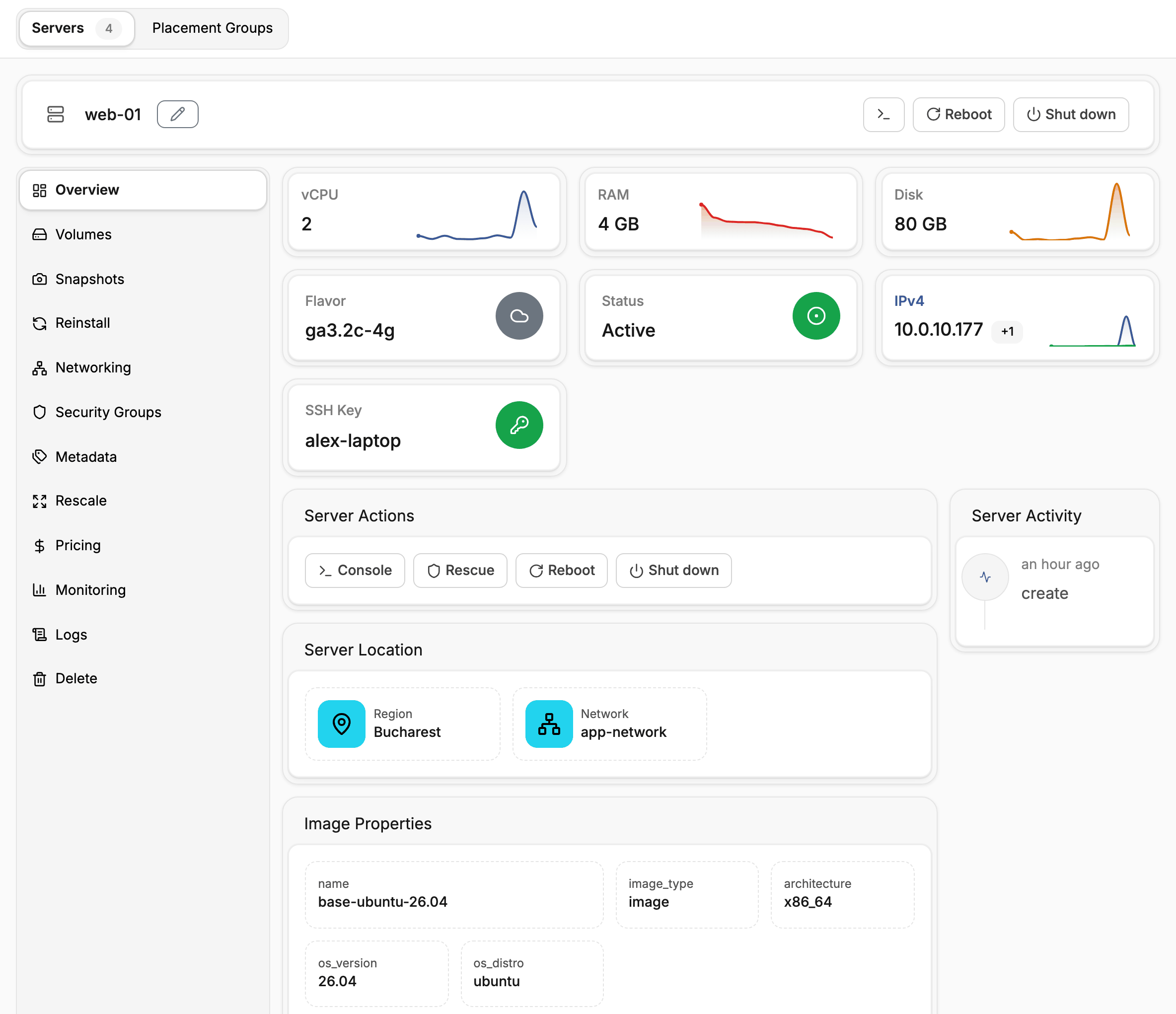
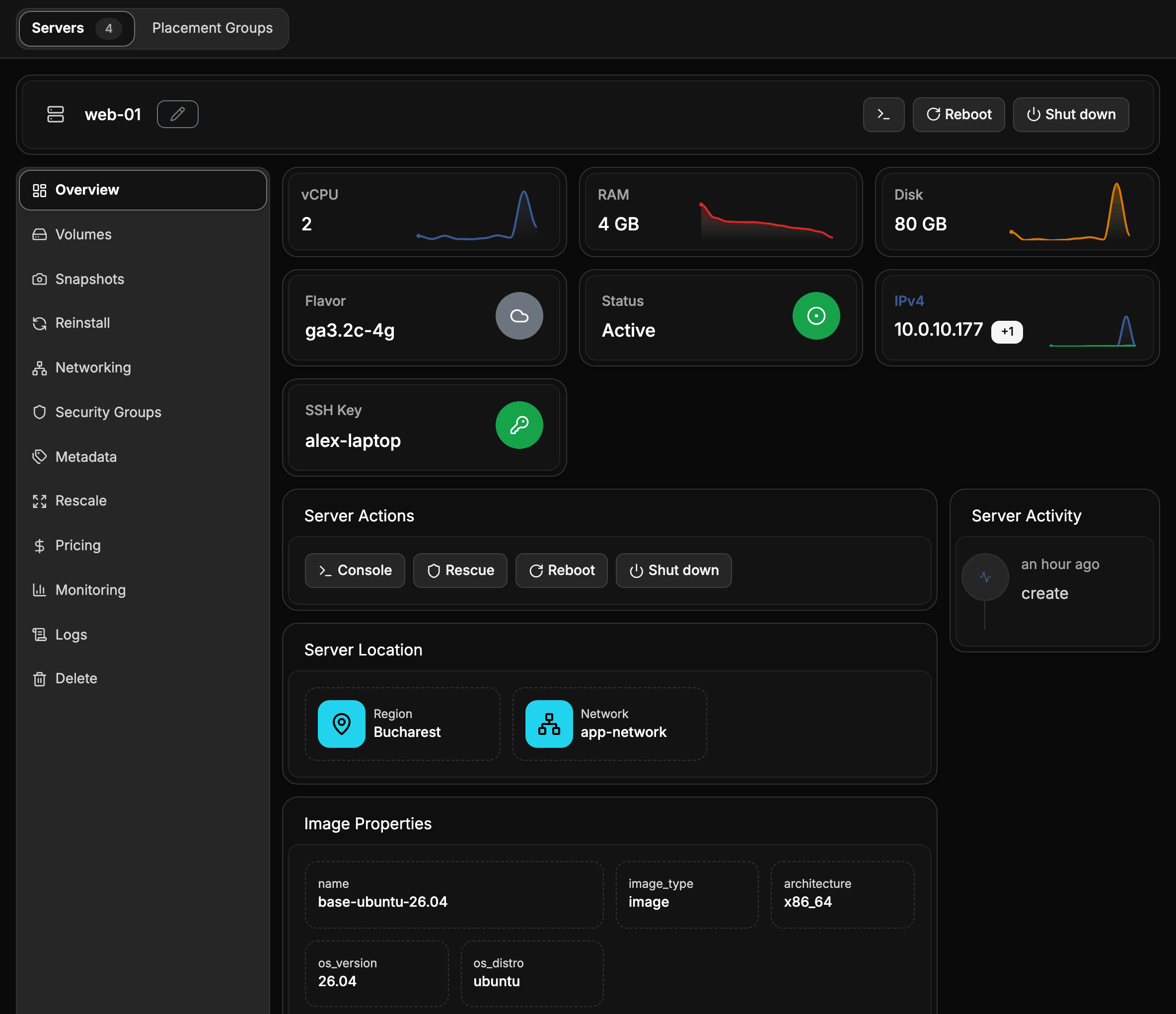
Manage serversPower, console, resize, reinstall, snapshots and monitoring for a running server.
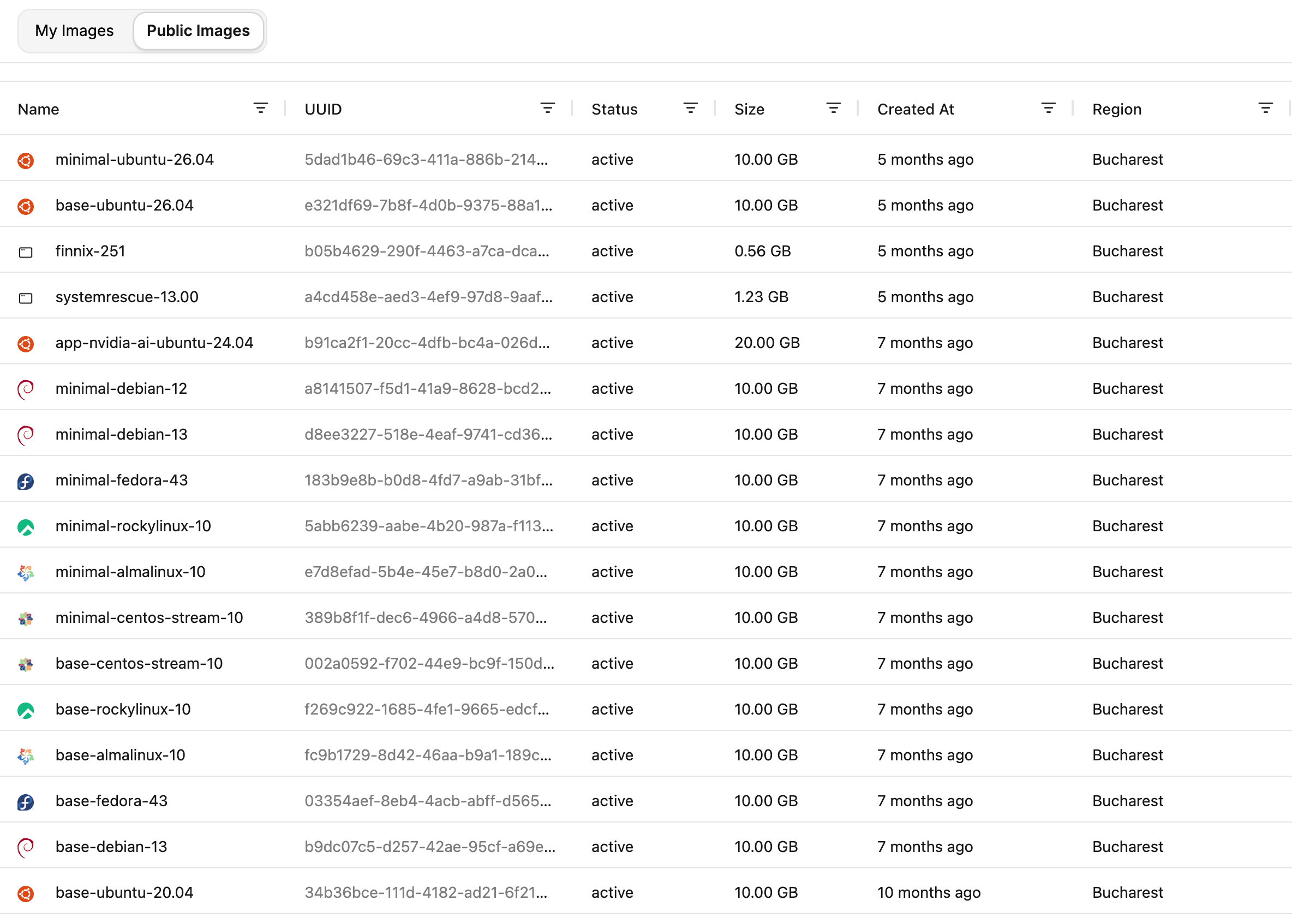
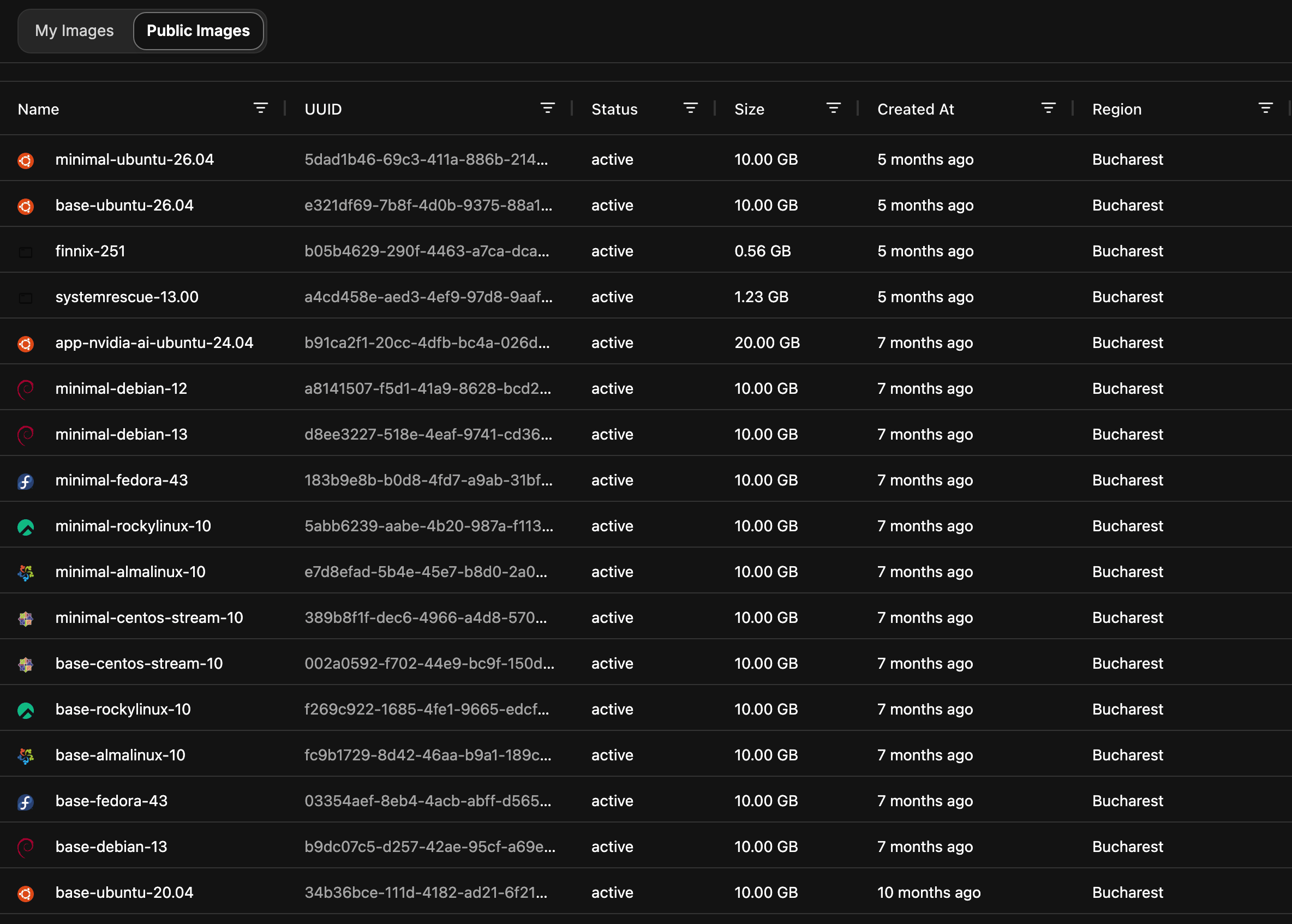
ImagesProvider images, your own uploads and server snapshots.
Storage
Networking
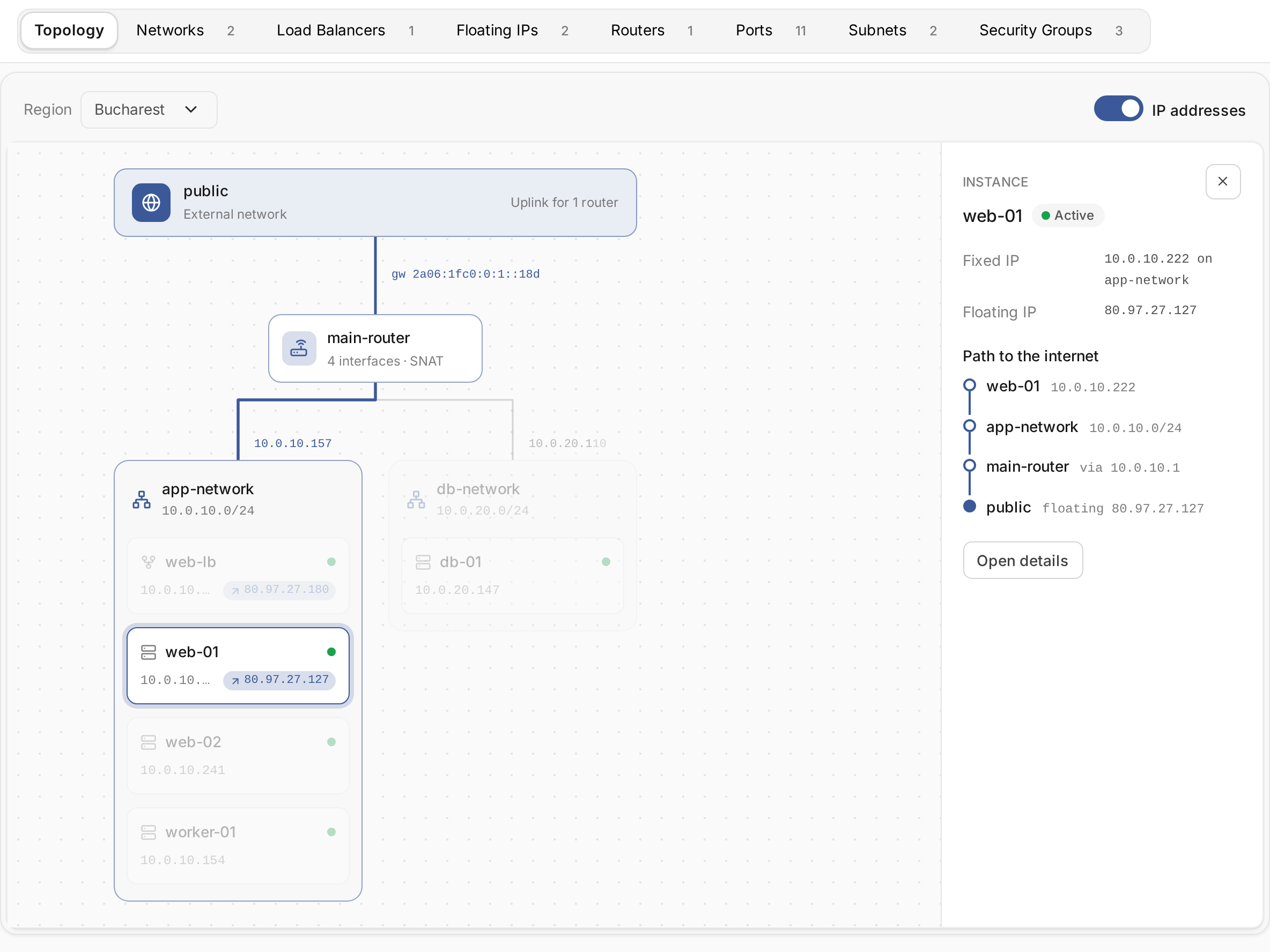
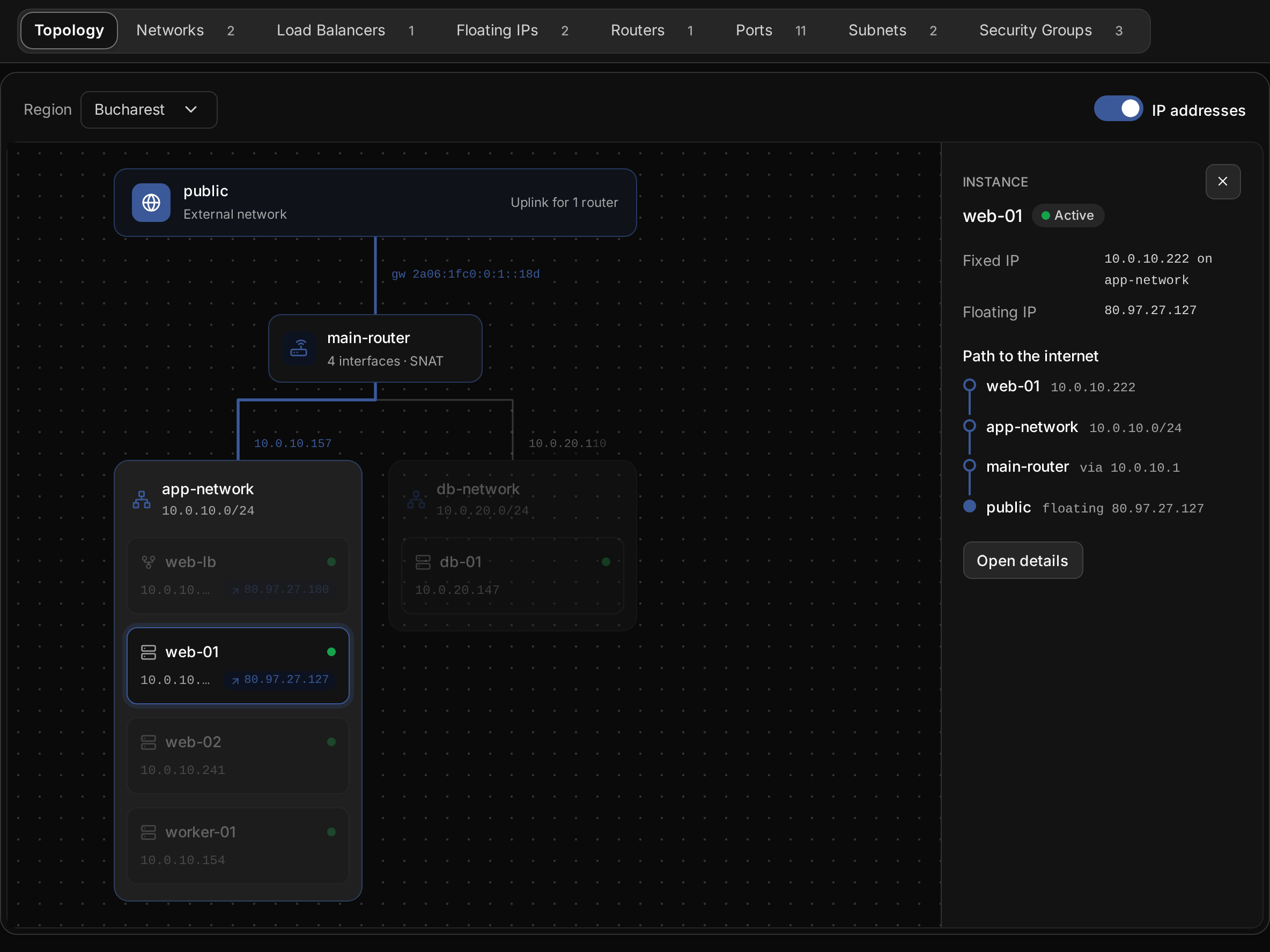
Network topologySee how your networks connect and how each server reaches the internet.
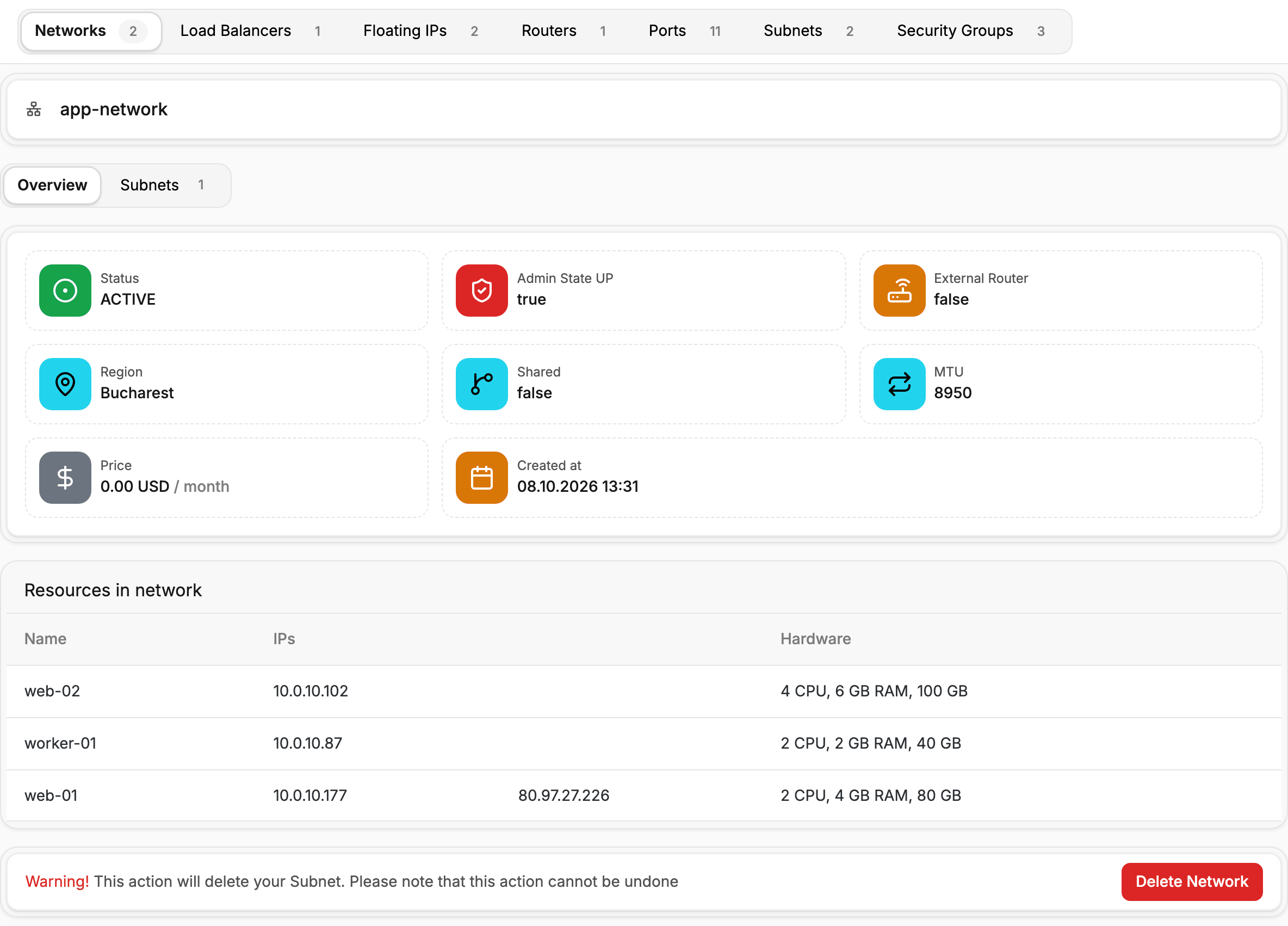
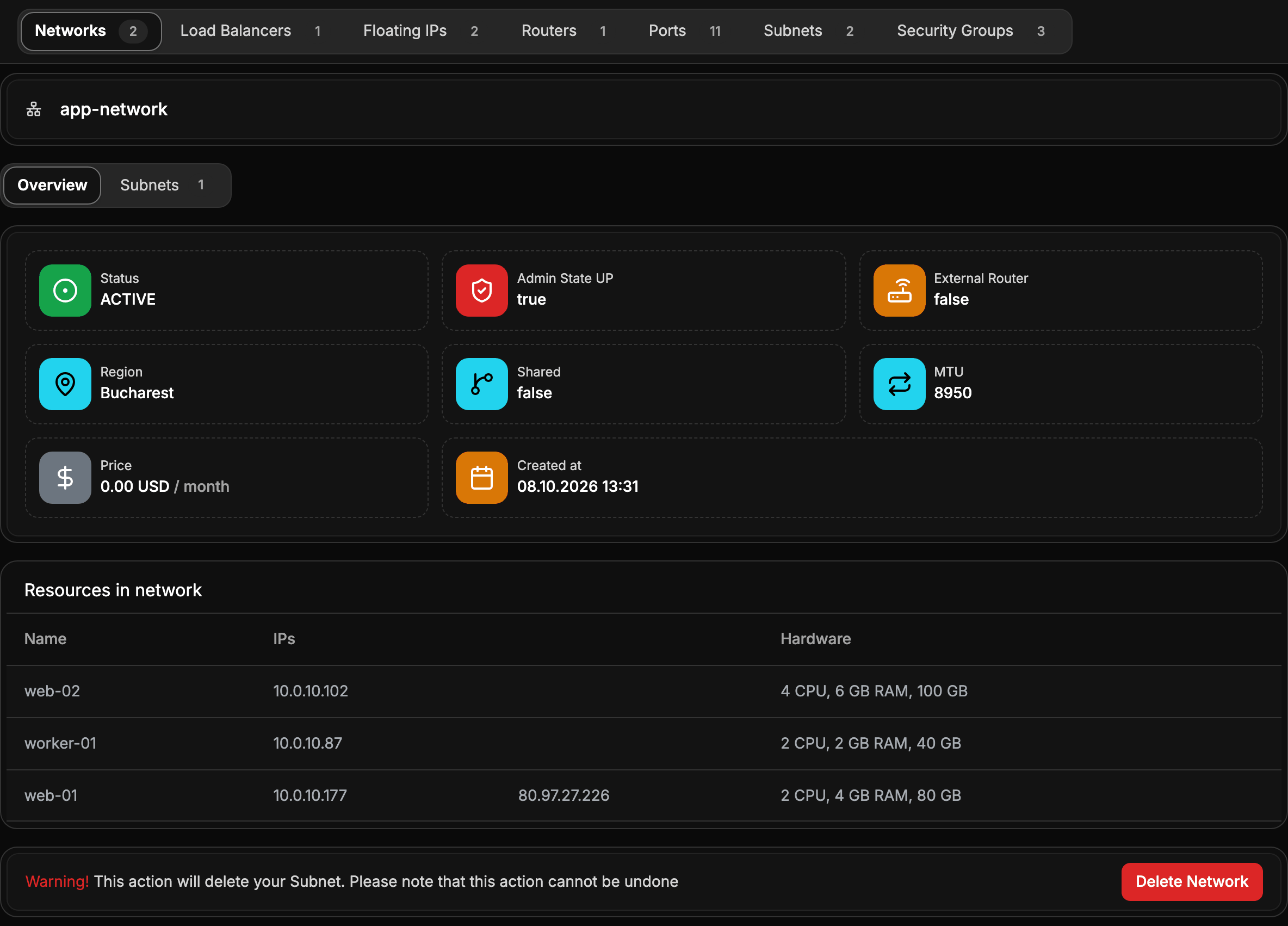
Networks and subnetsPrivate networks that connect your servers, with their own address ranges.
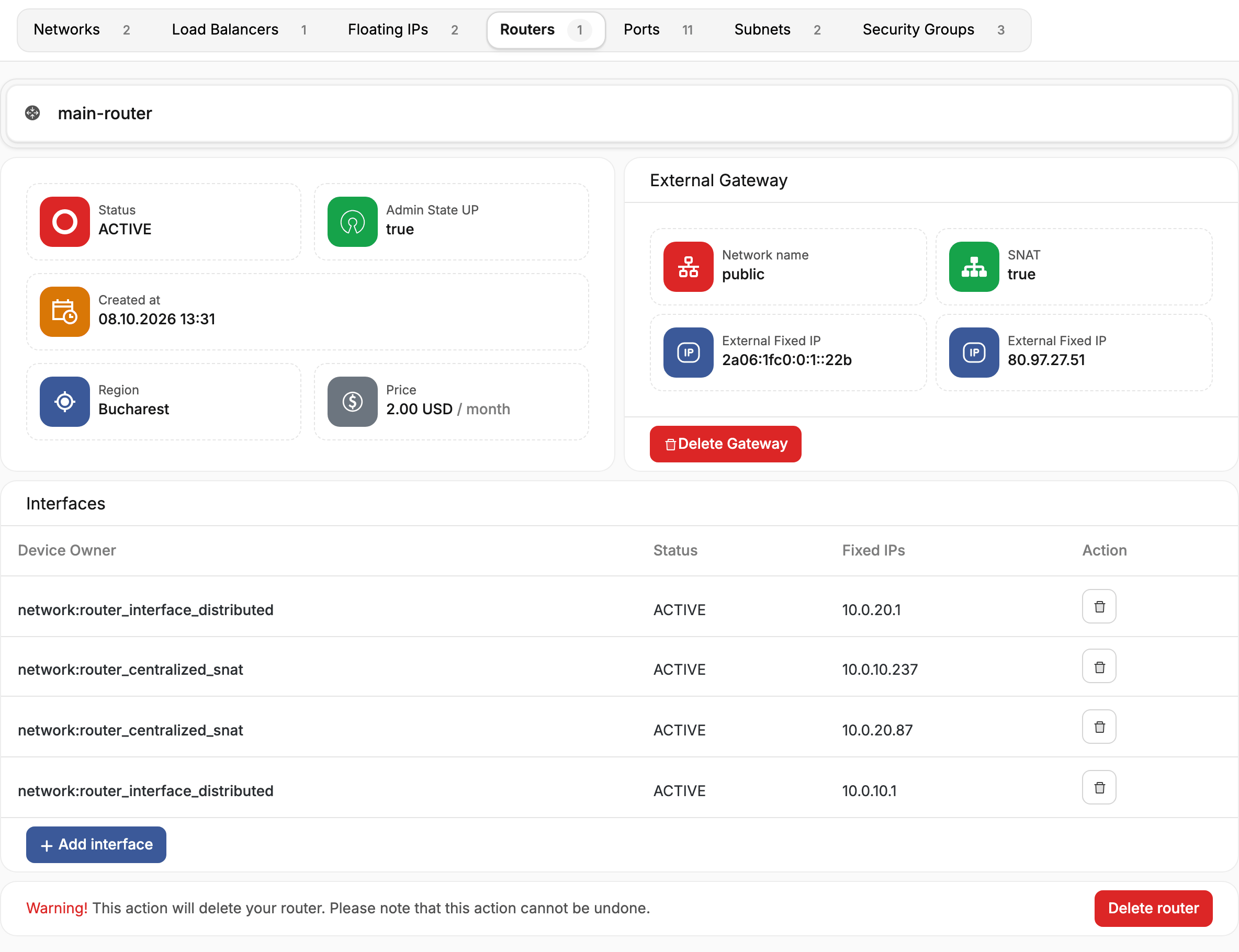
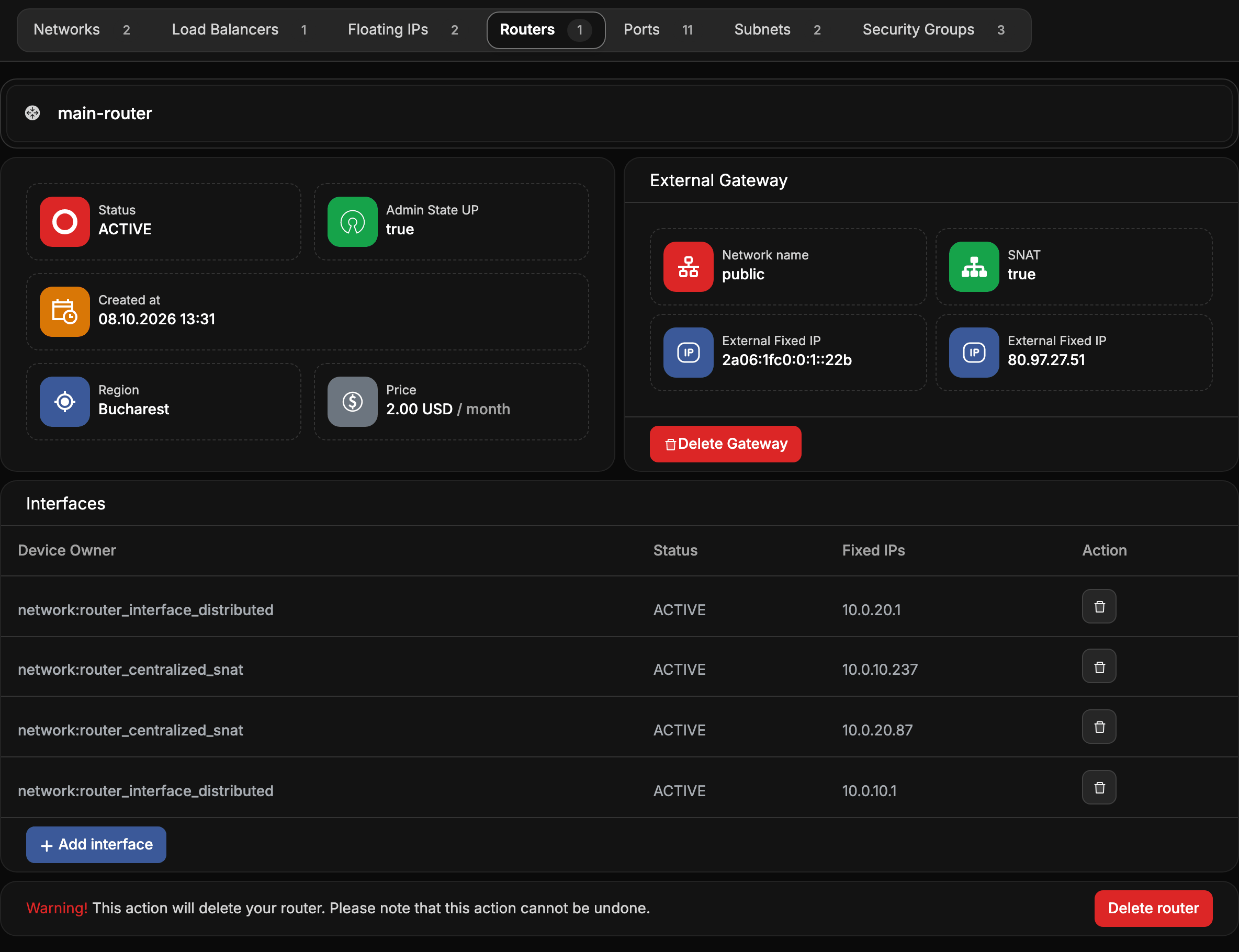
RoutersConnect private networks to each other and to the internet.
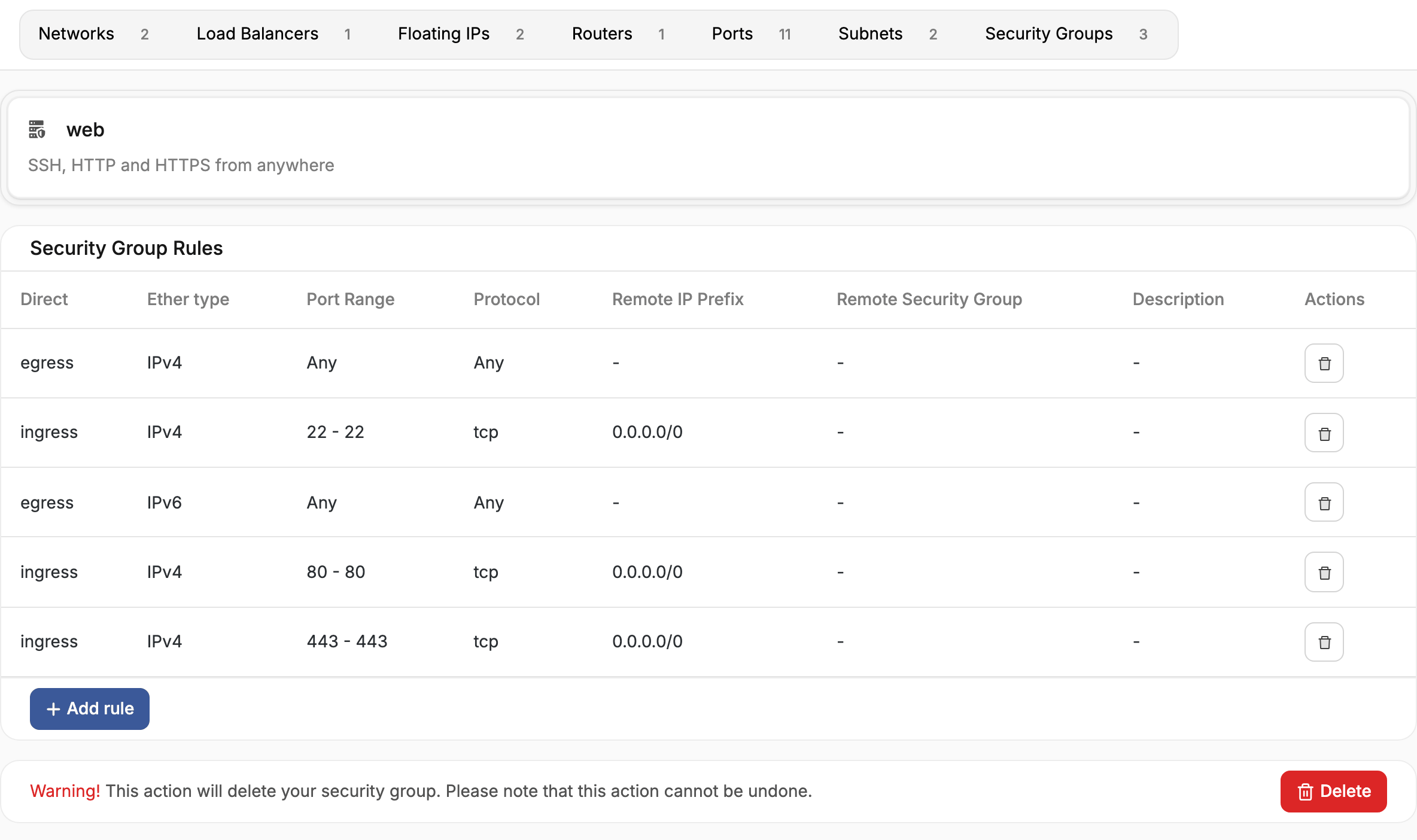
Security groupsFirewall rules that decide which traffic reaches your servers.
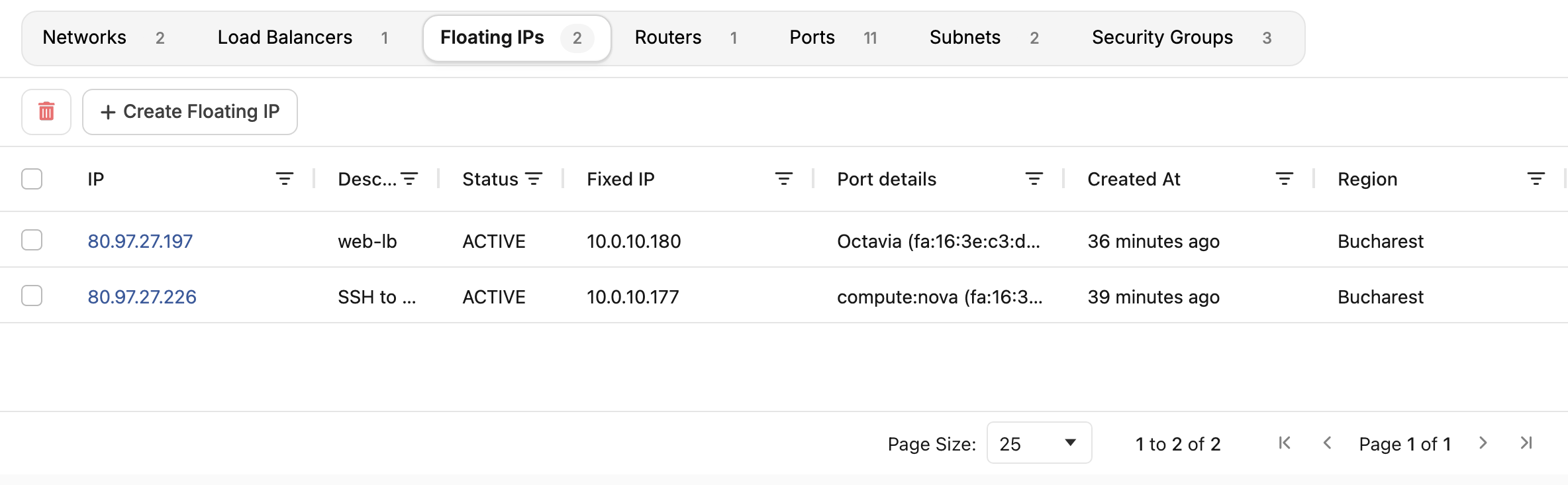
Floating IPsPublic addresses you keep and move between servers.
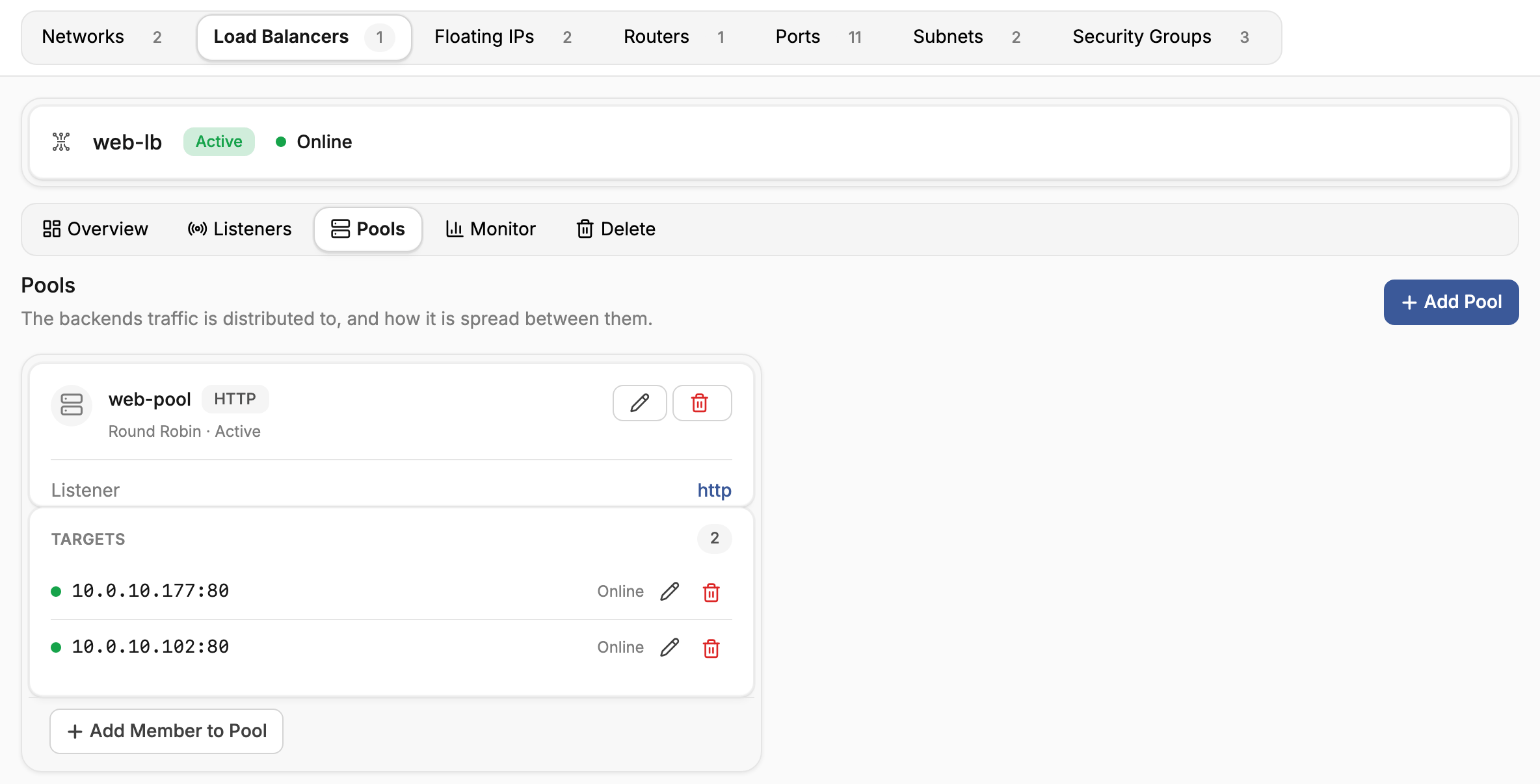
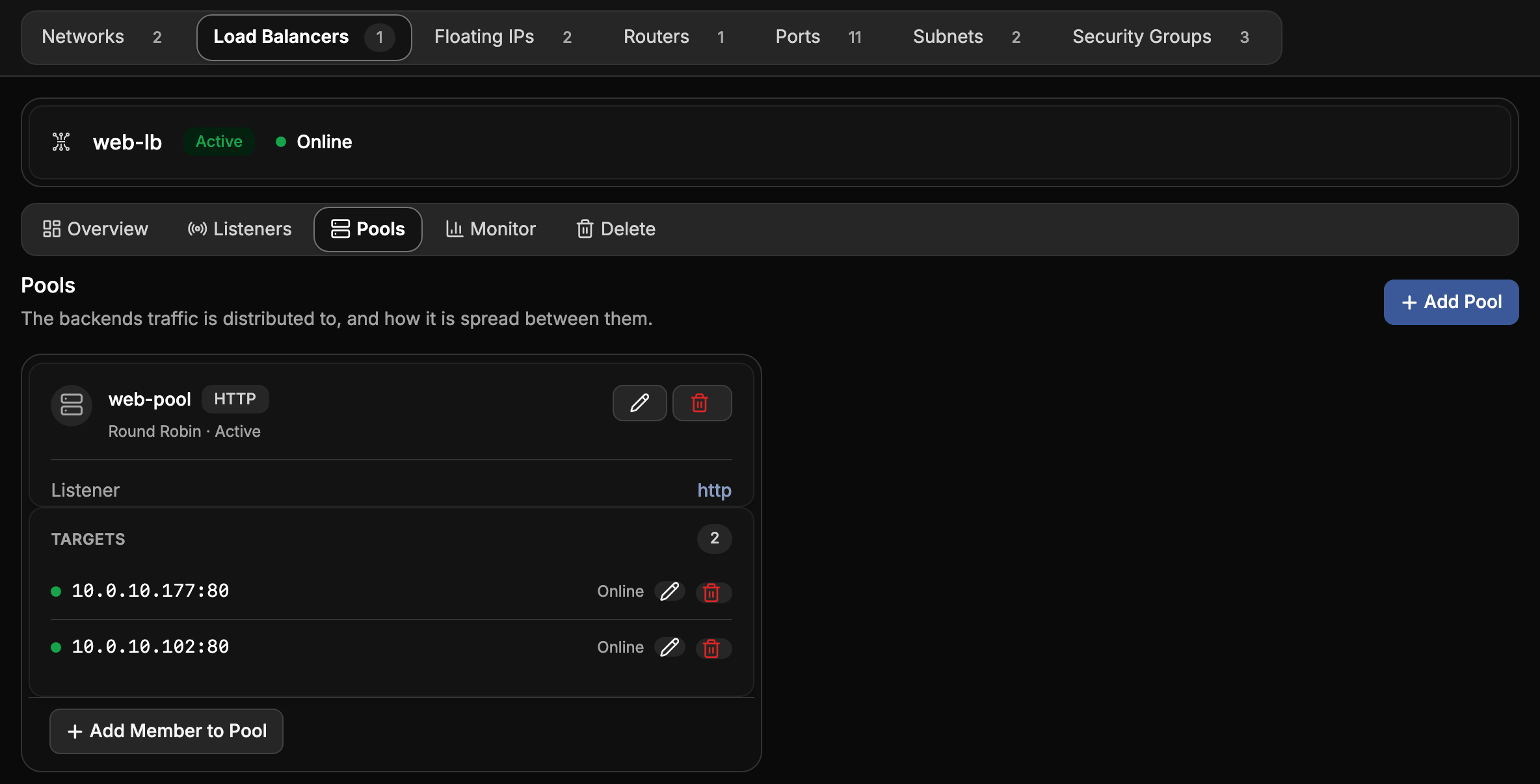
Load balancersSpread traffic across servers, check their health, and terminate TLS.
Network ports
Network portsCut a server off from one network without reconfiguring it.
DNS
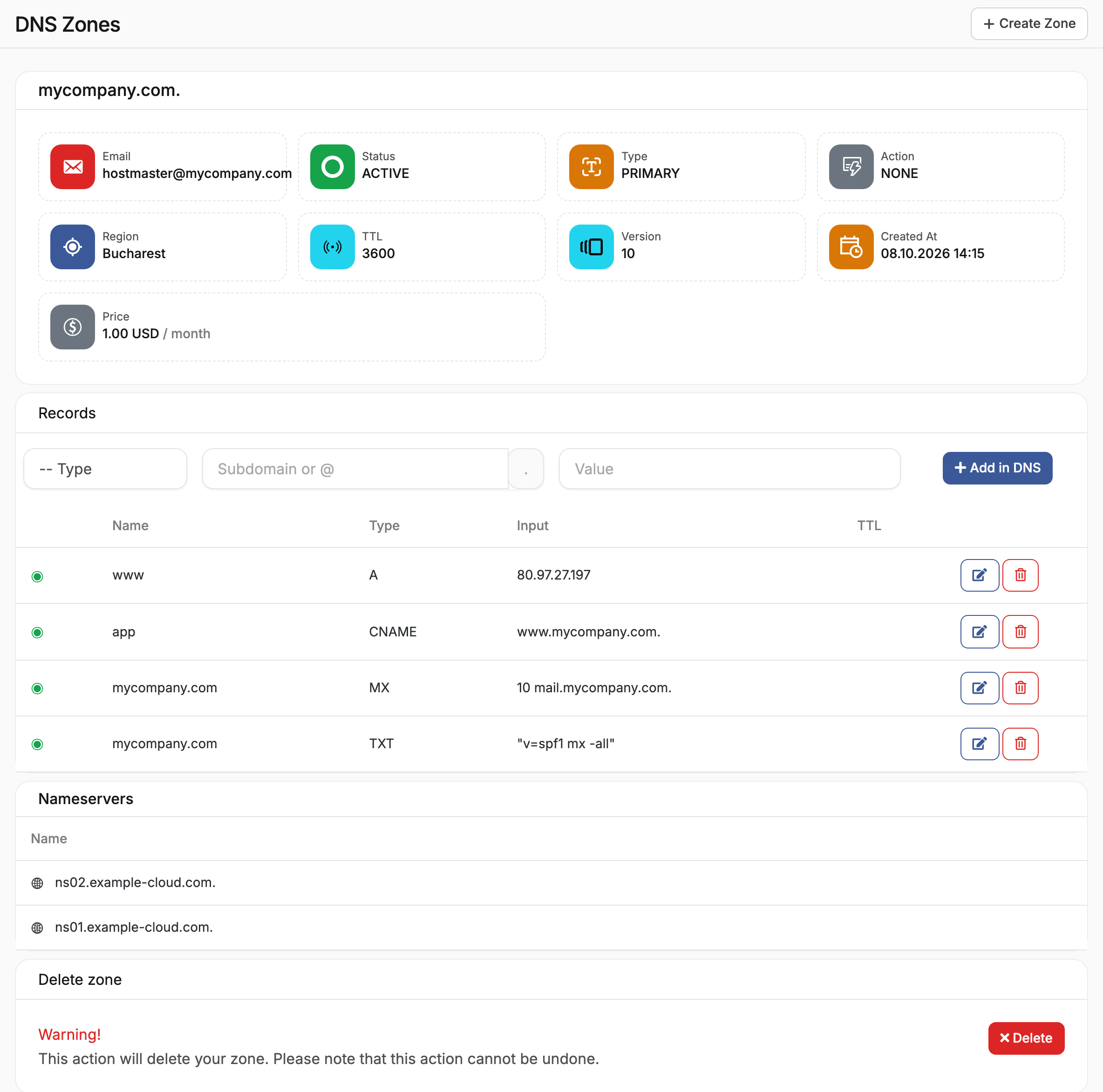
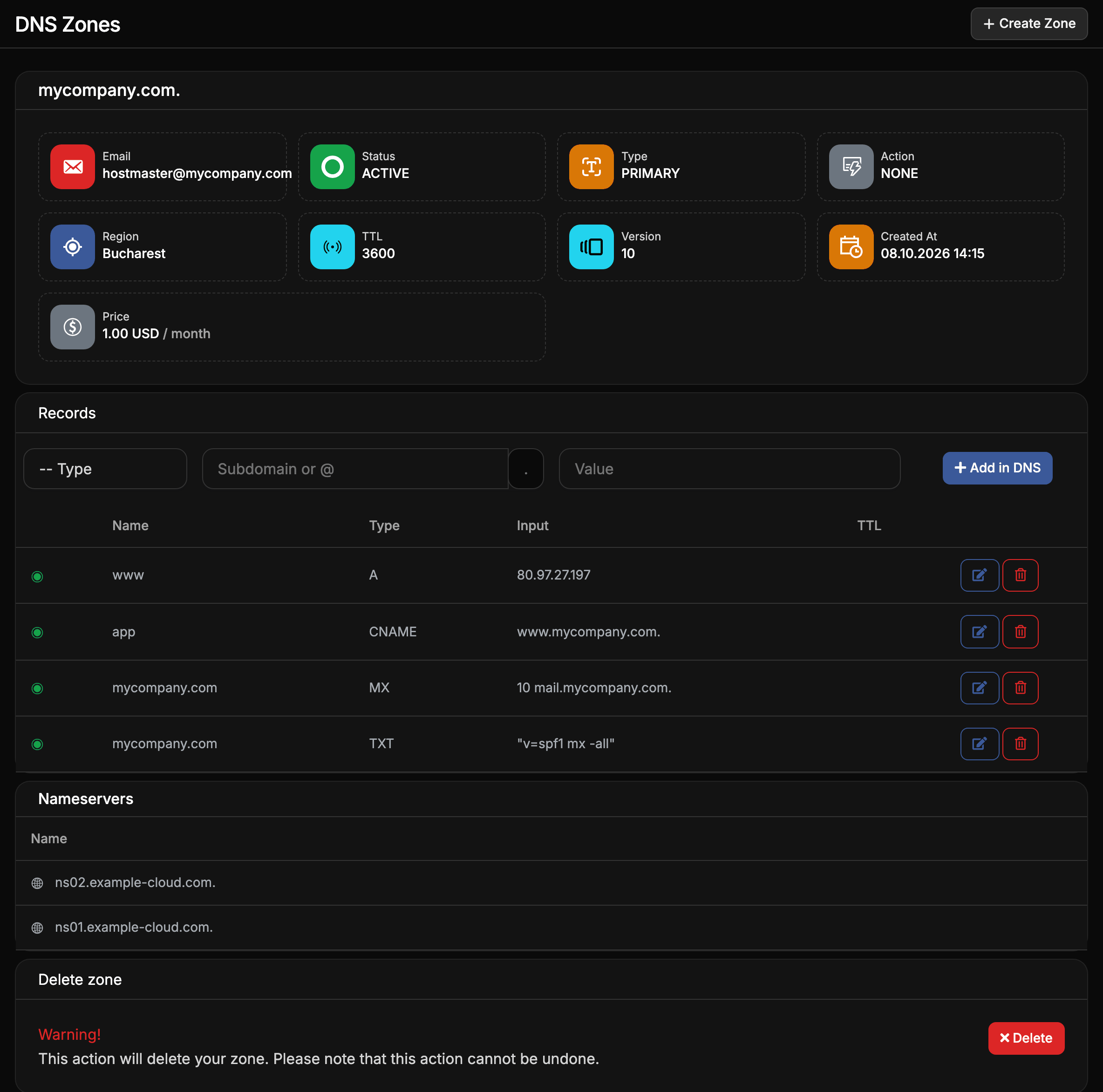
Account and access
- Account activation: sign up, fill in your billing details, add funds and get your projects running.
- Access the cloud APIs: use the OpenStack CLI, an SDK or Terraform with your project.
- Credentials for a project: application credentials, API users, S3/EC2 keys and SSH keys.
- Savings plans: commit to a monthly amount for a lower price.