Floating IPs
A floating IP is a public IP address that belongs to the project. Assign it to a server or a load balancer on a private network to make it reachable from the internet. The address stays in the project until you delete it, so you can move it to a replacement server without changing DNS records.
A floating IP needs a path to the resource: the resource's private network must be connected to a router with an external gateway on the same public network as the floating IP.
Open Networking in the project's sidebar and choose the Floating IPs tab. Each address shows its status, In Use or Available, and the private address it is assigned to.
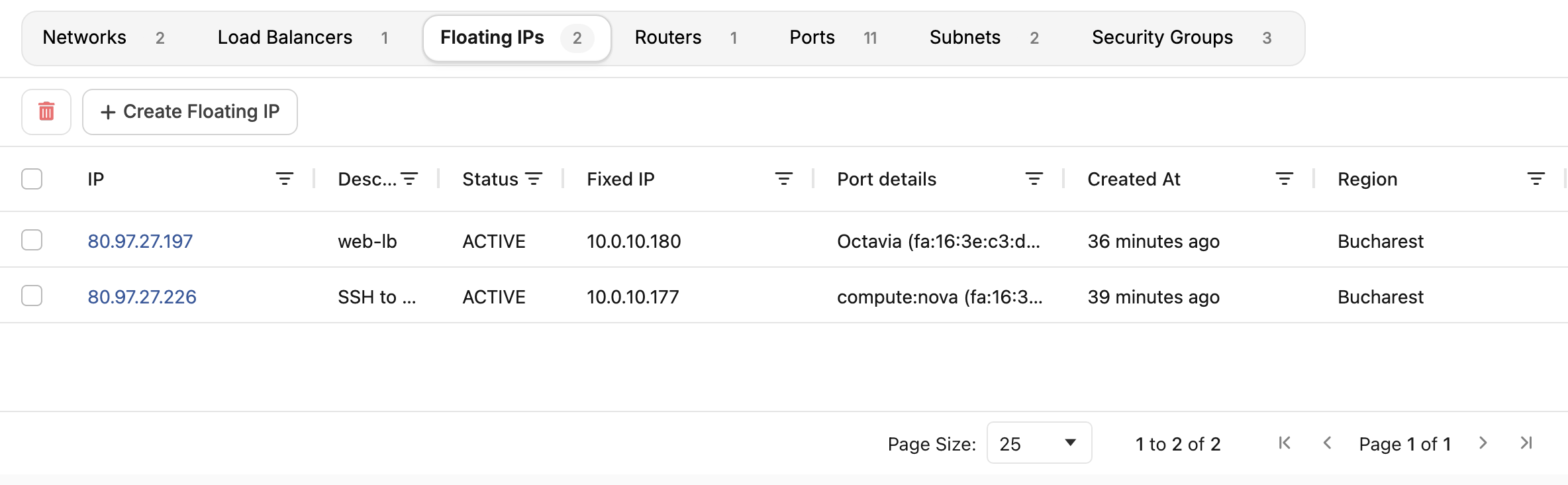
Create a floating IP
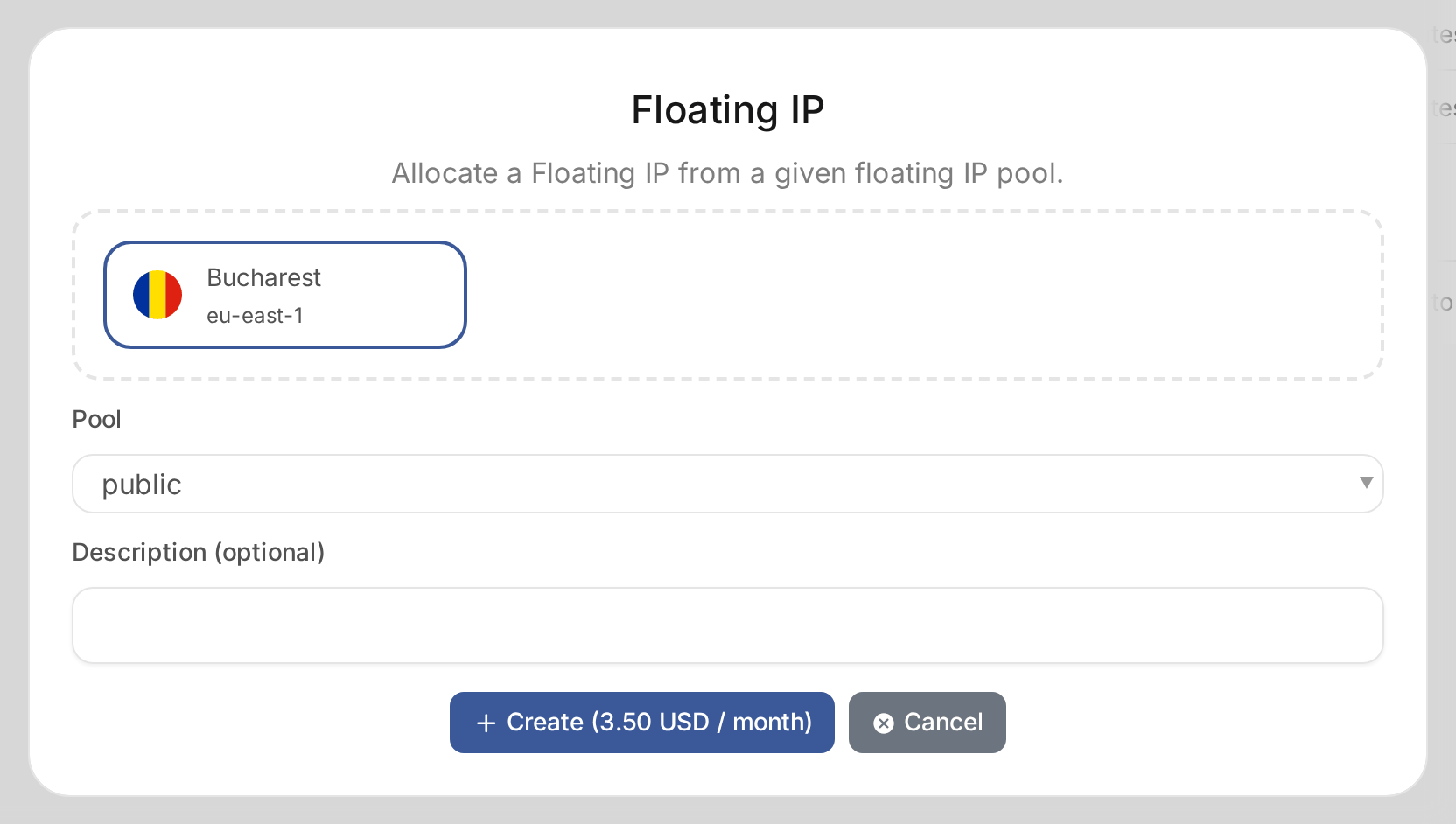
- Choose Create Floating IP.
- Choose the location, then the Pool, the public network to take the address from.
- Optionally enter a Description, such as the service the address is for.
- Choose Create. The button shows the address's monthly price.
Your provider may charge for a floating IP for as long as it belongs to the project, assigned or not.
You can also create and assign a floating IP from a server's Networking tab. See Manage servers.
Assign or move a floating IP
Open the floating IP and choose Associate. Under Port to be associated, choose the server or load balancer port. Traffic to the public address reaches the resource's private address.
To move the address, choose Disassociate, then associate it with the new port. The address stays the same.
Release a floating IP
Open the floating IP and choose Delete Floating IP. The address returns to the provider's pool. You may not get the same address back.