DNS zones
A DNS zone holds the records of one domain, such as mycompany.com: which address www points to,
which servers receive its mail, and which text records prove ownership to other services. The cloud's
nameservers answer for the zone once your domain is delegated to them.
Open DNS in the project's sidebar to see the project's zones.


Create a zone
- Choose Create Zone.
- Enter the domain under Enter your domain, such as
example-shop.com. - Choose the Location that hosts the zone.
- Enter an optional Description, and an Email address for the zone's administrator. It is published in the zone's SOA record.
- Set the TTL, the time in seconds that resolvers may cache the zone's records.
3600is one hour. - Choose Add Domain.
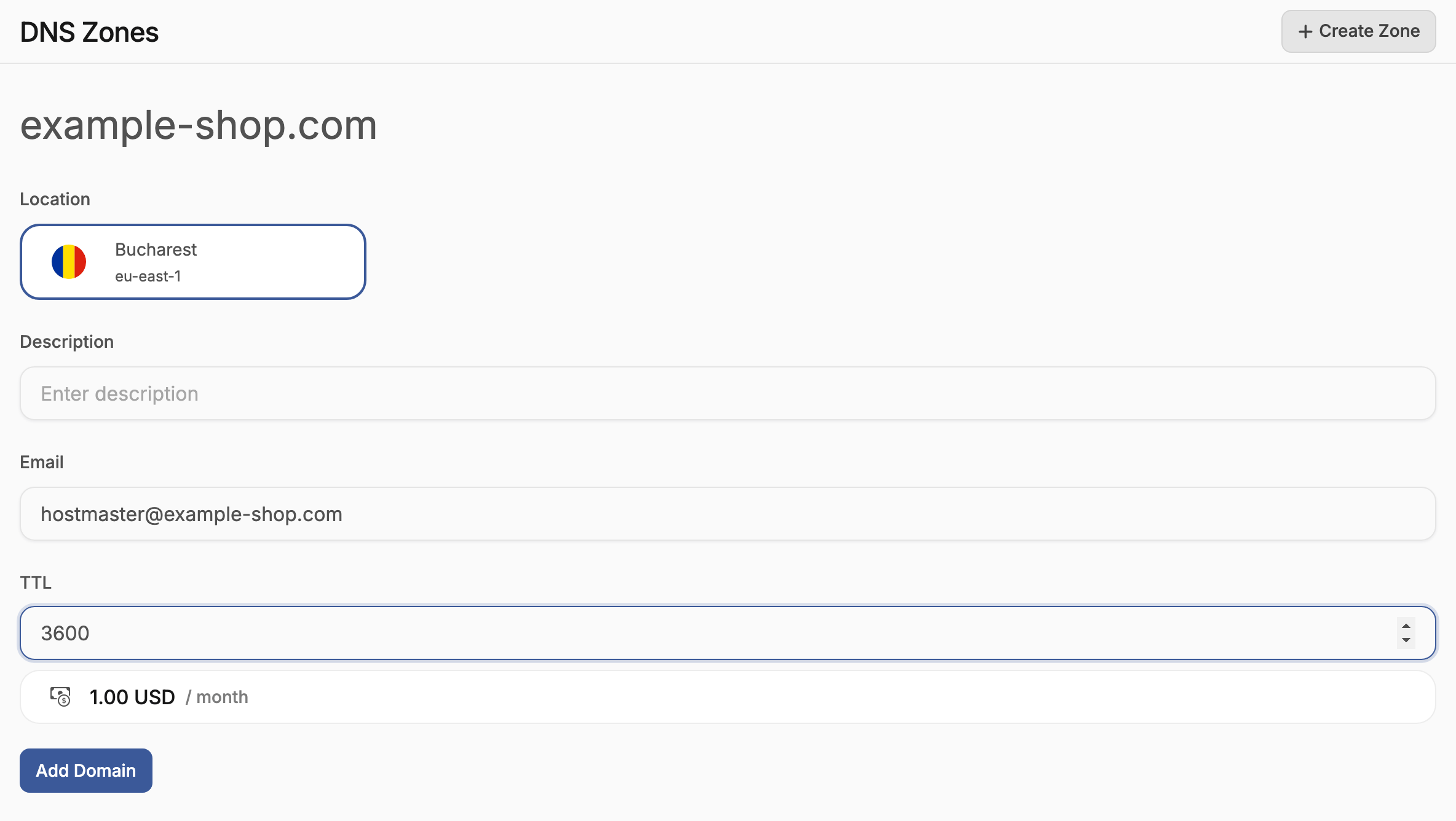
The form shows the zone's monthly price. A domain can be hosted in only one project of the cloud. If another project already holds the zone, the creation is refused.
Delegate the domain to the cloud's nameservers
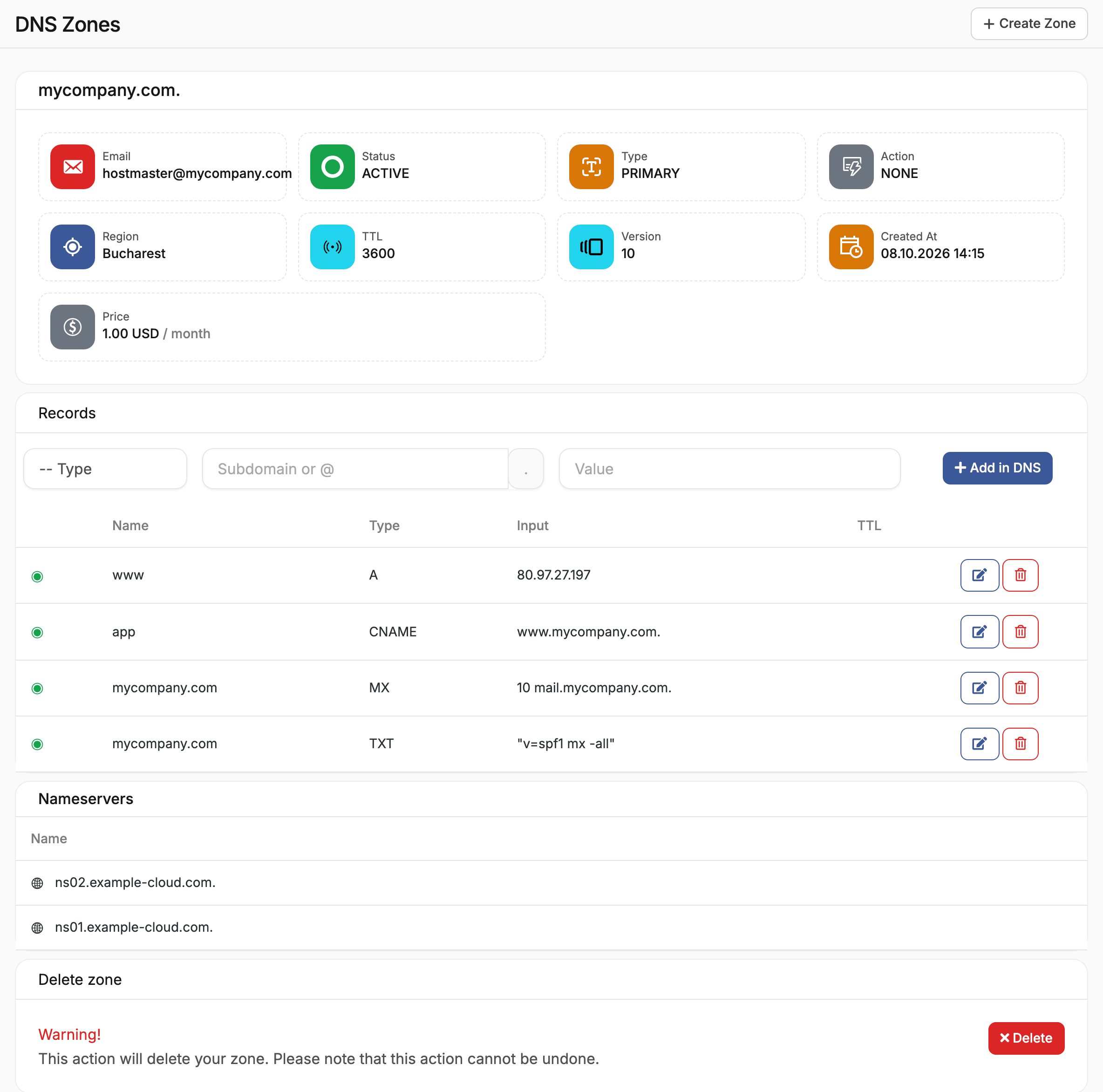
The zone answers queries only once the domain points to it. Open the zone and copy the addresses under Nameservers. At your domain registrar, replace the domain's nameservers with them.
Delegation can take up to the TTL of the old nameserver records, often a few hours, to reach every resolver. Create the zone's records before you change the nameservers, so the domain keeps resolving during the change.
Manage records
Open the zone. Records lists its records, and the form above the list adds new ones:
- Choose the Type.
- Enter the name in Subdomain or @.
@is the domain itself, andwwwstands forwww.example-shop.com. - Enter the value and choose Add in DNS.
| Type | Value | Use |
|---|---|---|
| A | An IPv4 address | Point a name to a server, floating IP or load balancer |
| CNAME | Another host name | Make a name an alias of another, such as app for www.example-shop.com. |
| MX | A priority and a mail server | Route the domain's email. Lower priorities are tried first. |
| TXT | Text | Verify the domain for other services, and publish SPF or DKIM policies |
A CNAME record cannot share its name with any other record. Edit or delete a record from its row.
Delete a zone
Open the zone and choose Delete zone. The cloud's nameservers stop answering for the domain at once. Point the domain to other nameservers first, or it stops resolving.