Email log and copies
OSIE sends invoices, invitations, password recovery and billing notifications on your behalf. The email log records each of these emails, so you can answer a customer who says an email never arrived: whether it was sent, to which address, and what it said. Bcc addresses send a copy of every email to mailboxes of your own, such as an archive or a support inbox.
Read the email log
Go to System > Events Log and choose the Email Log tab. The list shows the newest emails first, with the recipient, the subject, the template the email was built from, and its status. Sent means the mail gateway accepted the email. Delivery to the inbox still depends on the receiving side. Failed means the gateway refused it, and the entry shows the reason it gave.
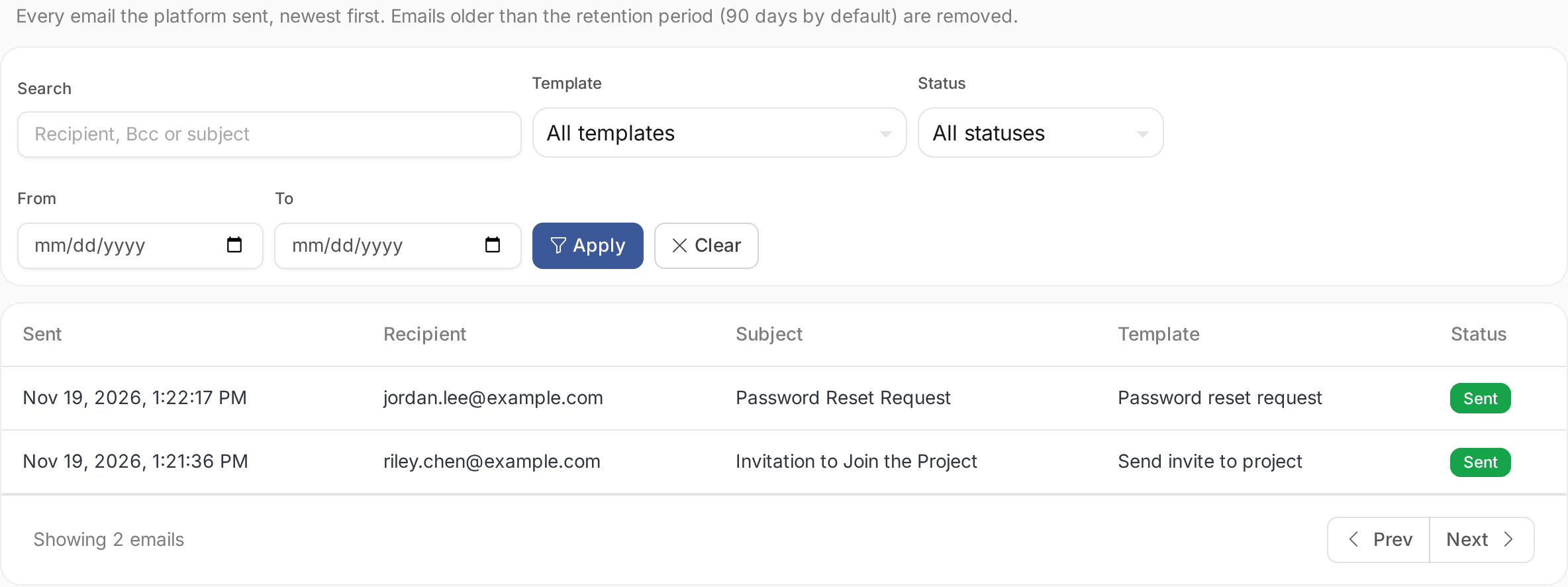
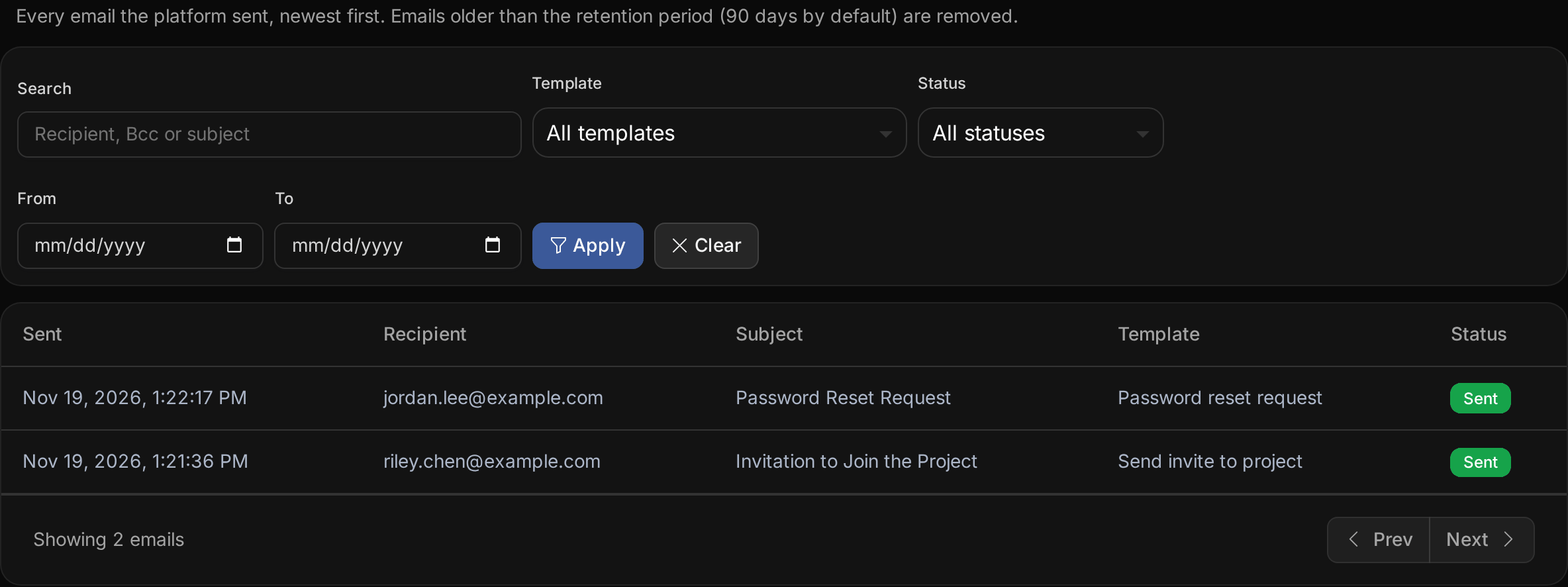
Search by recipient, Bcc address or subject, or filter by template, status and date. Open an entry to see the sender, the Bcc addresses, the gateway it went through, its attachments and its content. Attachments are recorded by name and size only.
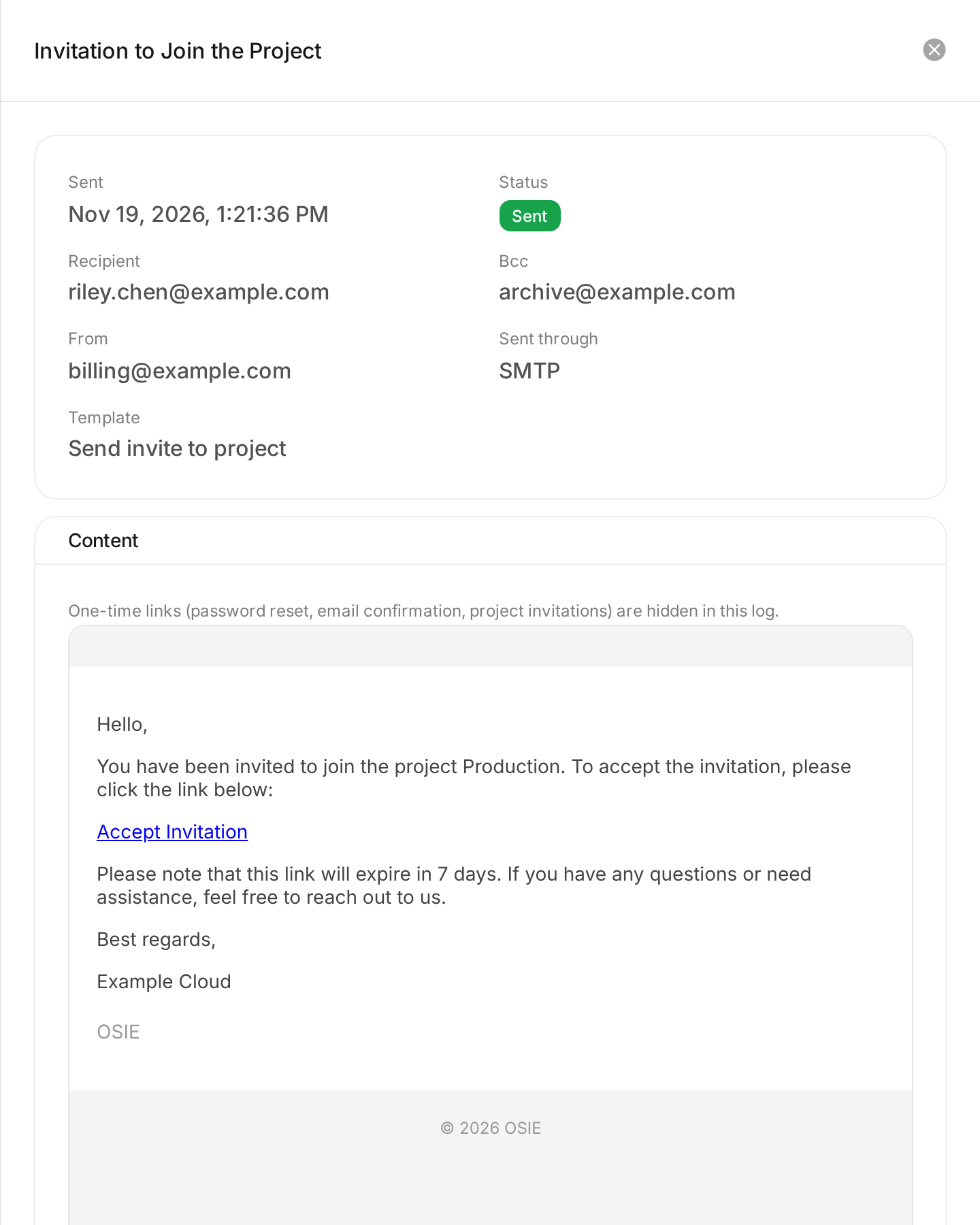
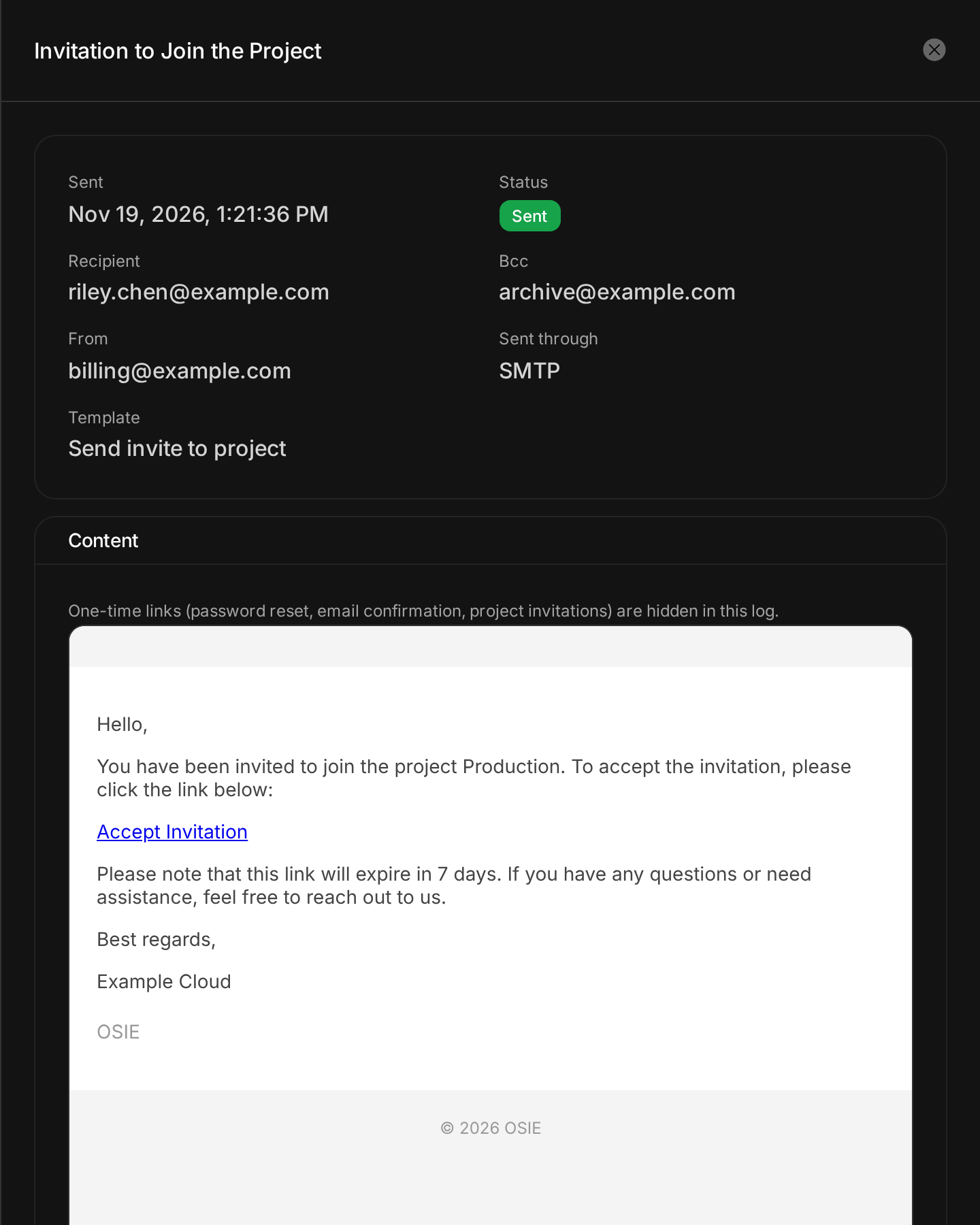
One-time links, the links in password reset, email confirmation, email change and project invitation emails, are hidden in the log. Anyone who reads the log therefore cannot act on a customer's account. Emails sent before the email log existed are listed without their content.
Reading the log needs the ADMIN or SUPPORT role. See
Roles and permissions. Customers never see the email
log, and emails are not part of the audit log.
The test email of an SMTP integration is not recorded. Emails are kept for 90 days, unless the operator sets another retention period.
Send a copy of every email
- Go to System > General Settings and open the Configuration tab.
- Under Bcc addresses, enter an address and choose Add address. Add up to 10.
- Choose Update.


Every email OSIE sends from then on is also sent to each address, as a blind copy that the recipient does not see. The email log lists the Bcc addresses of each email.
A copy is the email exactly as the customer receives it, one-time links included. Whoever reads a Bcc mailbox can reset a customer's password or accept their project invitation. Send copies only to mailboxes you protect like the customer accounts themselves.
With SMTP, OSIE sends each copy on its own after the email itself, so a copy the server refuses never stops the email to its recipient.