Load balancers
A load balancer receives traffic on one address and spreads it across several servers. When a server stops answering its health checks, the load balancer stops sending it traffic. Use one to run a service on several servers, and to replace or update servers without downtime.
A load balancer is built from three parts:
| Part | Role |
|---|---|
| Listener | Accepts traffic on one port and protocol, such as HTTP on port 80 |
| Pool | The servers, or members, that receive the listener's traffic, and the algorithm that picks one |
| Health monitor | Probes each member and takes failing members out of rotation |
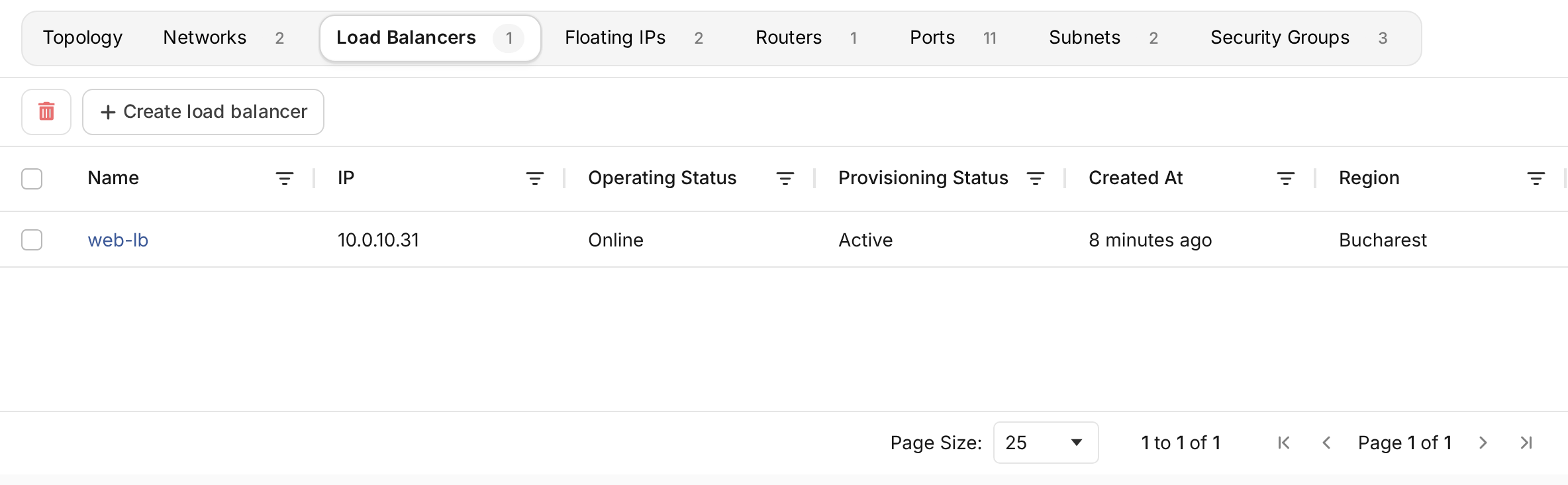
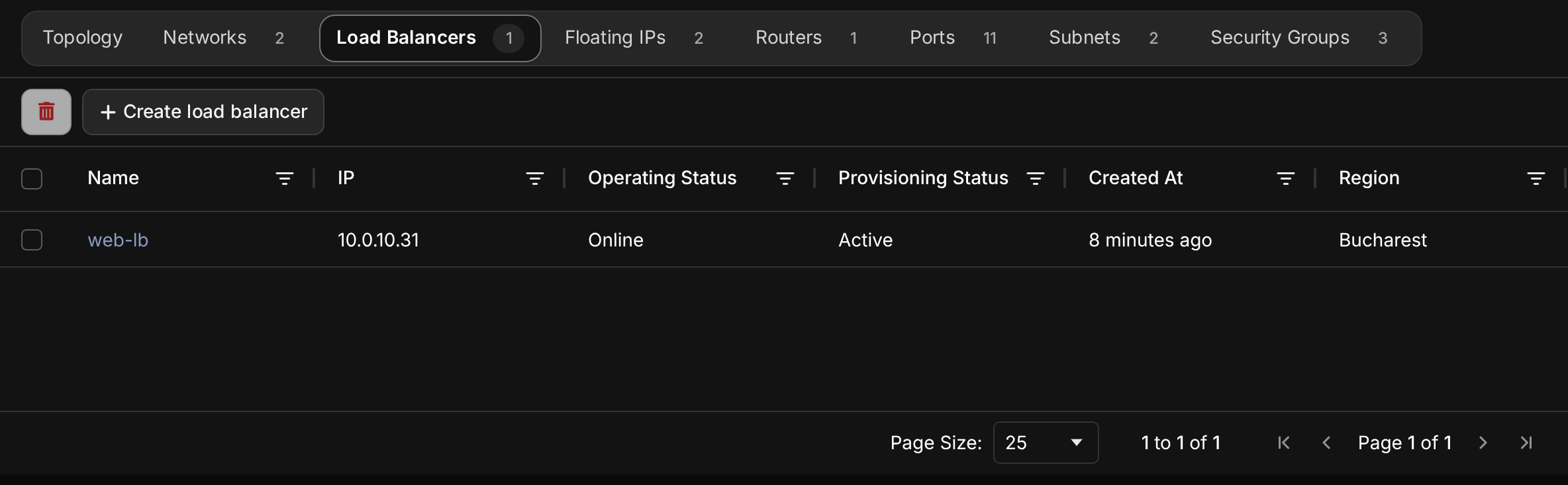
Open Networking in the project's sidebar and choose the Load Balancers tab. Each load balancer shows its address and its provisioning and operating status.
Create a load balancer
The servers to balance must be running on a network in the same location.
- Choose Create load balancer and choose the Location.
- Enter a Name and an optional Description.
- Choose the Type. Your provider's types differ in capacity and price, and some run in high availability.
- Choose the Network the load balancer takes its address on. Choose the servers' private network and assign a floating IP to reach it from the internet.
- Configure the first listener:
- Protocol and Load Balancer port: what clients connect to, such as HTTP on port 80.
- Member protocol and Member port: what the servers listen on. The PROXY and PROXYV2 member protocols pass the client's address to servers that support the PROXY protocol.
- Configure its pool: a name, the Algorithm, and the Pool members. The list shows the servers on the chosen network. Tick the ones that receive traffic.
- Leave Monitoring on and configure the health monitor: its Protocol, how often it probes (Delay), how long it waits (Timeout), and how many probes change a member's state (Max Retries and Max Retries Down).
- Choose Add Listener to accept traffic on another port, for example HTTPS on 443.
- Choose Create Load Balancer.
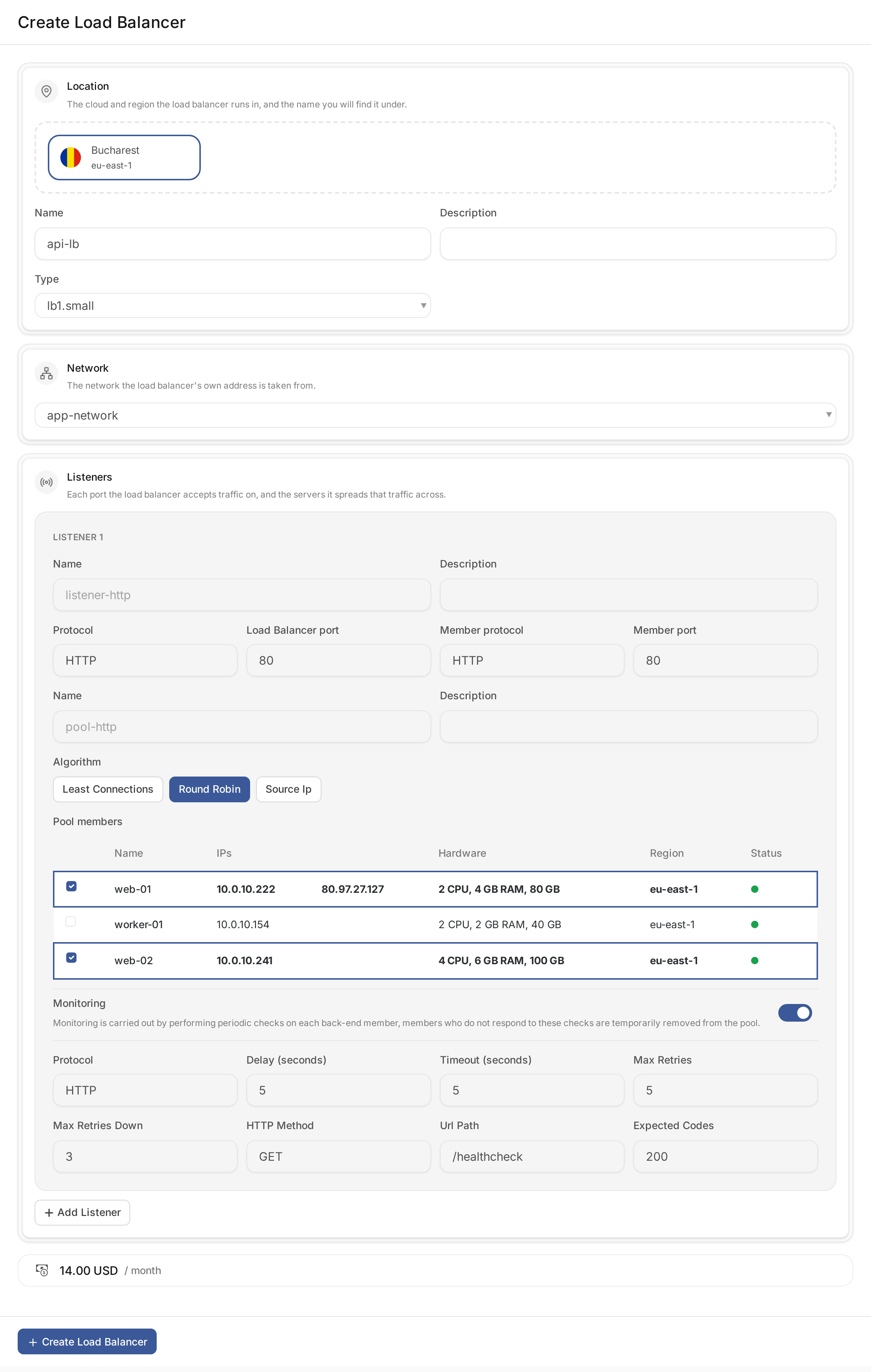
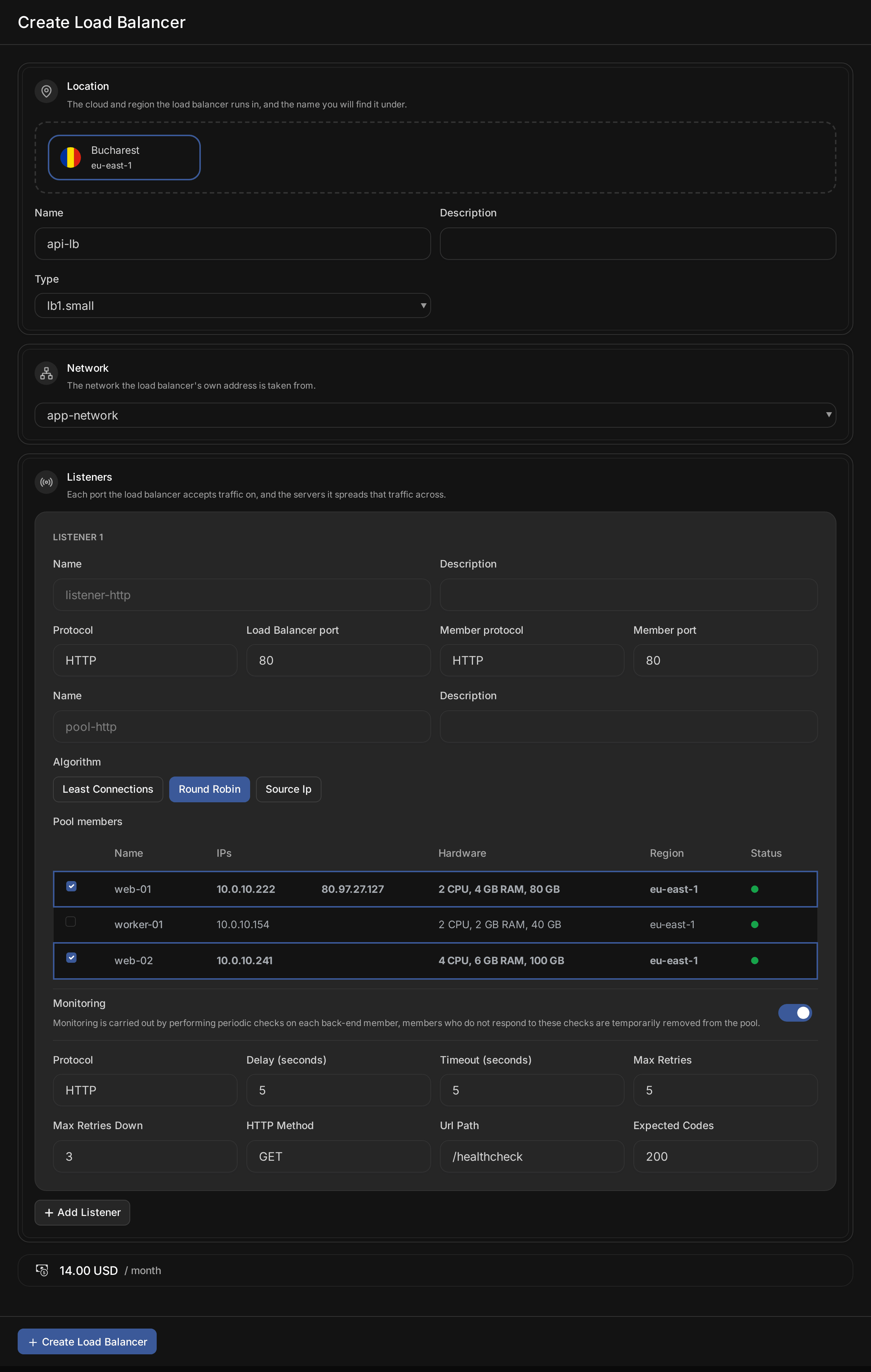
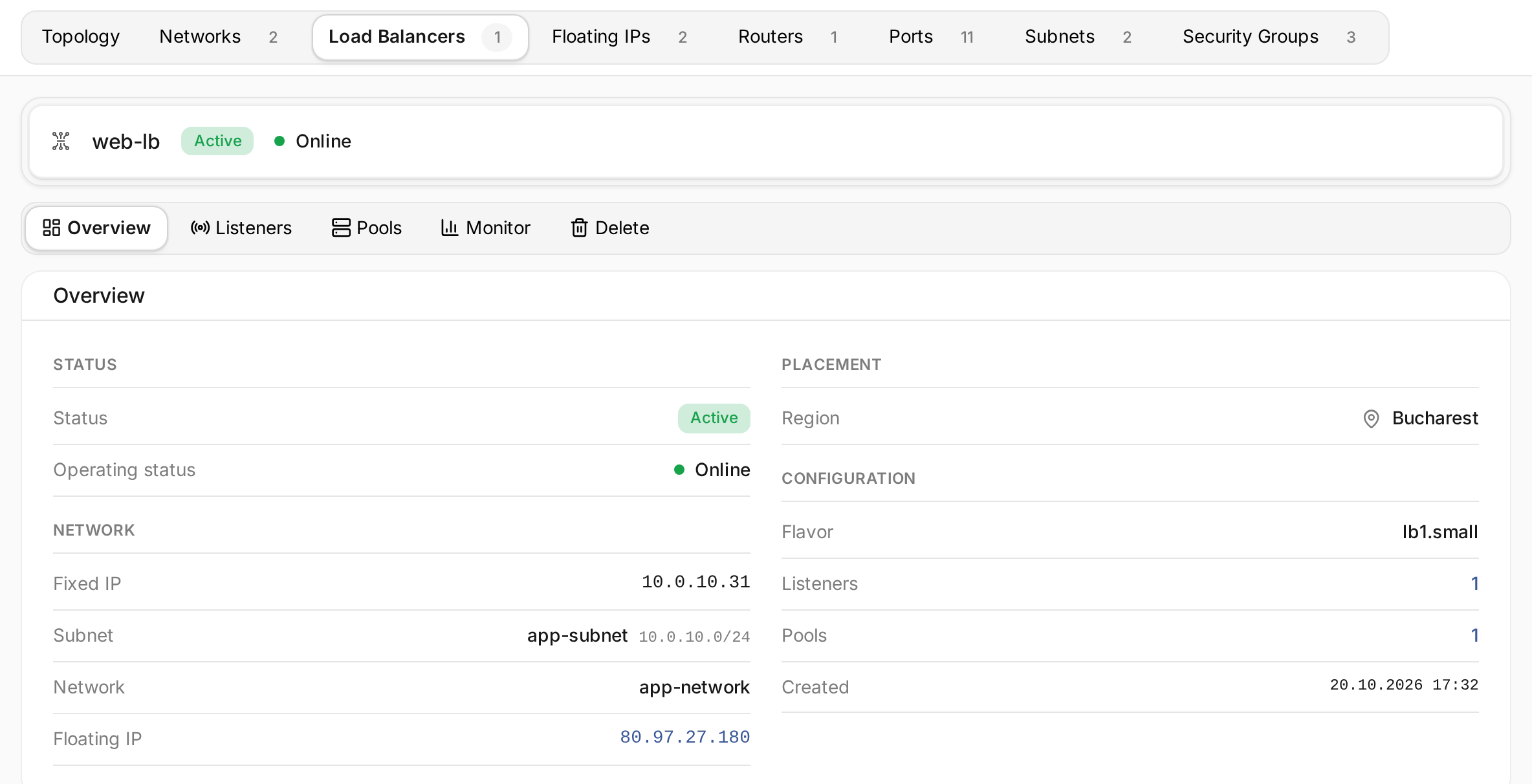
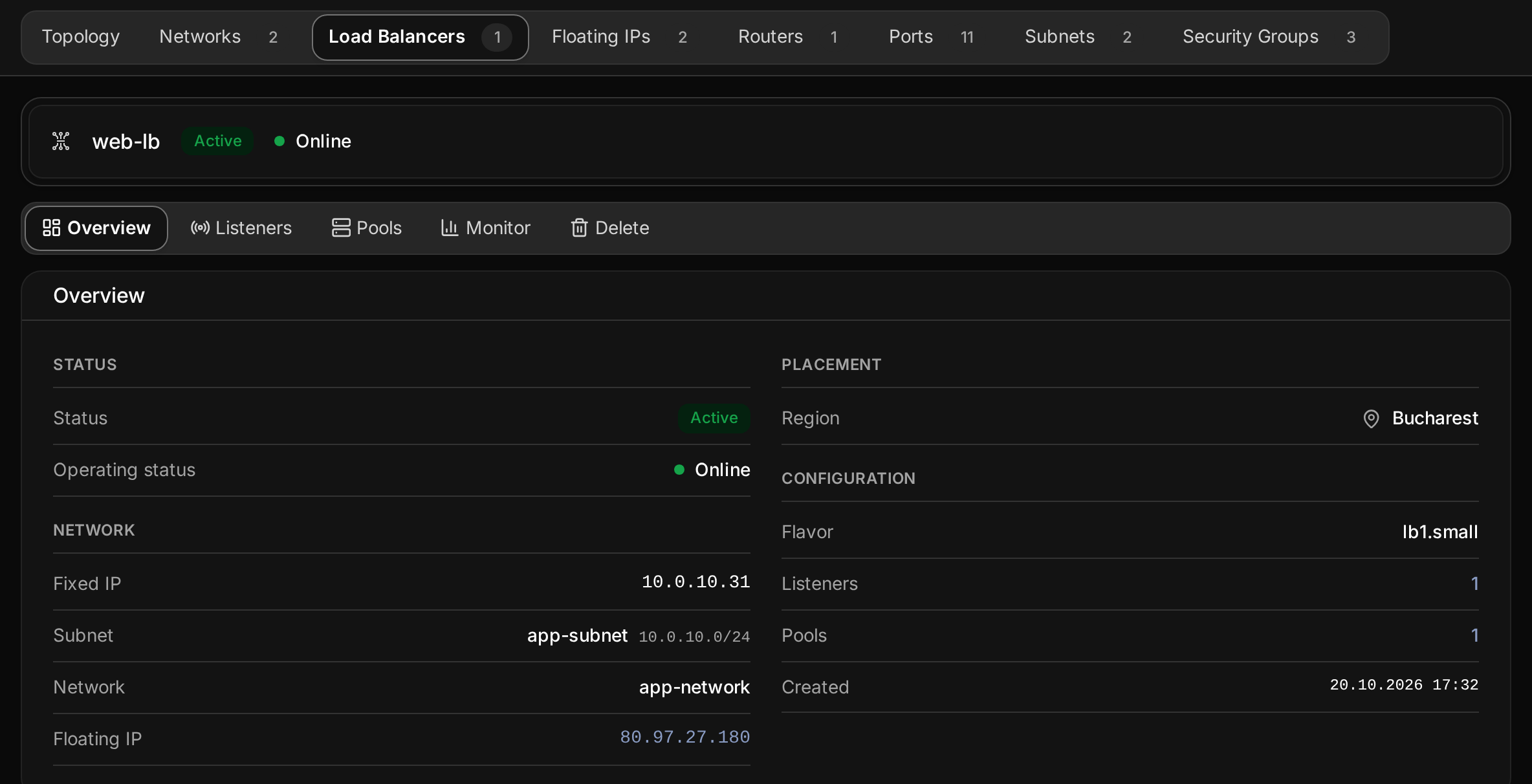
The form shows the load balancer's monthly price. Creating it takes a few minutes. It is ready when it shows Active and Online. Its Overview lists its fixed IP on the network and the floating IP assigned to it.
| Algorithm | Picks |
|---|---|
| Round Robin | Each member in turn |
| Least Connections | The member with the fewest open connections |
| Source Ip | The same member for the same client address |
Manage listeners
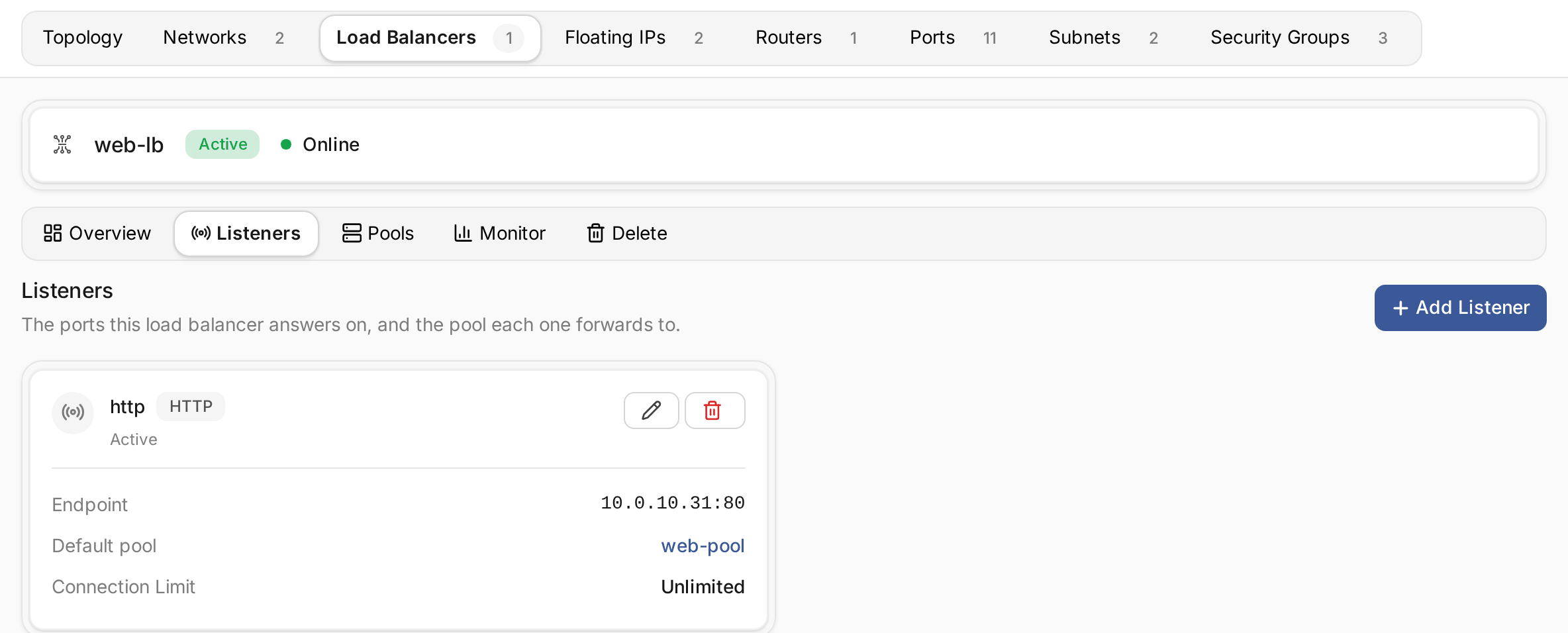
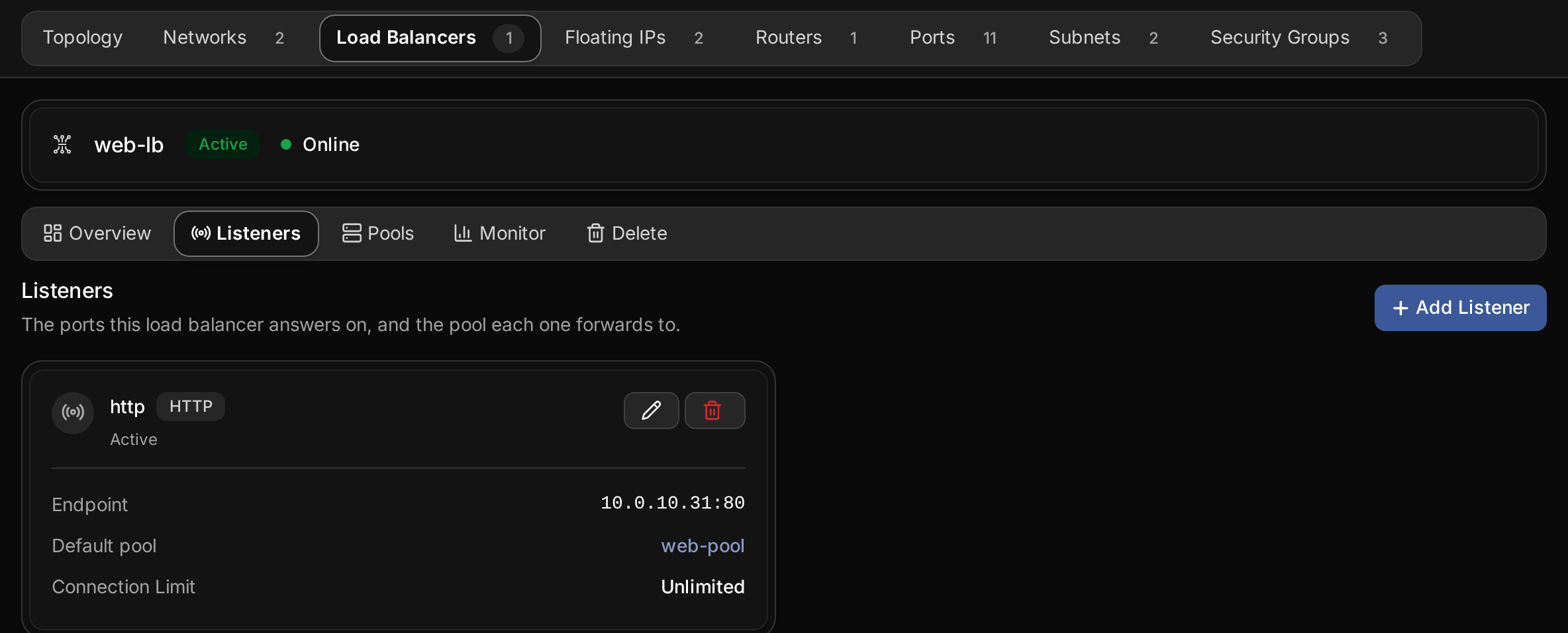
Open the load balancer and choose Listeners. Add, edit or delete listeners there.
- Accept traffic turns a listener off without deleting it.
- Connection Limit caps concurrent connections.
-1leaves them unlimited. - Deleting a listener stops traffic on its port. Its pool and members remain.
Terminate TLS on the load balancer
A listener with the protocol HTTPS – terminate TLS decrypts HTTPS on the load balancer and forwards plain HTTP to the members. The servers then need no certificate. HTTPS – TLS passthrough forwards the encrypted traffic unchanged, and each server presents its own certificate.
To terminate TLS, choose the TLS certificate: Upload certificate with the certificate and its private key in PEM format, or Use existing certificate to reuse one stored in the project's Key Manager. Additional certificates (SNI) hold certificates for other host names the listener answers for. Terminating TLS needs the Key Manager service in the load balancer's region.
Manage pools and members
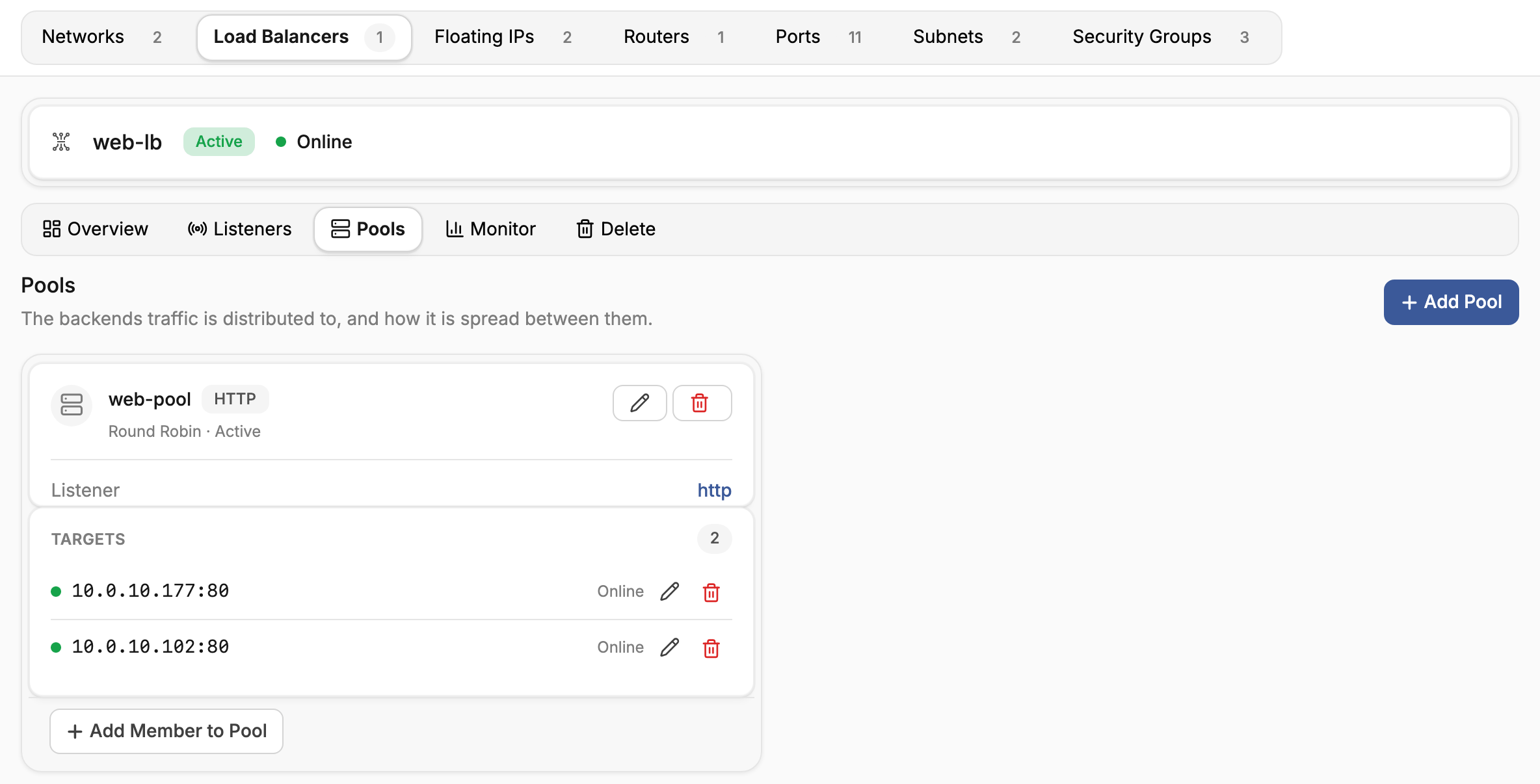
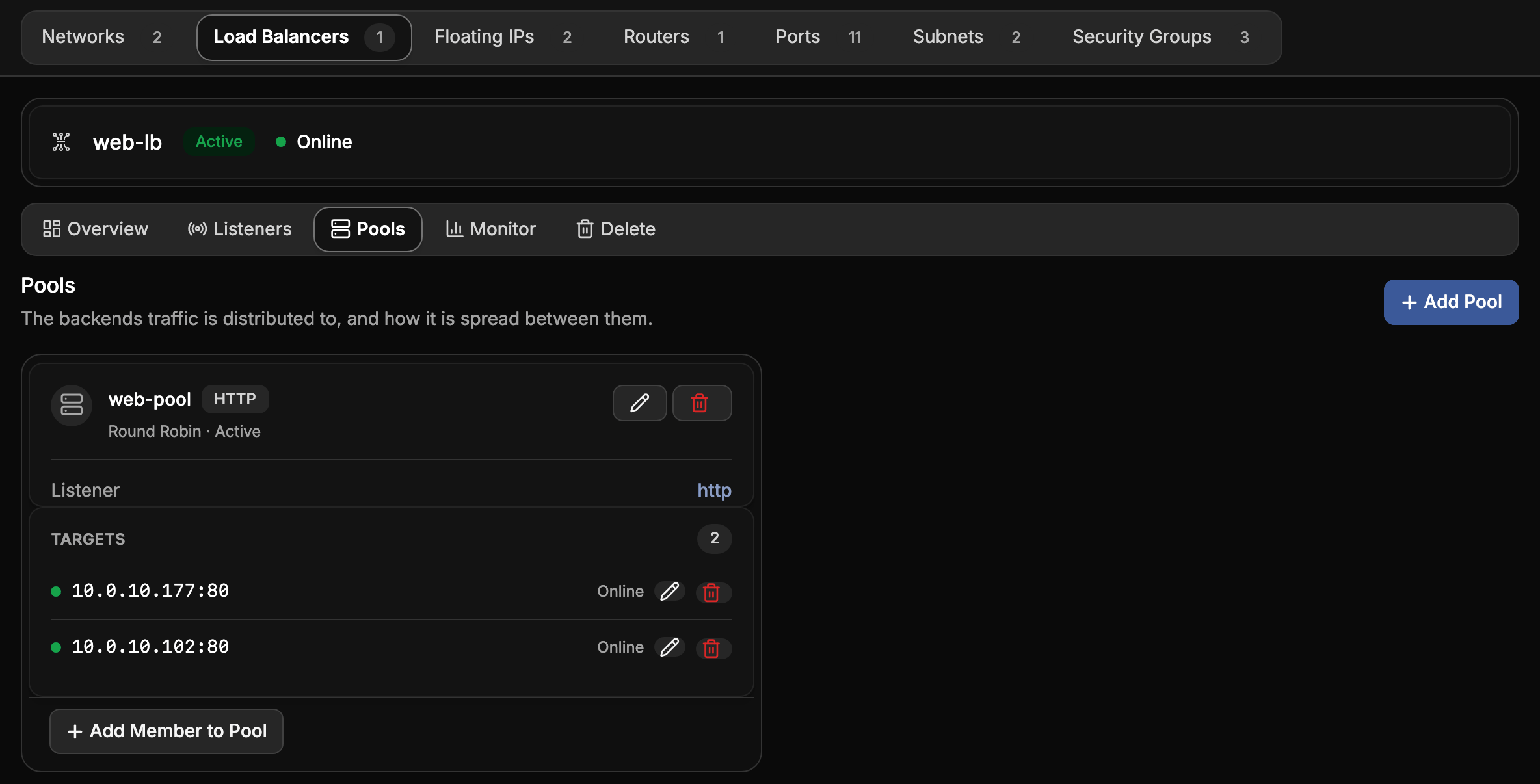
Open Pools to see each pool's members, or targets, and their health.
- Add Member to Pool adds a server, with the Protocol Port it serves on.
- Weight sets how much traffic a member takes relative to the others.
0stops new connections. - In rotation turned off drains a member without removing it, for example during maintenance.
- Session persistence keeps a client on the same member: by Source IP, by a Cookie set by the load balancer, or by a Cookie set by the application.
Removing a member stops its traffic. The server itself is not changed.
Check member health
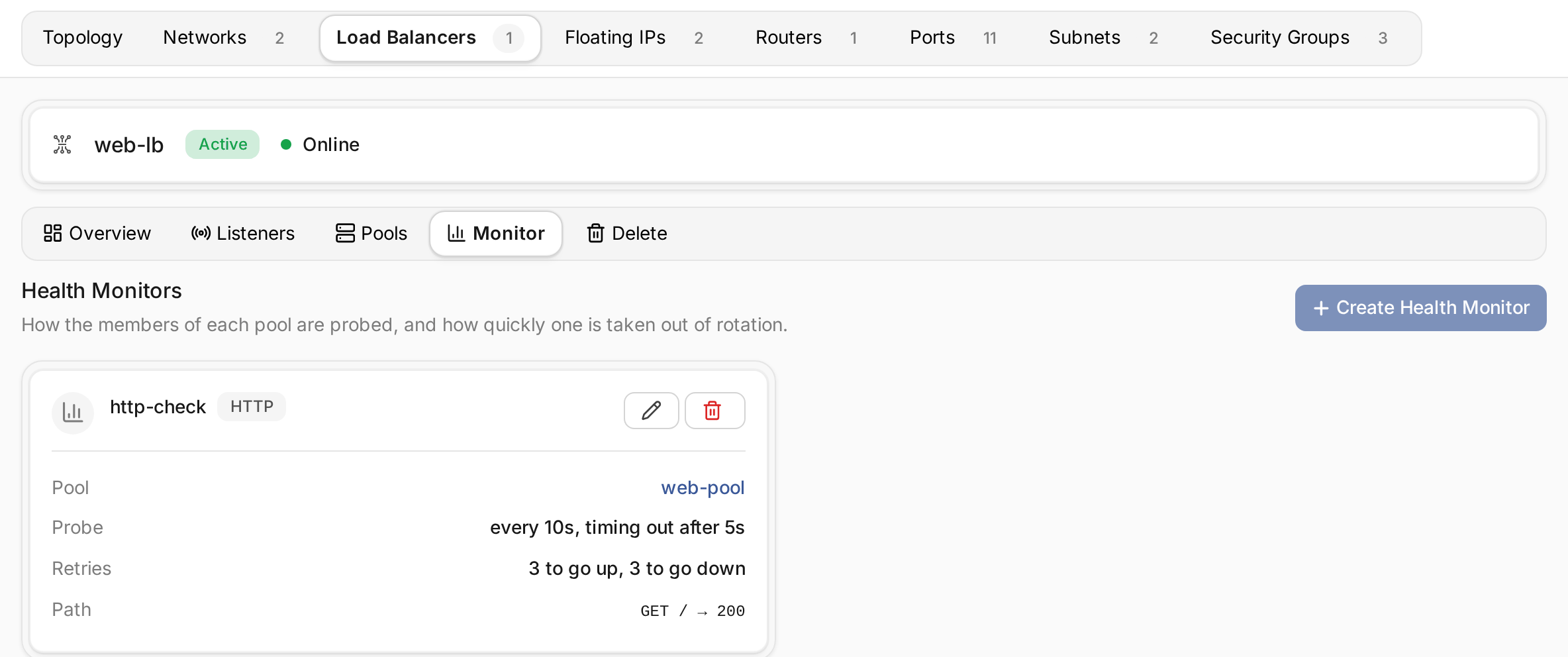
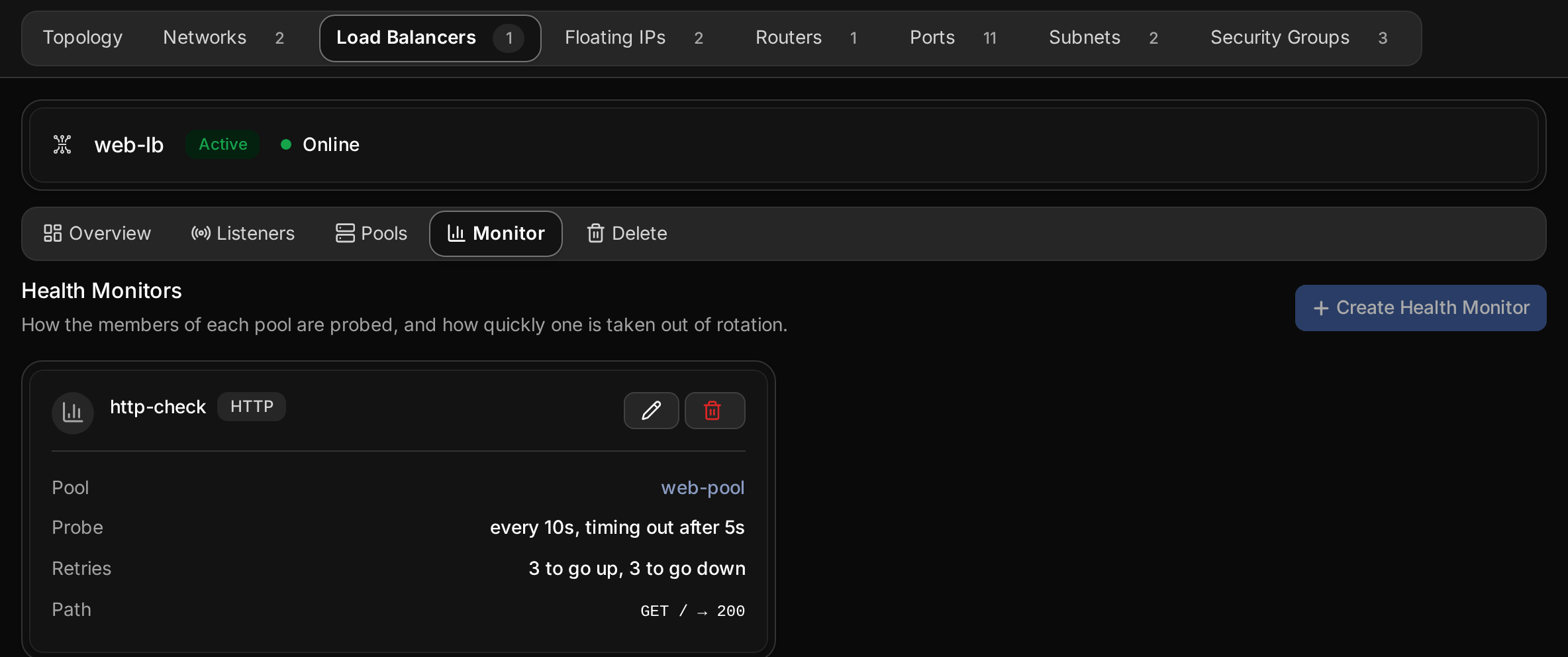
Monitor shows the pool's health monitor. An HTTP or HTTPS monitor requests a Url Path
with an HTTP Method, and counts the member healthy when the answer has one of the
Expected Codes, such as 200 or 200-204. A TCP monitor checks that the port accepts
connections, and PING that the member answers.
Deleting the monitor stops the checks, and a member that stops answering keeps receiving traffic.
Delete a load balancer
Open the load balancer, choose Delete and confirm. Its listeners, pools and monitors are deleted with it. The member servers keep running. Release its floating IP if you no longer need the address.