Routers
A router connects networks. With an external gateway on a public network, it gives the servers on your private networks outbound internet access, and it carries the traffic of floating IPs to them. With interfaces on several of your subnets, it routes traffic between those networks.
Servers on a private network without a router reach only each other.
Open Networking in the project's sidebar and choose the Routers tab.
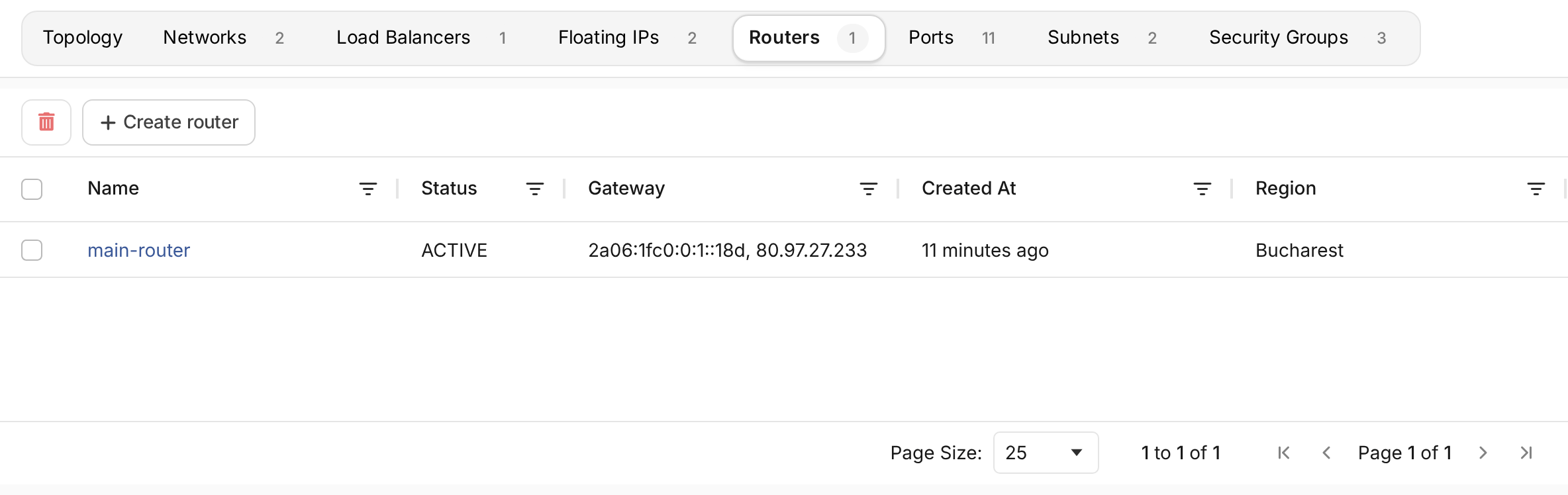
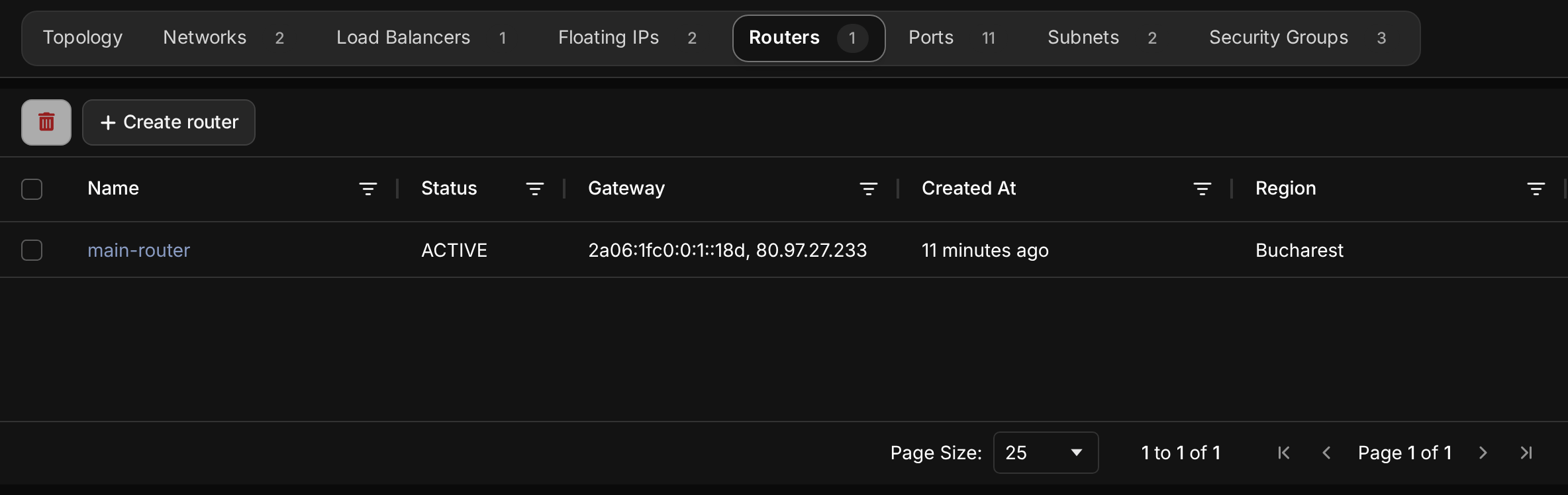
Create a router
- Choose Create router.
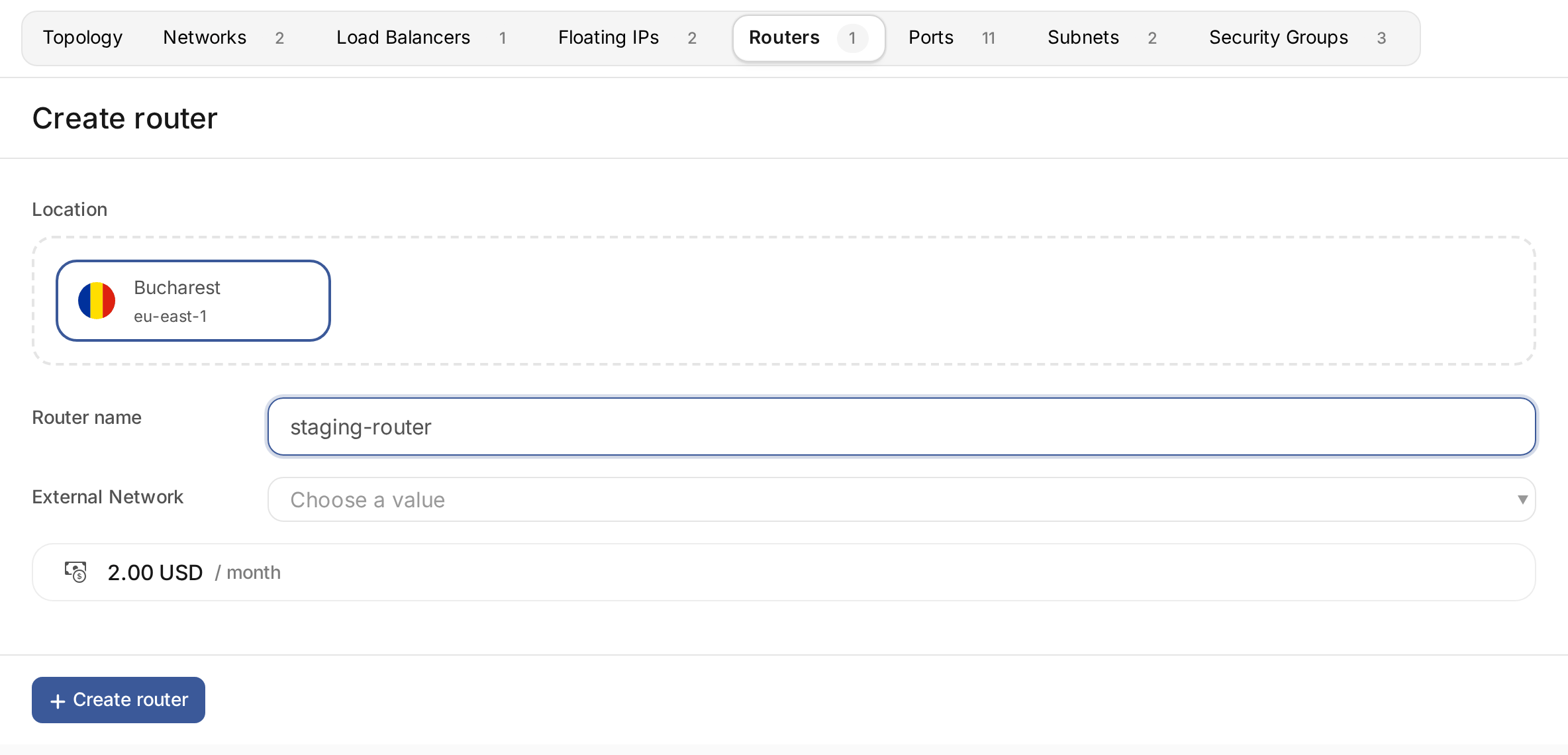
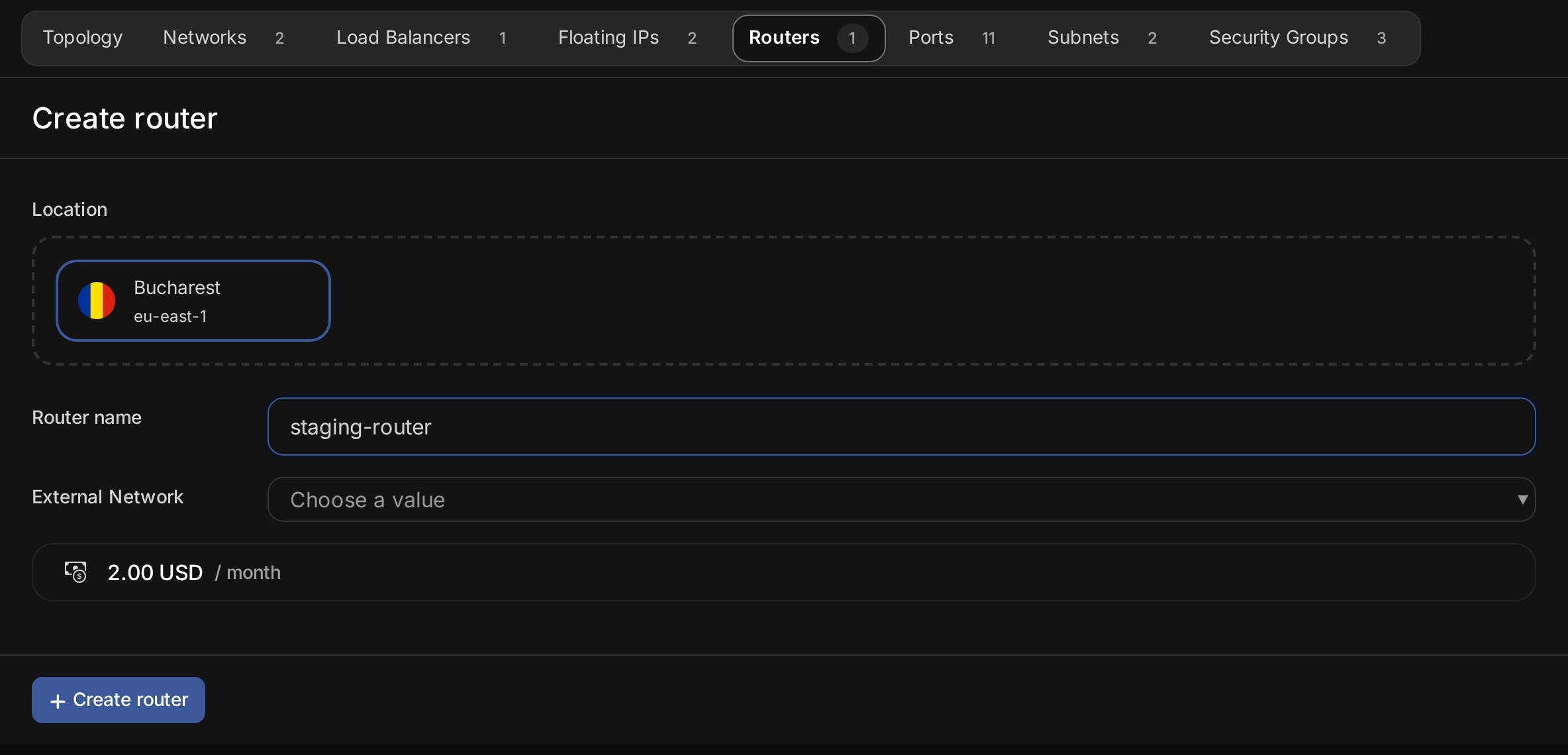
- Choose the Location. A router connects networks in its own location.
- Enter the Router name.
- Choose the External Network, the public network the router uses as its gateway. Leave it empty for a router that only connects your private networks.
- Choose Create router.
The form shows the router's monthly price.
Connect a subnet to the router
Open the router. Under Interfaces, choose Add interface and select the subnet. The router takes the subnet's gateway address, and servers on the subnet send their traffic through it.
Repeat for each subnet the router connects. Servers on the connected subnets can then reach each other, within the limits of their security groups.
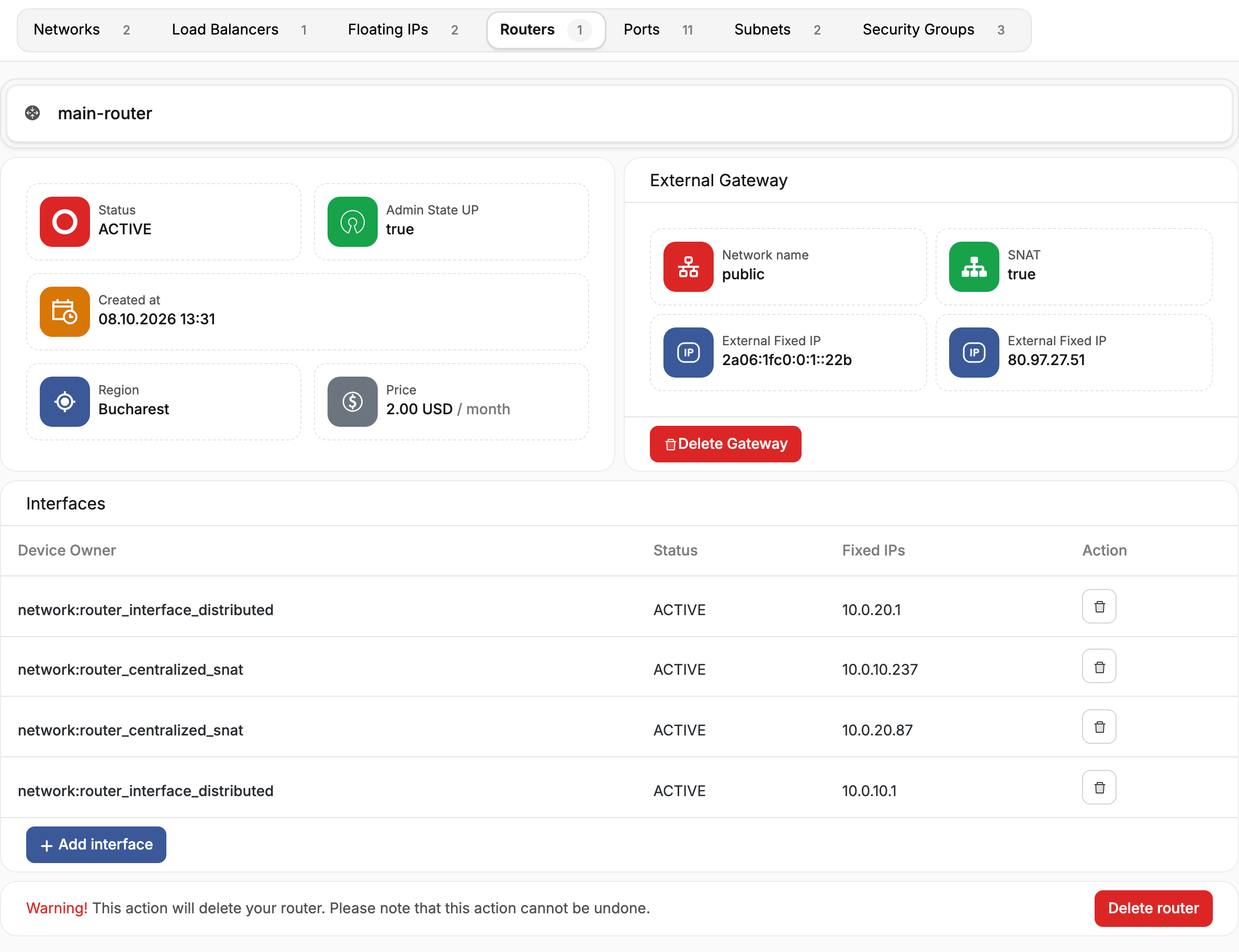
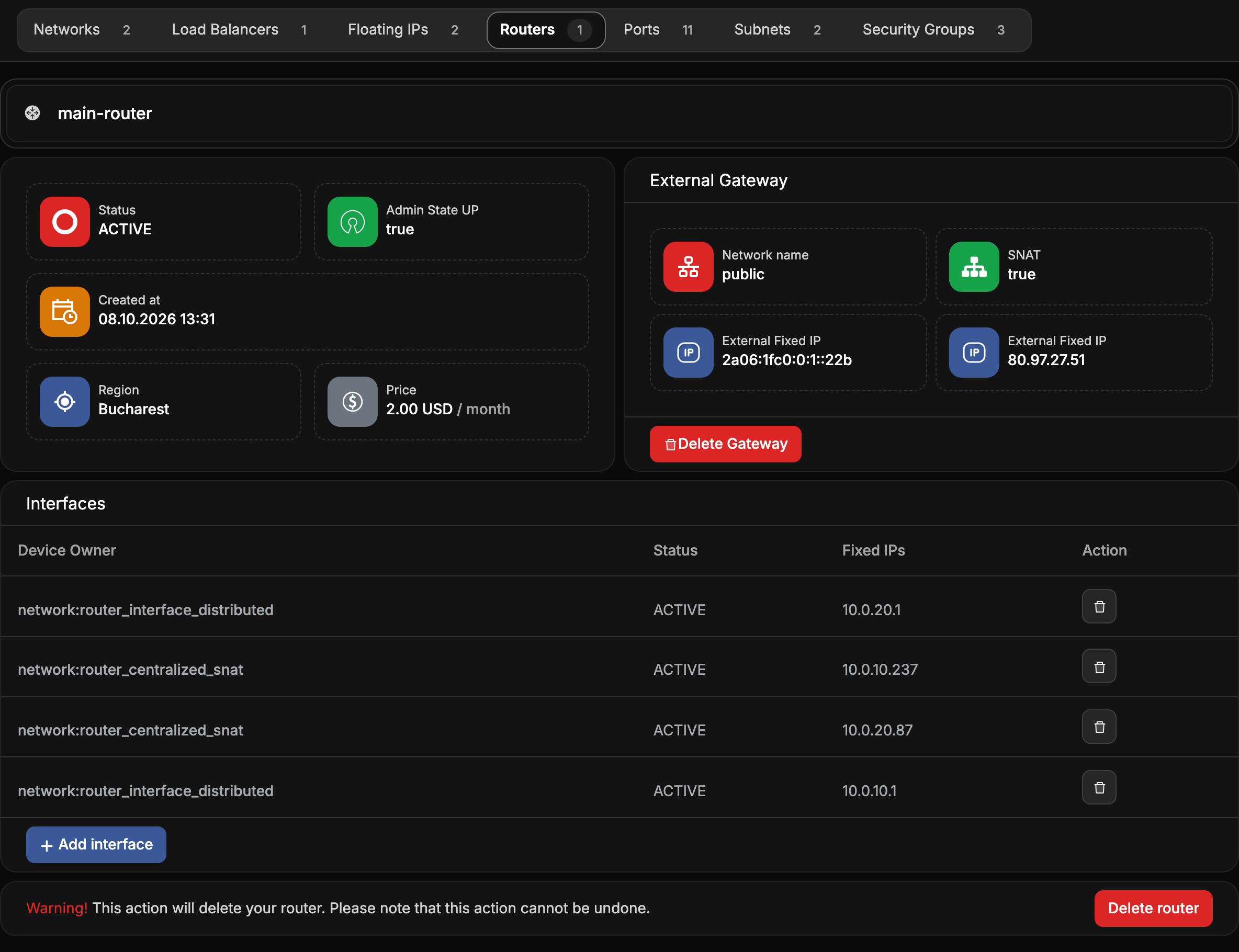
Each interface shows its fixed IP on the subnet. On some clouds the list also shows ports the cloud
creates for the router itself, such as network:router_centralized_snat. To disconnect a subnet,
choose the delete button on the row with the subnet's gateway address. Servers on that subnet lose the
routes the router provided.
Set or remove the external gateway
External Gateway shows the public network, the router's external address, and whether SNAT is on. With SNAT, servers without a floating IP reach the internet through the router's external address.
Choose Add Gateway to connect a router to a public network, or Delete Gateway to disconnect it. Without a gateway, servers behind the router lose internet access and their floating IPs stop working.
Delete a router
Remove the router's interfaces first. Then open the router and choose Delete router.