Project members
Project members work with the project's cloud resources. They create and delete servers, volumes and networks in the portal or from the OpenStack CLI, and issue their own credentials for the project.
A project has two roles:
| Role | May |
|---|---|
| Owner | Everything a member may, plus rename the project, invite and remove members, and delete it |
| Member | Create, use and delete cloud resources in the project, and issue credentials for it |
Owners and administrators of the organization are owners of all its projects. Both project roles receive the same permissions on the cloud resources themselves. See Roles and permissions.
See who has access
Open Settings in the project's sidebar. Project members lists each member's name, email address and project role. Organization owners and administrators manage the project whatever role the list shows for them, because their organization role grants it.
Invite someone by email
As a project owner, invite people who are not yet members of the project.
- In Settings, under Project members, choose Invite.
- Enter the person's Email address and choose Invite.
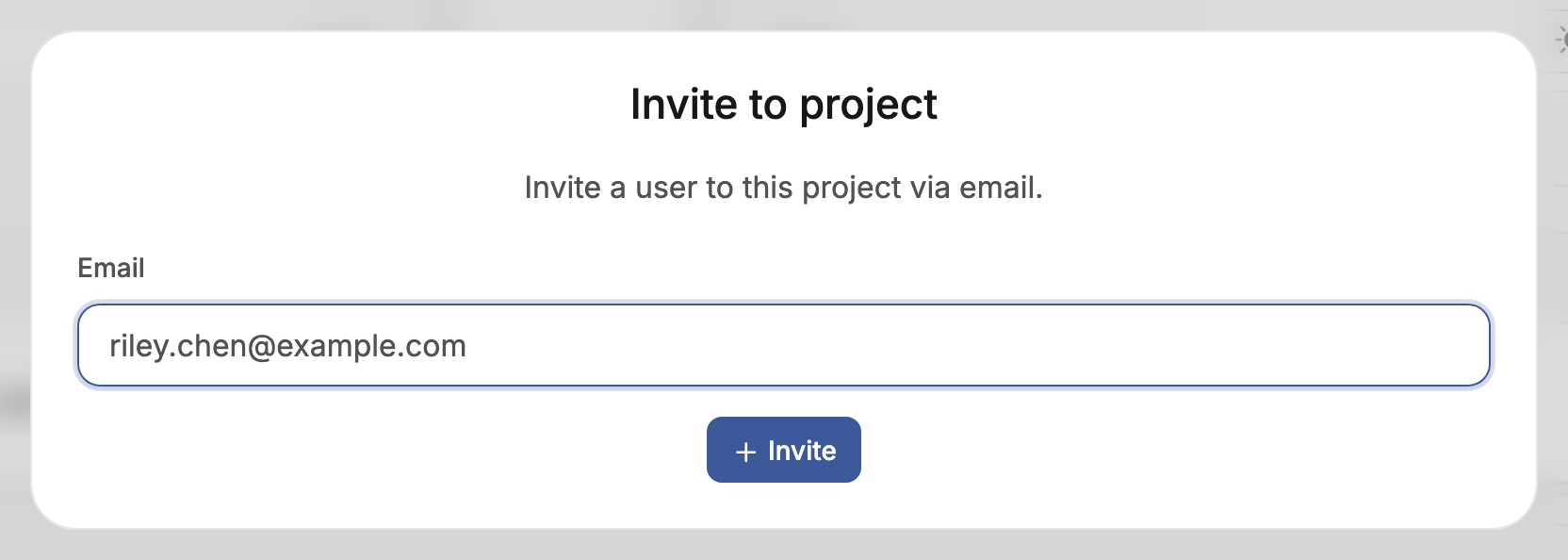
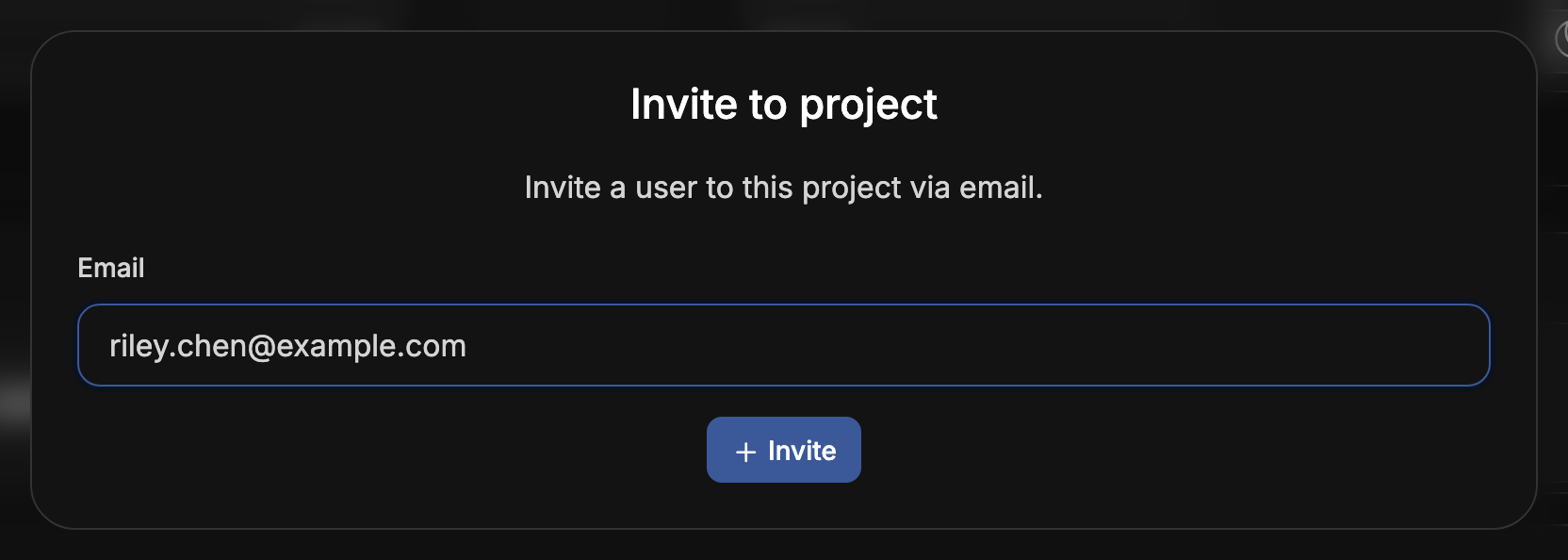
The person receives an email with a link to join the project. The link is valid for 24 hours. After that, send a new invitation. Someone without an account creates one from the link.
Accepting the invitation adds the person to the project as a Member. If they are not yet in the project's organization, it also adds them to the organization with the Member role.
To add someone who is already a member of the organization, an organization administrator can add them from the organization's settings instead. See Organizations. Members of a group reach every project that carries the group's tags without being invited.
Remove a member
In Settings, under Project members, choose the remove button on the member's row and confirm. The member loses access to the project in the portal. Their roles on the project in the cloud are withdrawn at the same time, so their credentials for the project stop working. A project owner cannot be removed this way.