Network topology
The topology draws a project's network in one region as it is connected. Your provider's public networks are at the top, the routers attached to them below, and each private network with the servers and load balancers on it. Use it to understand a project you did not set up, or to find out why a server cannot reach the internet.
Open Networking in the project's sidebar and choose Topology. When the project spans several regions, choose one under Region. IP addresses shows or hides the addresses of each resource.
Trace a path to the internet
Select a network, a router or a server. The topology highlights its path to a public network and lists each step on the way: the router it passes through, and whether traffic leaves with the router's address or with the server's own floating IP. A server attached directly to a public network has a path of one step.
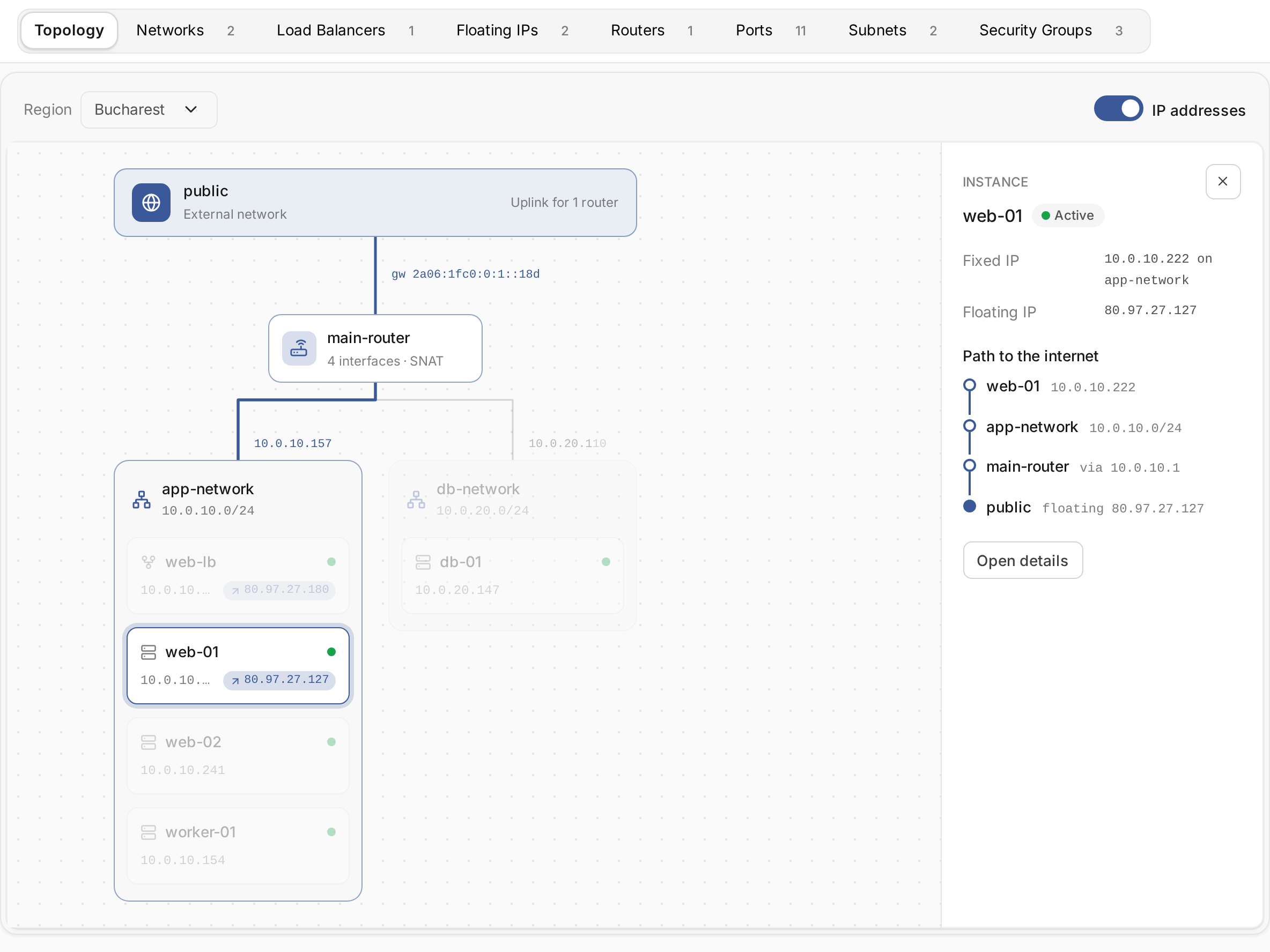
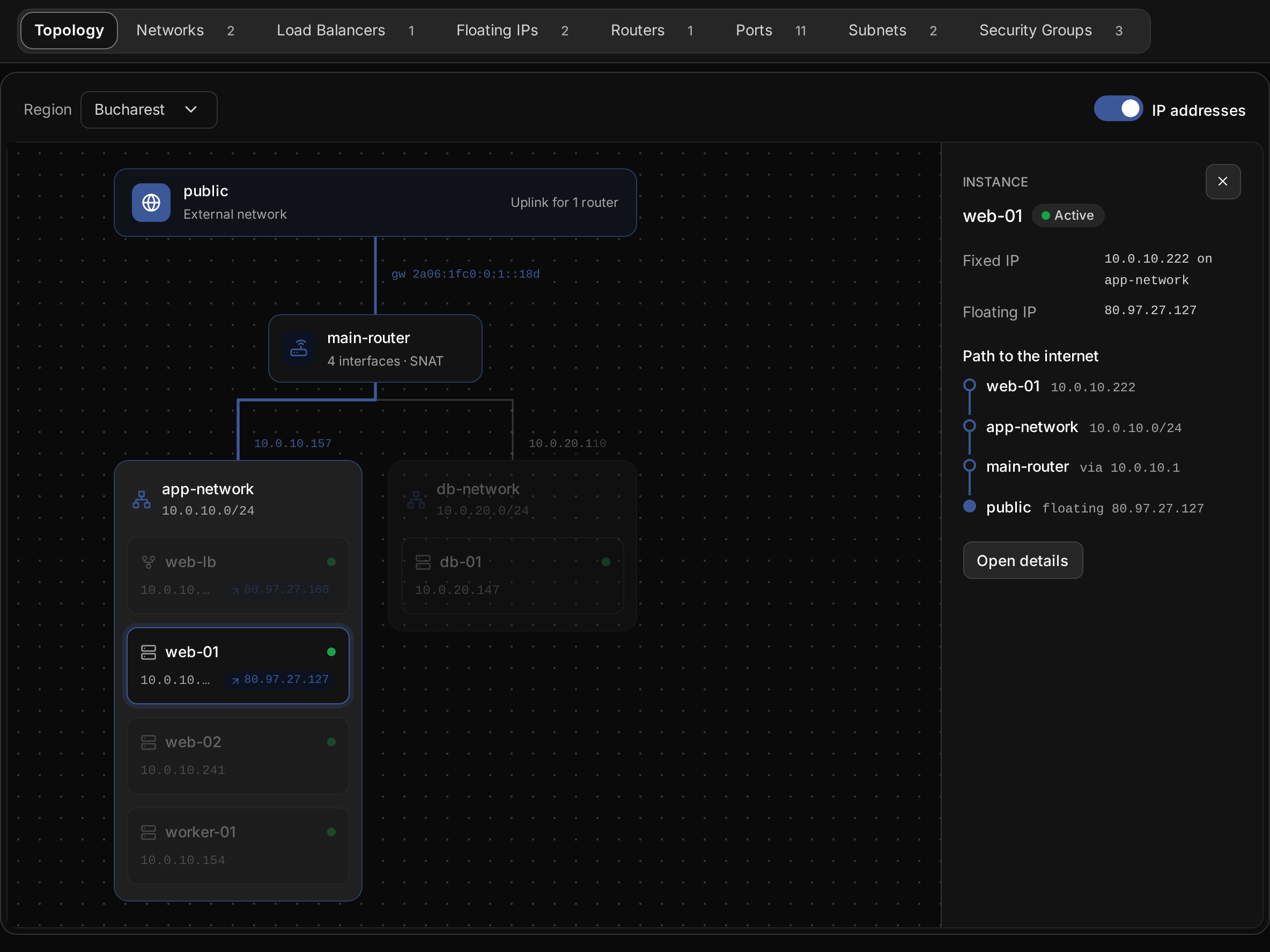
When there is no path, the topology says what is missing. Either no router connects the network to a public network, or the router has no external gateway. A network without any path out is marked Isolated. To give it one, add the network to a router that has an external gateway, as described in Routers. A server that must be reachable from the internet also needs a floating IP.
The topology only displays the network. Open details takes you to the selected resource, where you change it, and the drawing follows the change.