Flavor Categories
Flavor categories can be used to control how (and if) to display flavors on the customer-facing UI.
They can be used to:
- control what flavors are displayed to the customers
- group flavors by categories (i.e. General Purpose, High Frequency CPU, etc)
- distinguish between baremetal / non-baremetal flavors (required if you are providing the Ironic bare-metal service)
You can access this function from the Settings > Flavors menu.
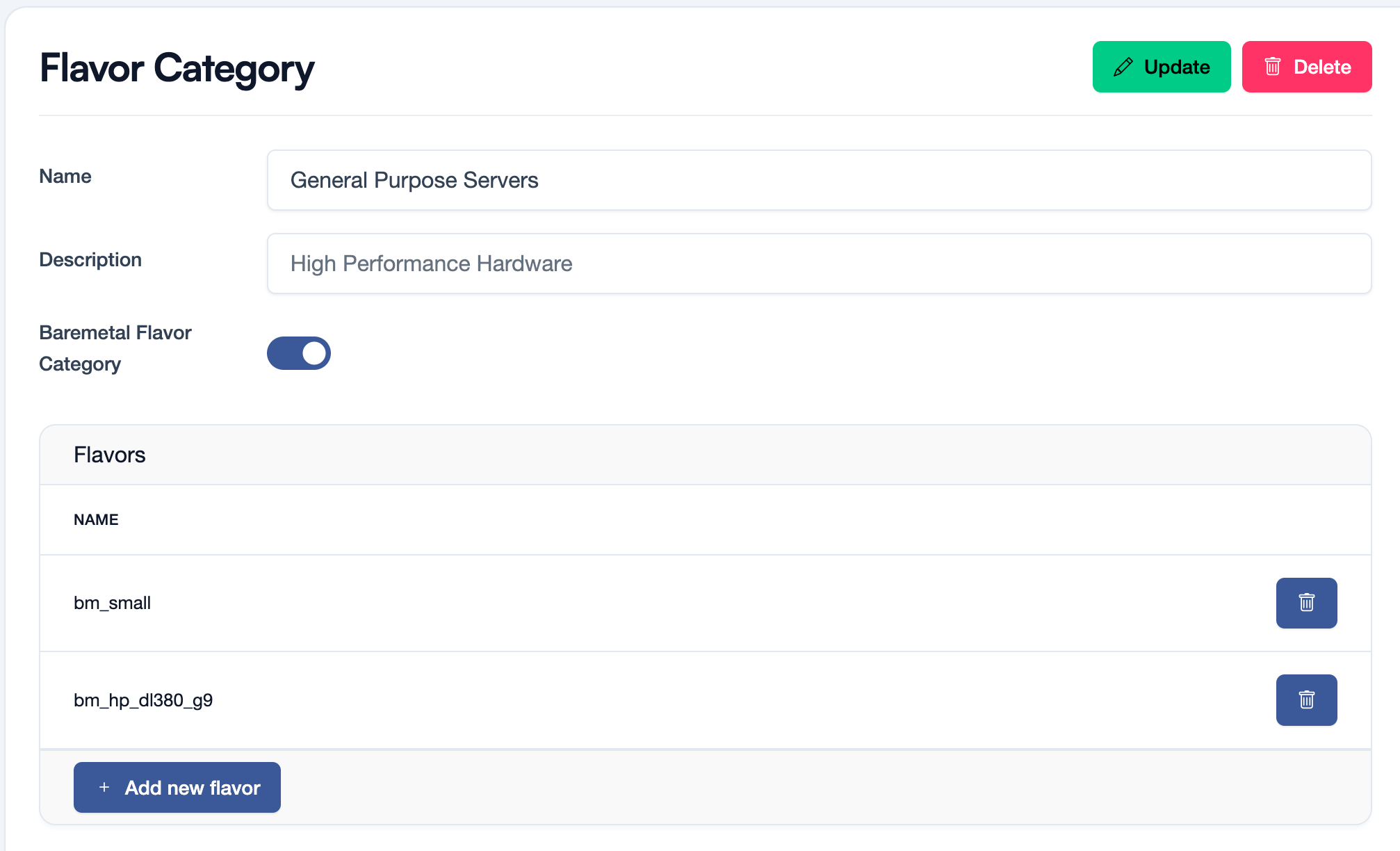
A Flavor Category consits of:
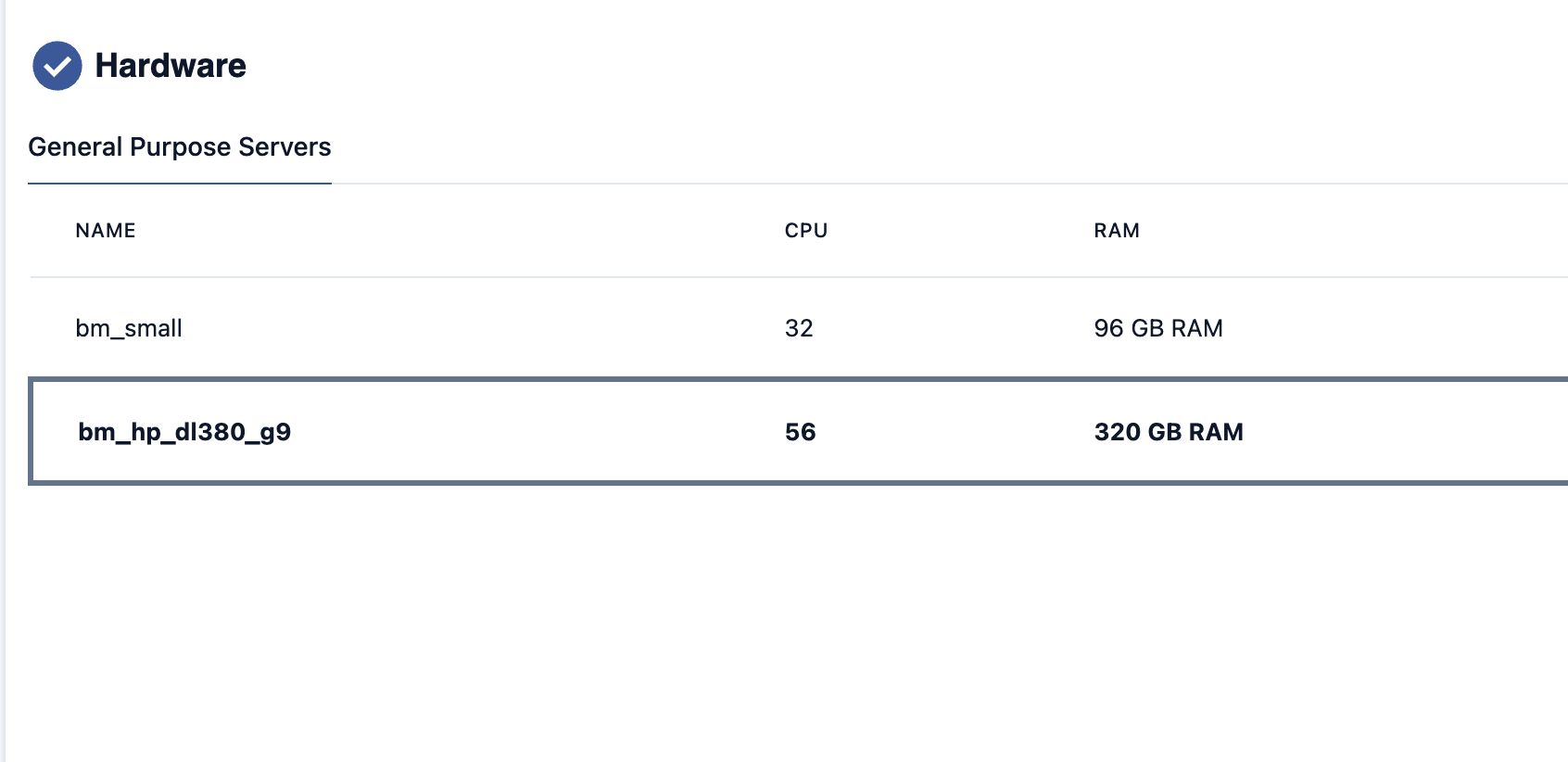
- Name the Display Name of this category, that will be showed in the Customer UI (see picture below)
- Description (optional) a description for the category
- Baremetal Flavor Category whether this category will be used by the Ironic bare-metal service.
- if enabled, this category should contain only bare-metal flavors
- the system will use these categories to distinguish between baremetal/non-baremetal flavors
- Flavors the list of flavors being part of this category
Once created, the flavor category will be displayed on the server/bare-metal creation page.
Each "Category" goes as a separate "Tab" in the "Hardware" section of the server creation form.