OpenStack backup and disaster recovery
Ferry is a backup and disaster recovery service for OpenStack clouds, developed by the OSIE team. As a cloud operator, you deploy the service and configure its storage and protection policies. As a project member, you choose which resources to protect and restore them through the console or CLI.
The service protects three kinds of resource:
| Kind | What a backup holds |
|---|---|
| Volume | One Cinder volume. |
| Instance | A Nova instance with its root disk and every attached volume, captured at the same instant. It also holds what is needed to recreate the instance: flavor, networks, key pair and security groups. |
| Bucket | One object storage bucket, object by object. |
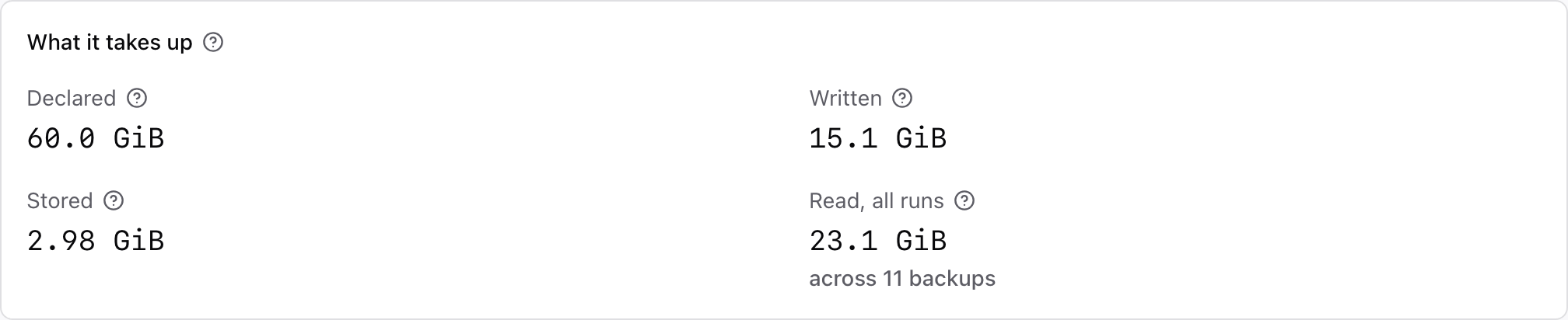
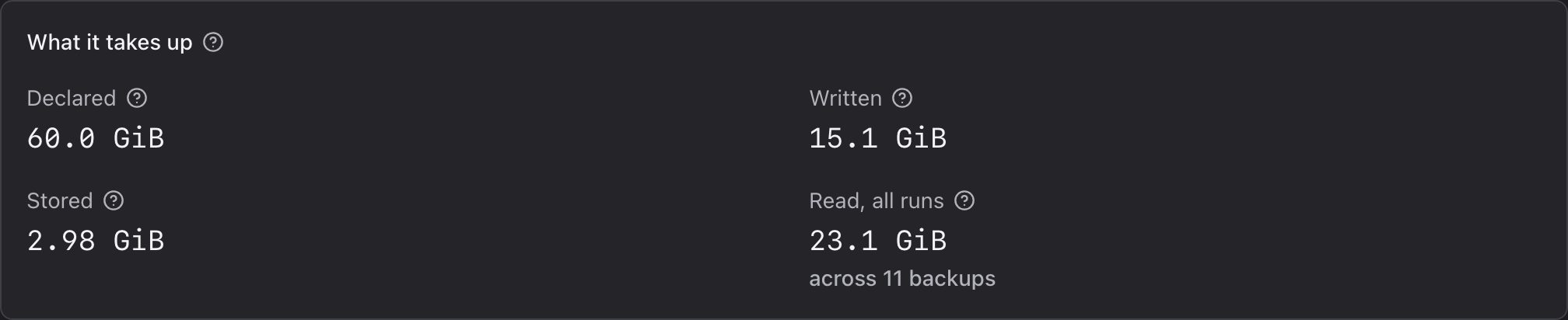
Backups are stored in S3-compatible object storage, compressed and deduplicated. After the first backup, the service stores only new data. Each backup records all the data needed to restore it. The amount read from production storage depends on the storage backend.
Features


Operator and project responsibilities
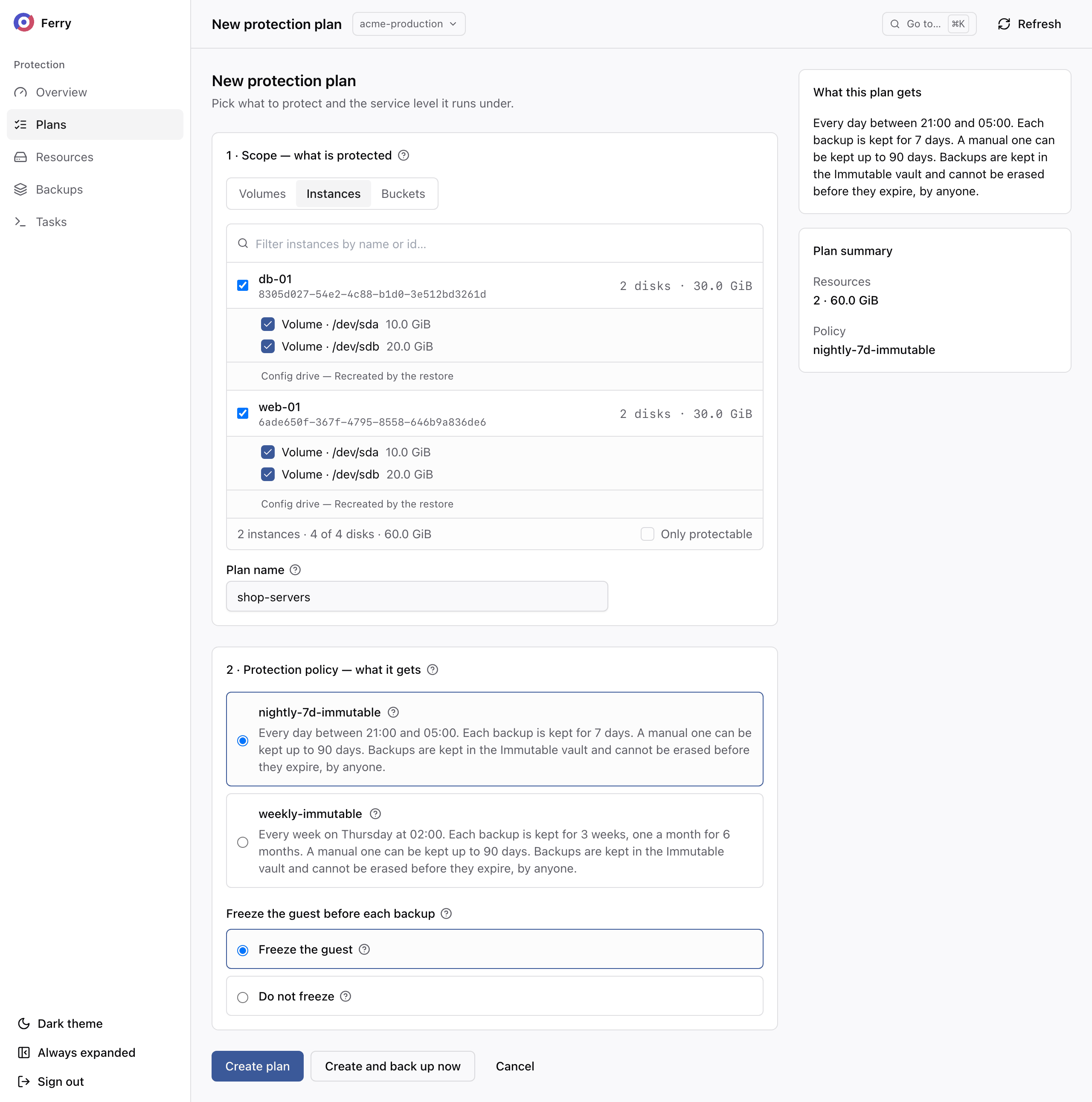
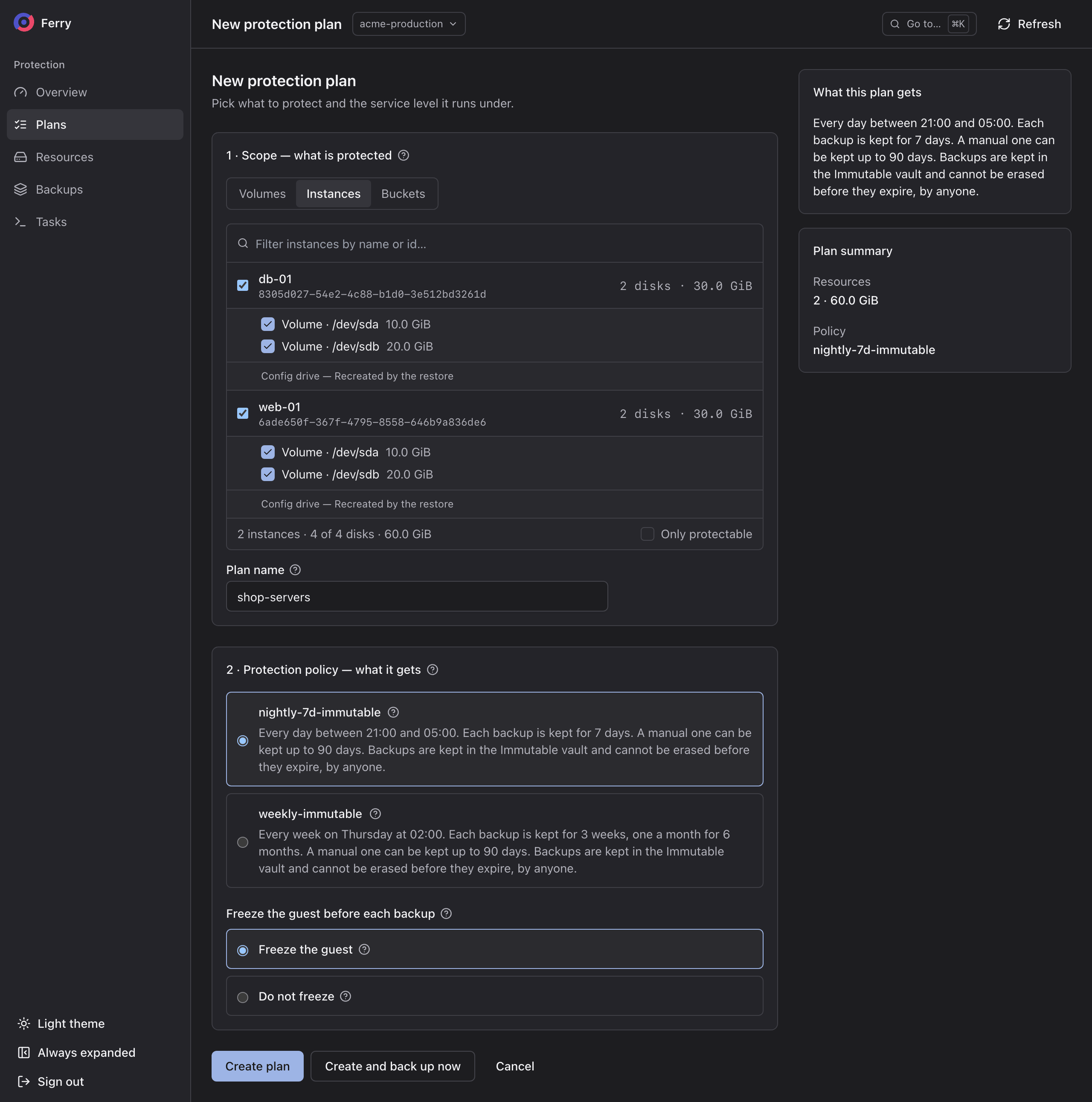
The operator defines backup schedules, retention periods and storage in protection policies. Project members select a policy for each plan. They can choose an expiry date for manual backups within the vault's limits. A project token cannot shorten policy retention.
| Object | Owner | Purpose |
|---|---|---|
| Repository | Operator | Backup storage and its retention settings. Operators manage the underlying bucket, pool or filesystem and its credentials. |
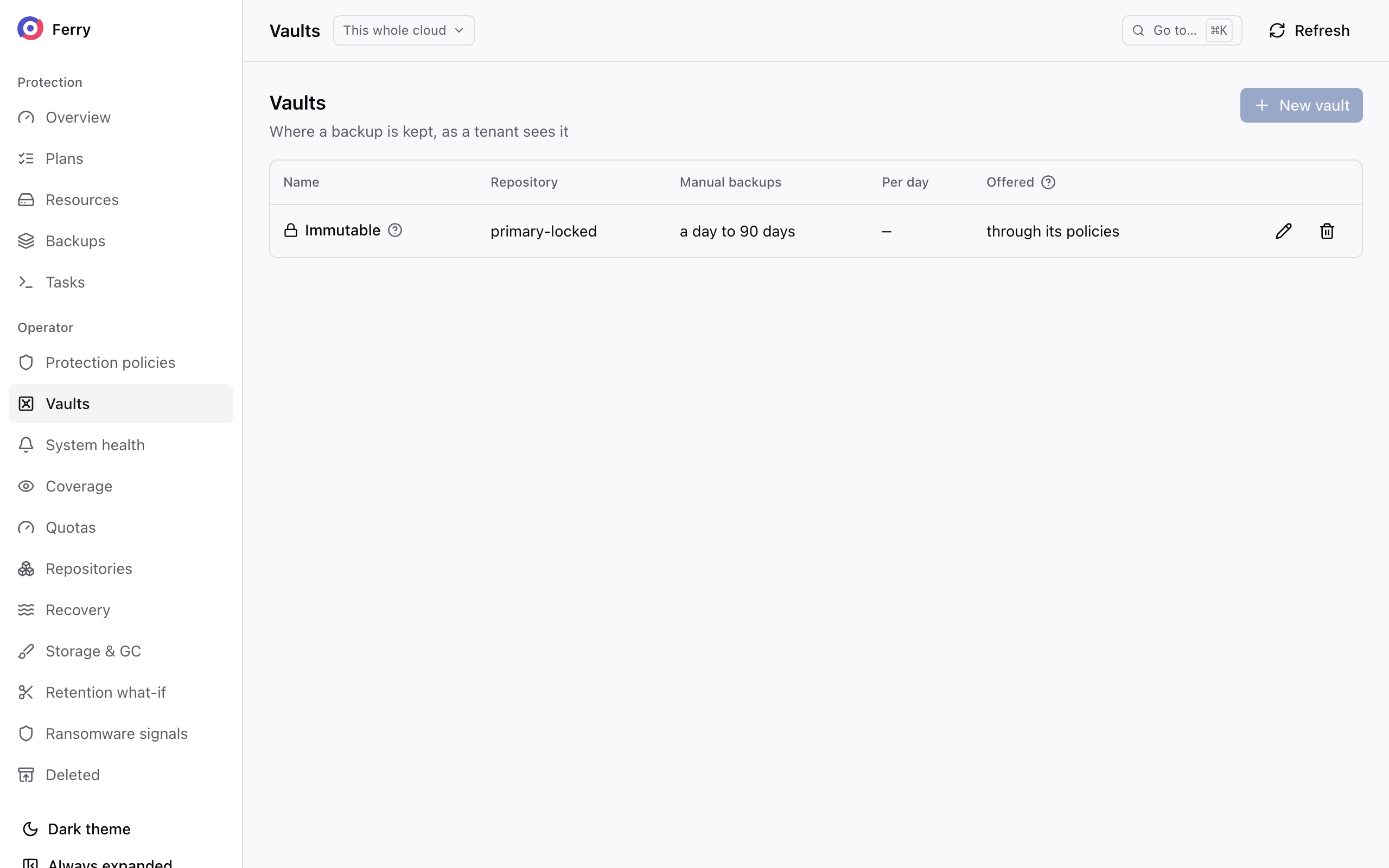
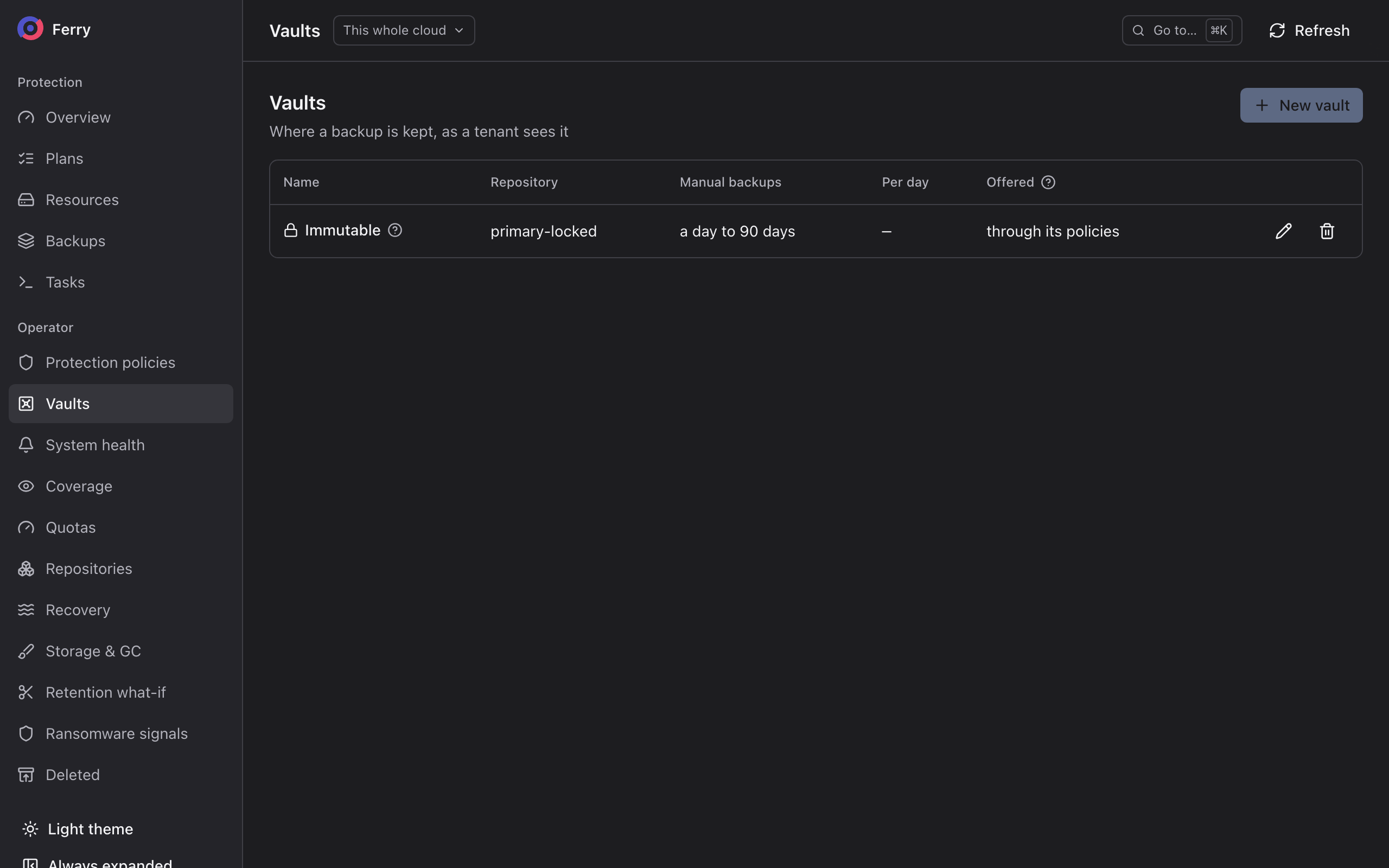
| Vault | Operator | A name and description for a repository, such as Immutable, with retention limits and daily allowances for manual backups. |
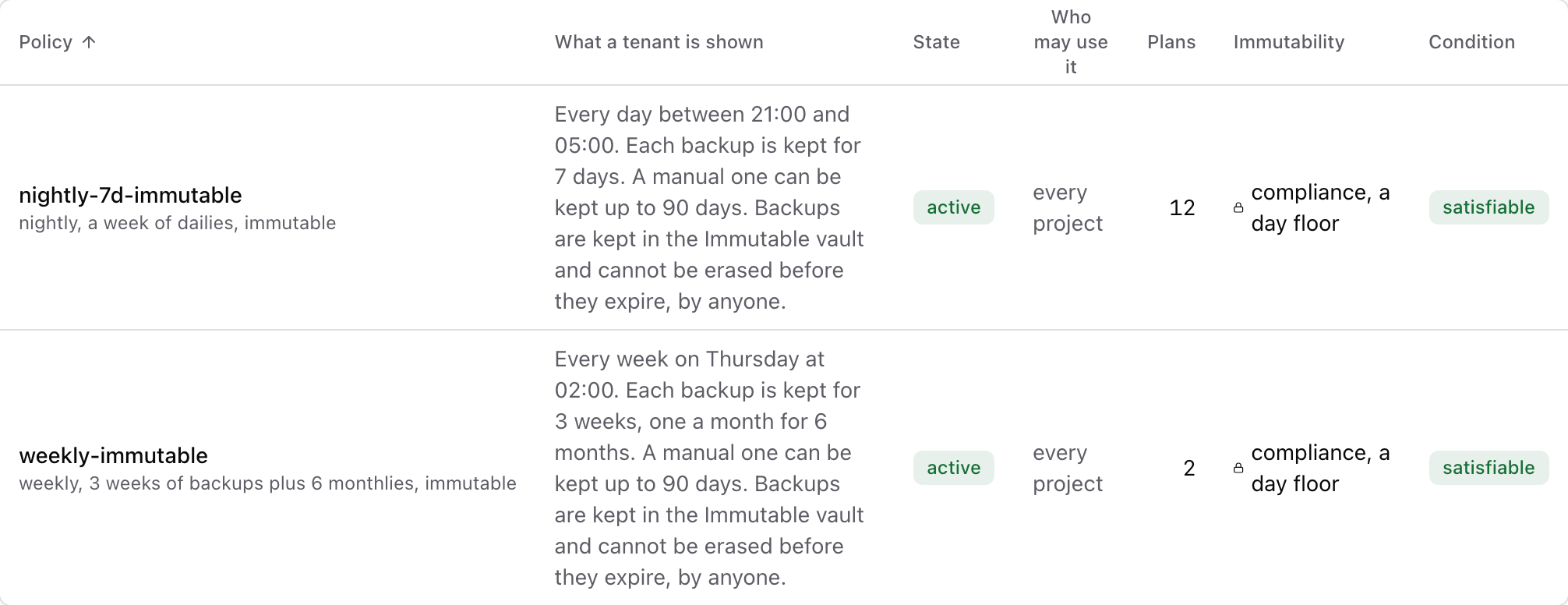
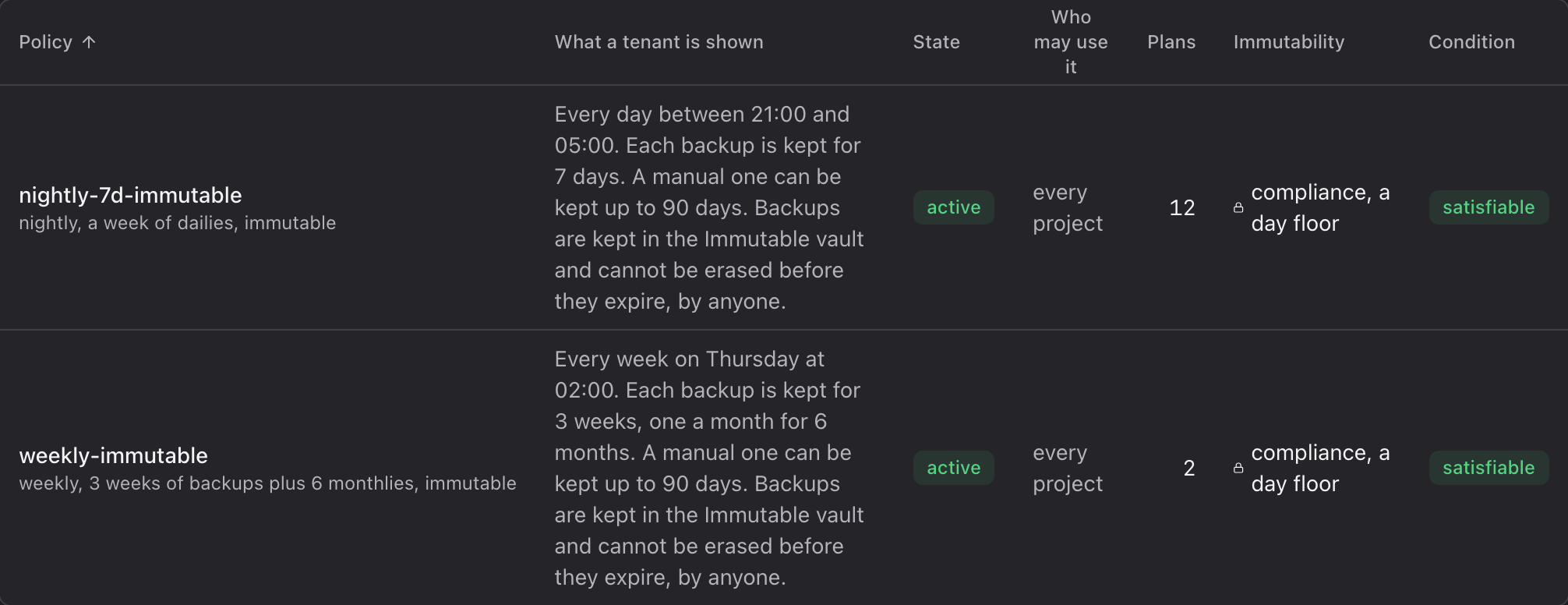
| Protection policy | Operator | A service level: when backups run, how long each is kept, which vault keeps them. A project sees it as one sentence, for example "Every day between 21:00 and 05:00. Each backup is kept for 7 days." |
| Plan | Project | Which resources to protect, under which policy, and whether the guest is frozen before each backup. |
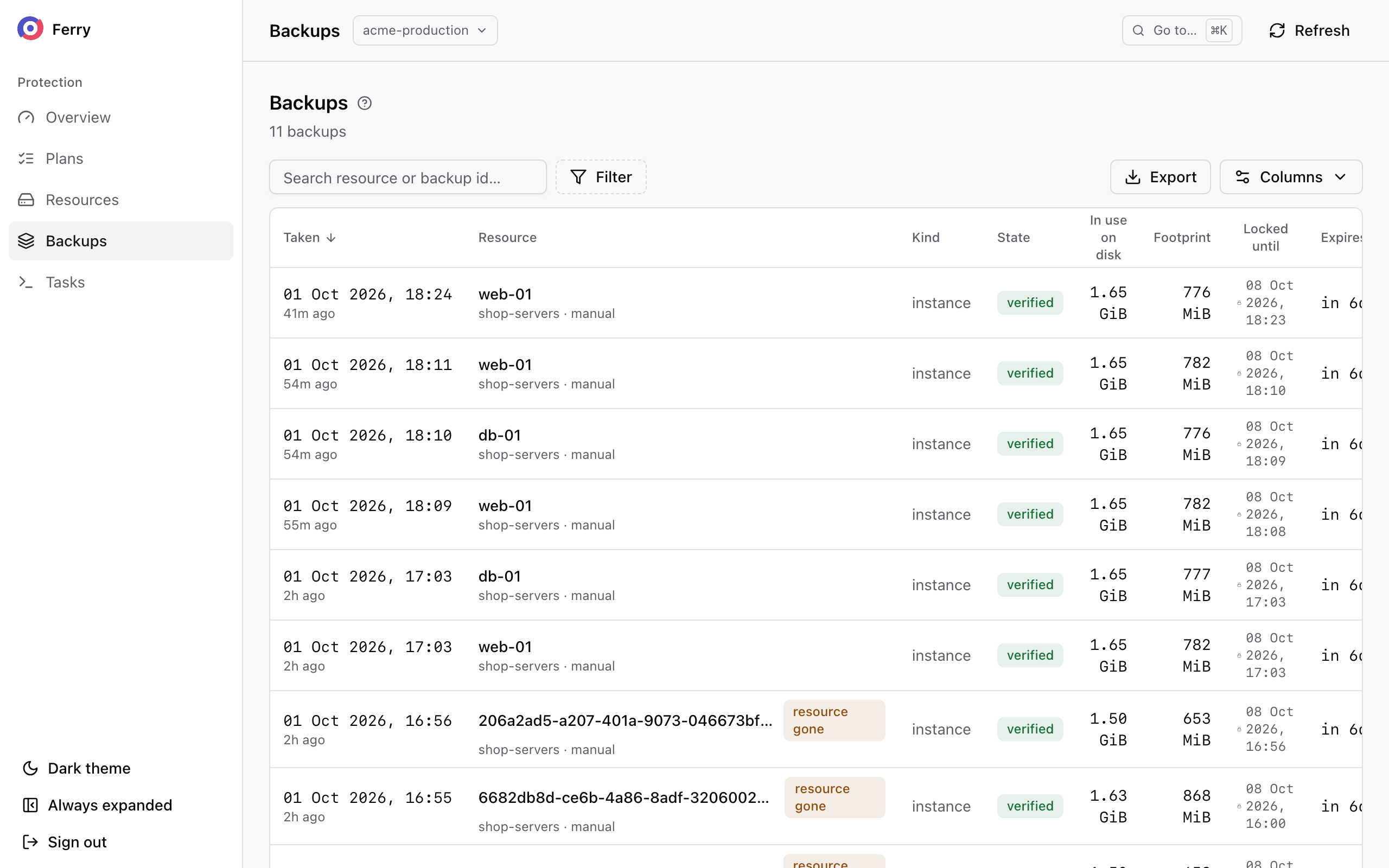
| Backup | Project | One restorable copy of one resource at one instant. |
| Restore | Project | A backup written back into the cloud: as new resources, over the original, or attached read-only to a running instance. |
Scheduled backups
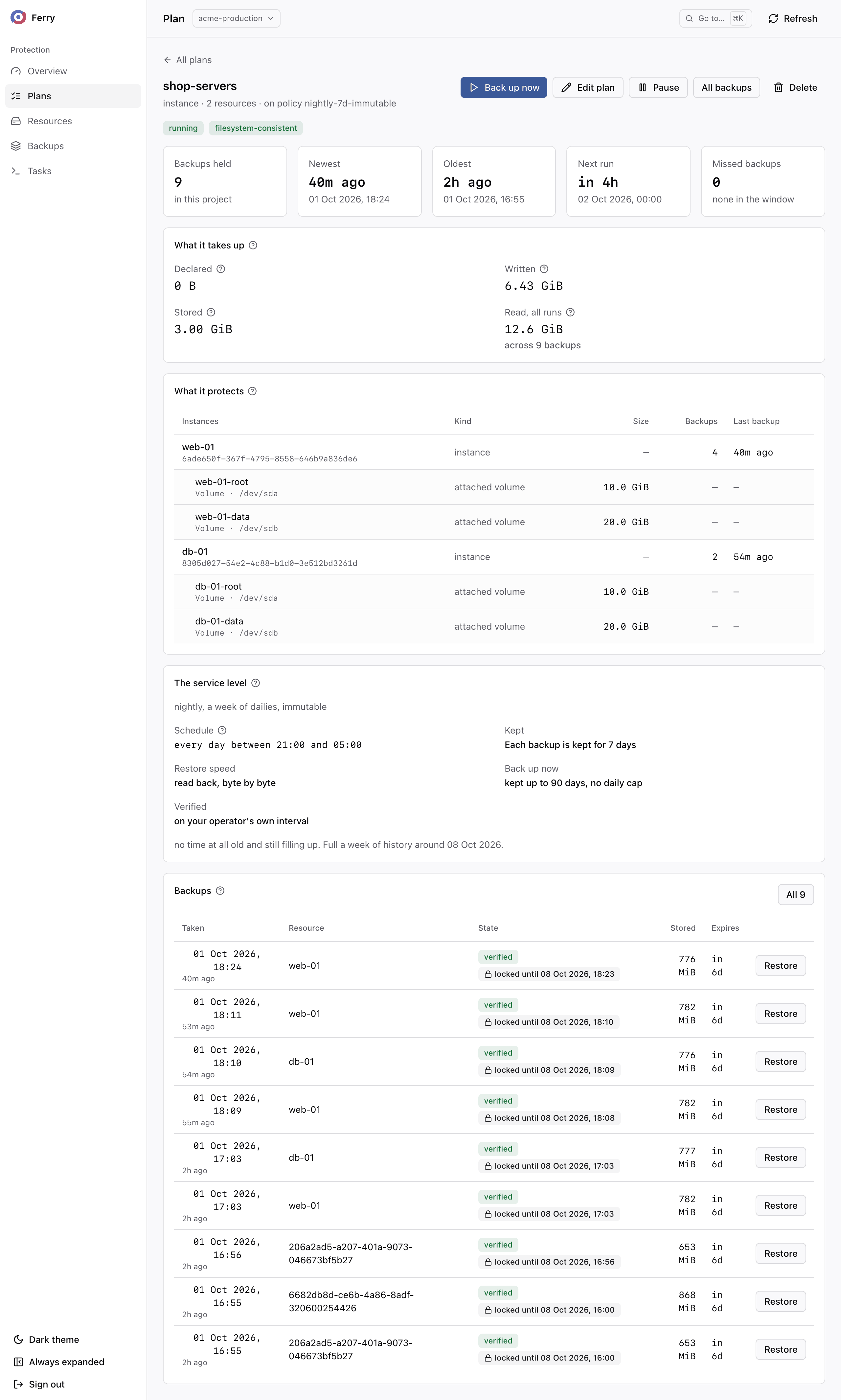
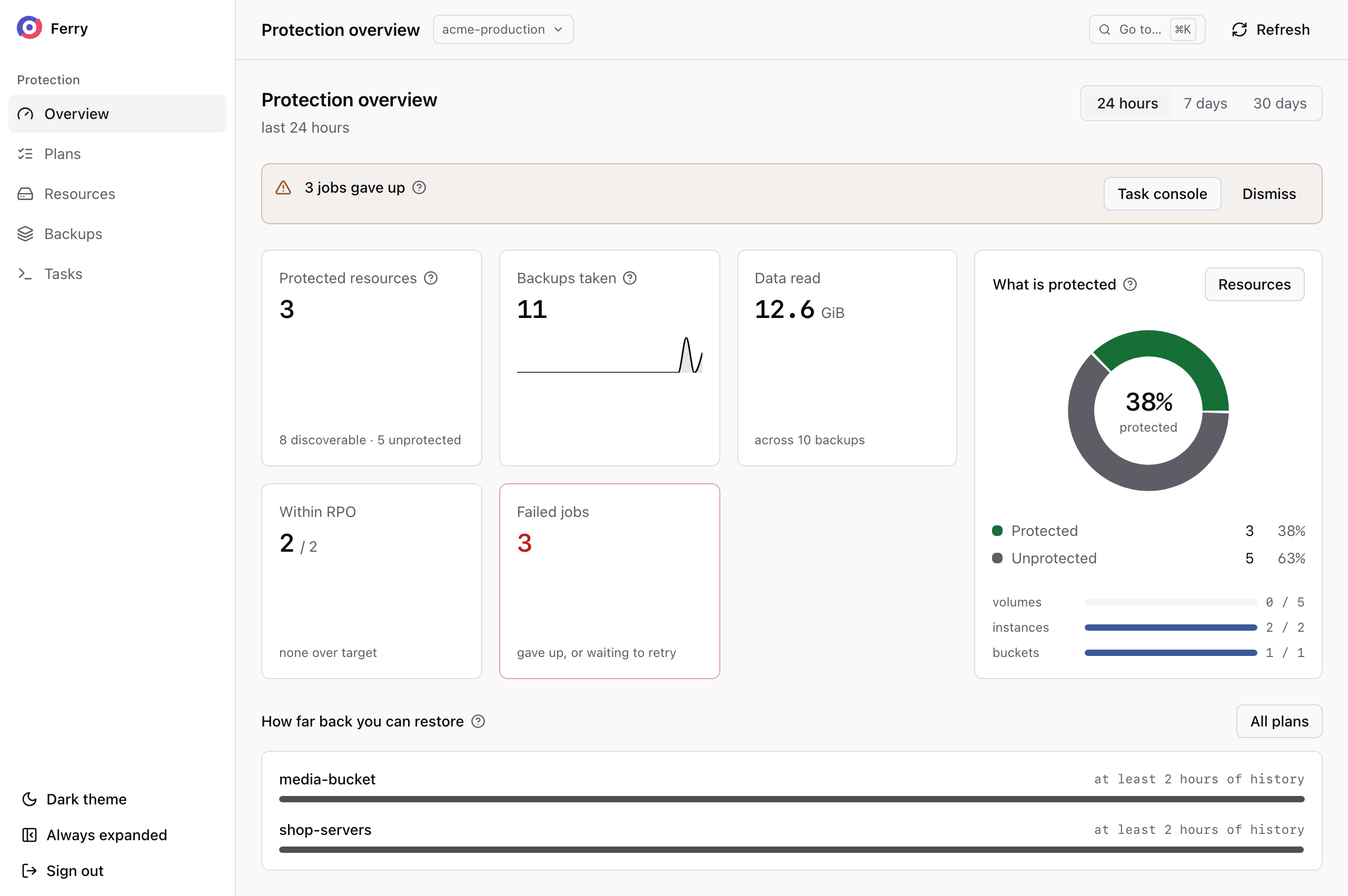
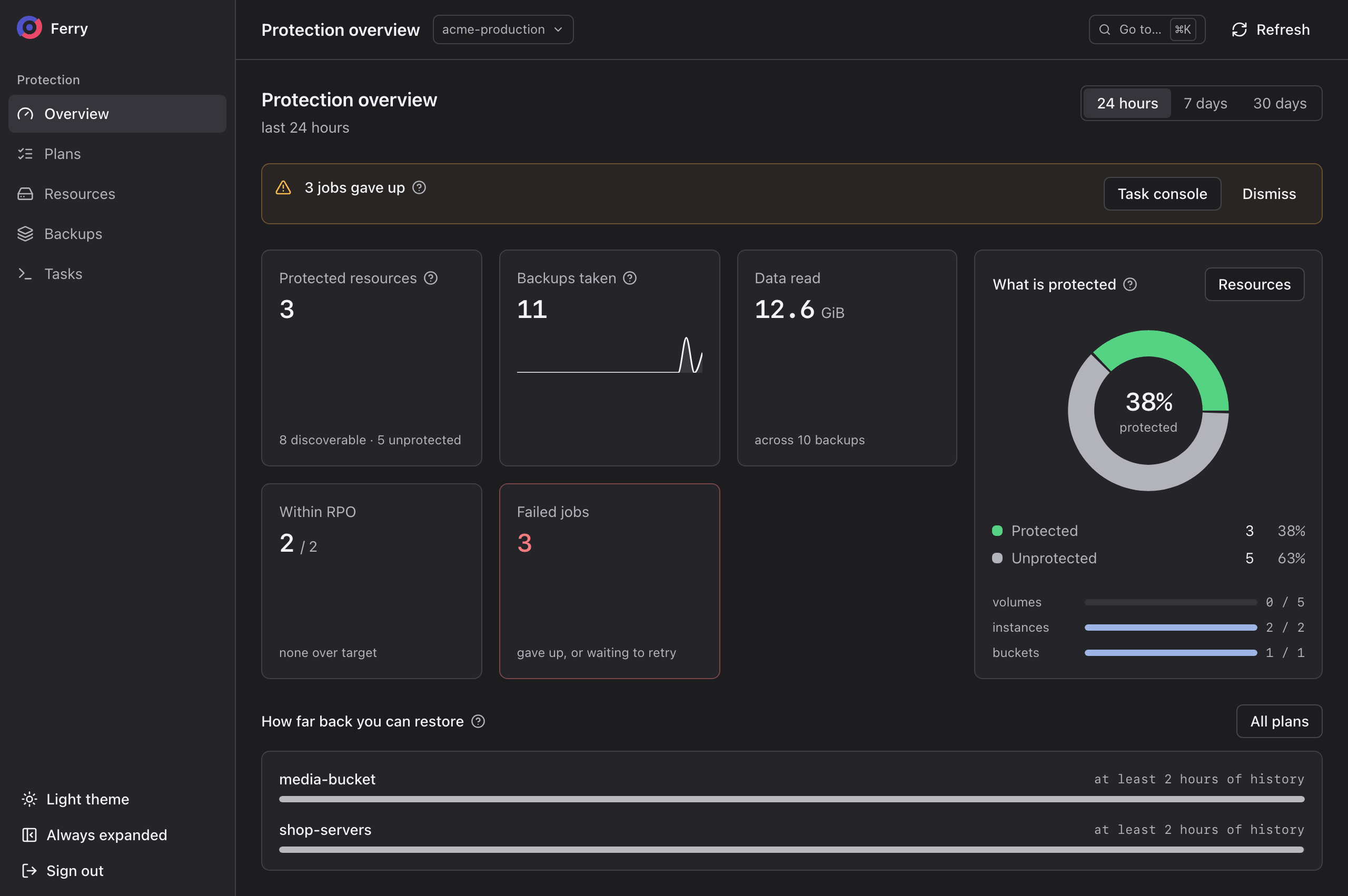
A plan runs on its policy's schedule, inside the policy's backup window. Each run backs up every resource in the plan, and each resource gets its own backup. A run that cannot start before the policy's deadline is recorded as a missed backup. The service skips that run to prevent it from overlapping the next backup of the same resource.
When you enable filesystem consistency, the service freezes the guest's filesystems while it snapshots every disk of the instance. The freeze lasts about a second. Without a freeze, the backup is crash-consistent and may require filesystem or application recovery after a restore. Each backup records the consistency it achieved.
Ceph change tracking and the hypervisor path for qcow2 disks support incremental reads. Other paths read the full disk. Deduplication limits uploads to data the repository does not already hold. See Supported storage for the requirements of each path.
Backup retention
A policy defines a minimum retention period and may retain the first backup of each day, week, month or year for longer. The service assigns retention roles and an expiry date when the backup completes. Existing expiry dates change only when an operator explicitly applies a retention update. Manual backups use the expiry date selected at creation.
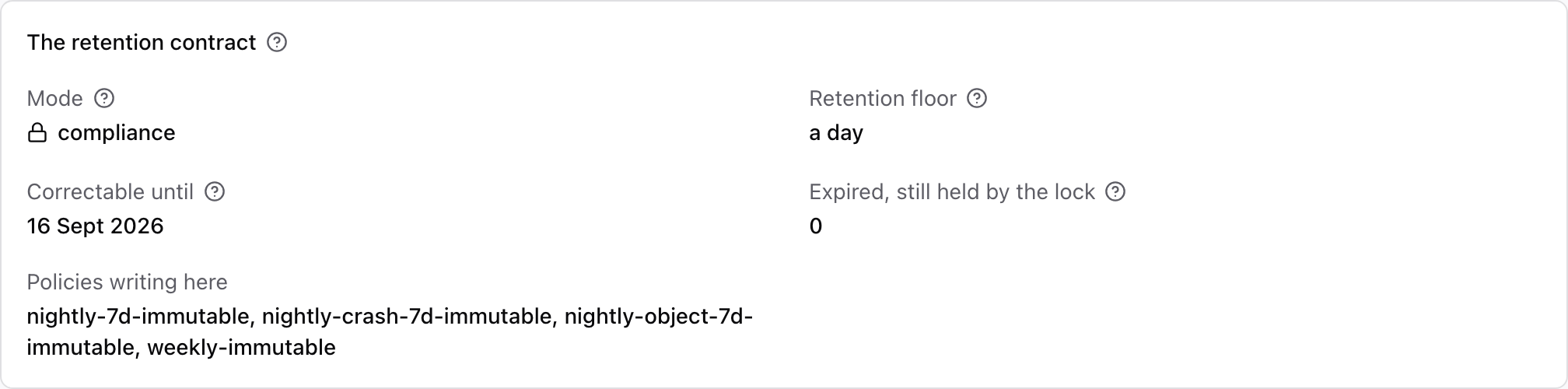
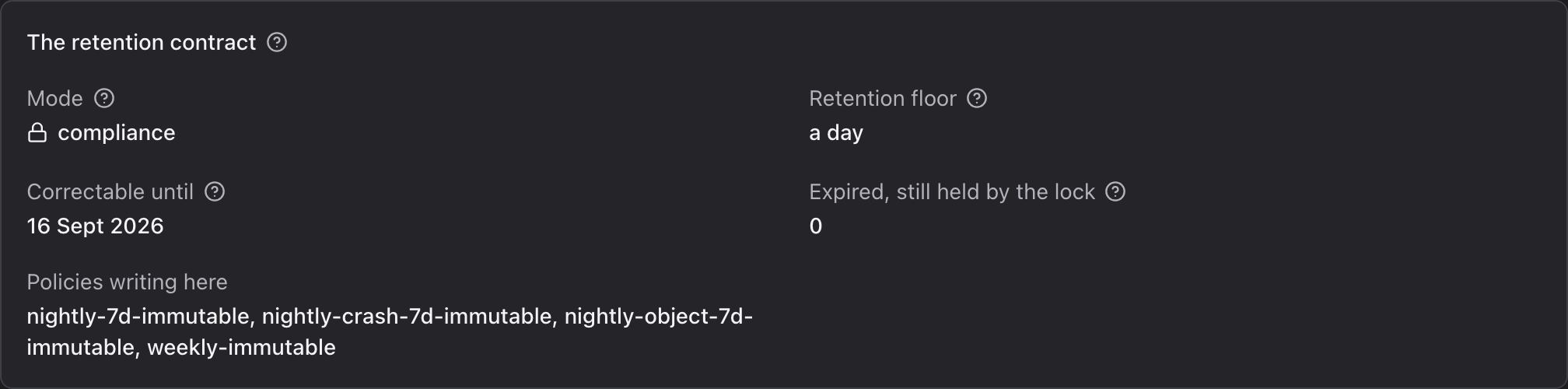
On a vault the operator made immutable, the storage itself refuses to delete a backup before its date. It refuses the project, the operator, and anyone holding the storage credentials. That is compliance mode. In governance mode, a storage administrator holding the bypass permission can still delete it. On other vaults, a backup that a project deletes is hidden immediately. It is kept for a grace period, during which the operator can bring it back.
Backup restores
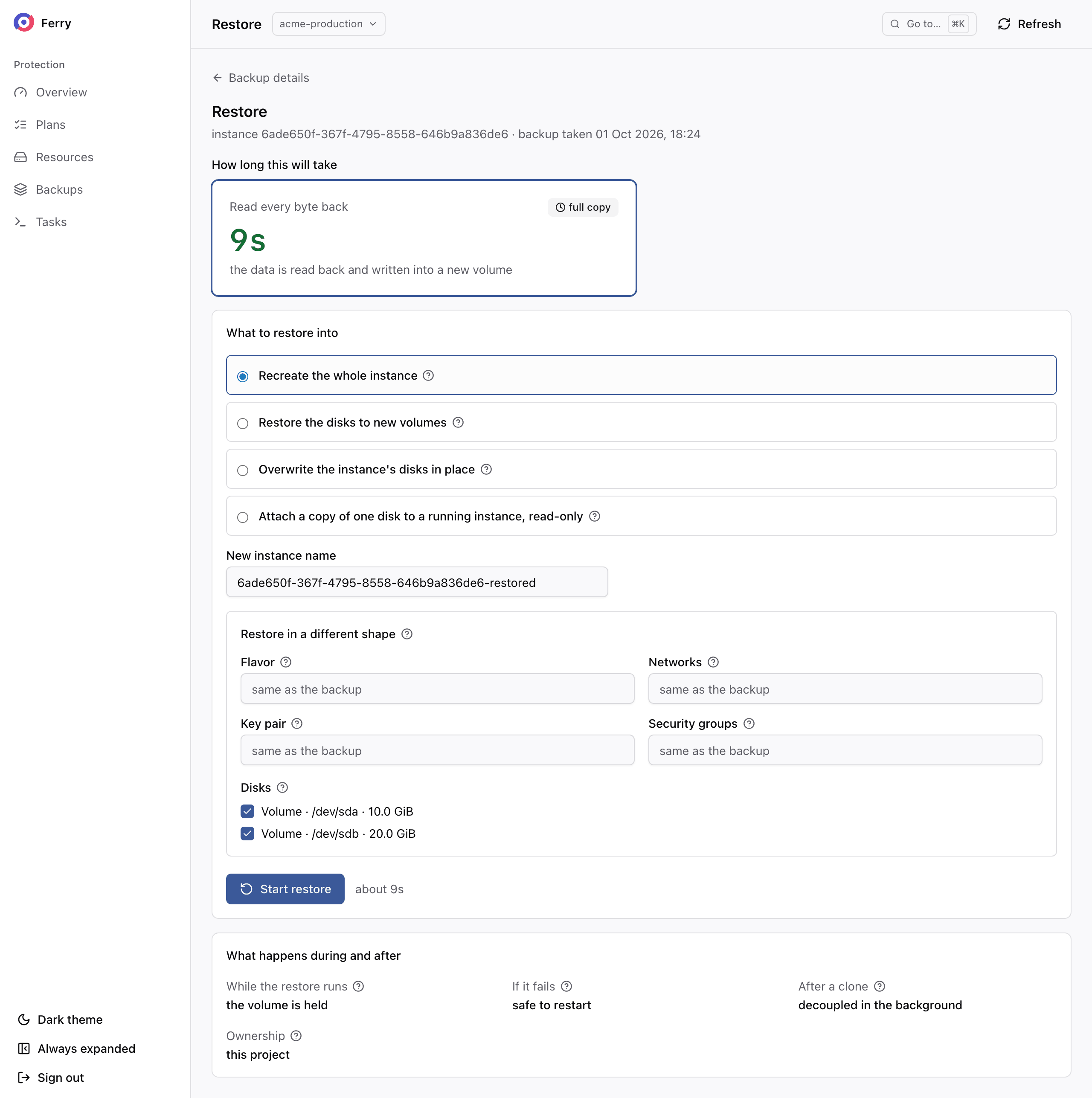
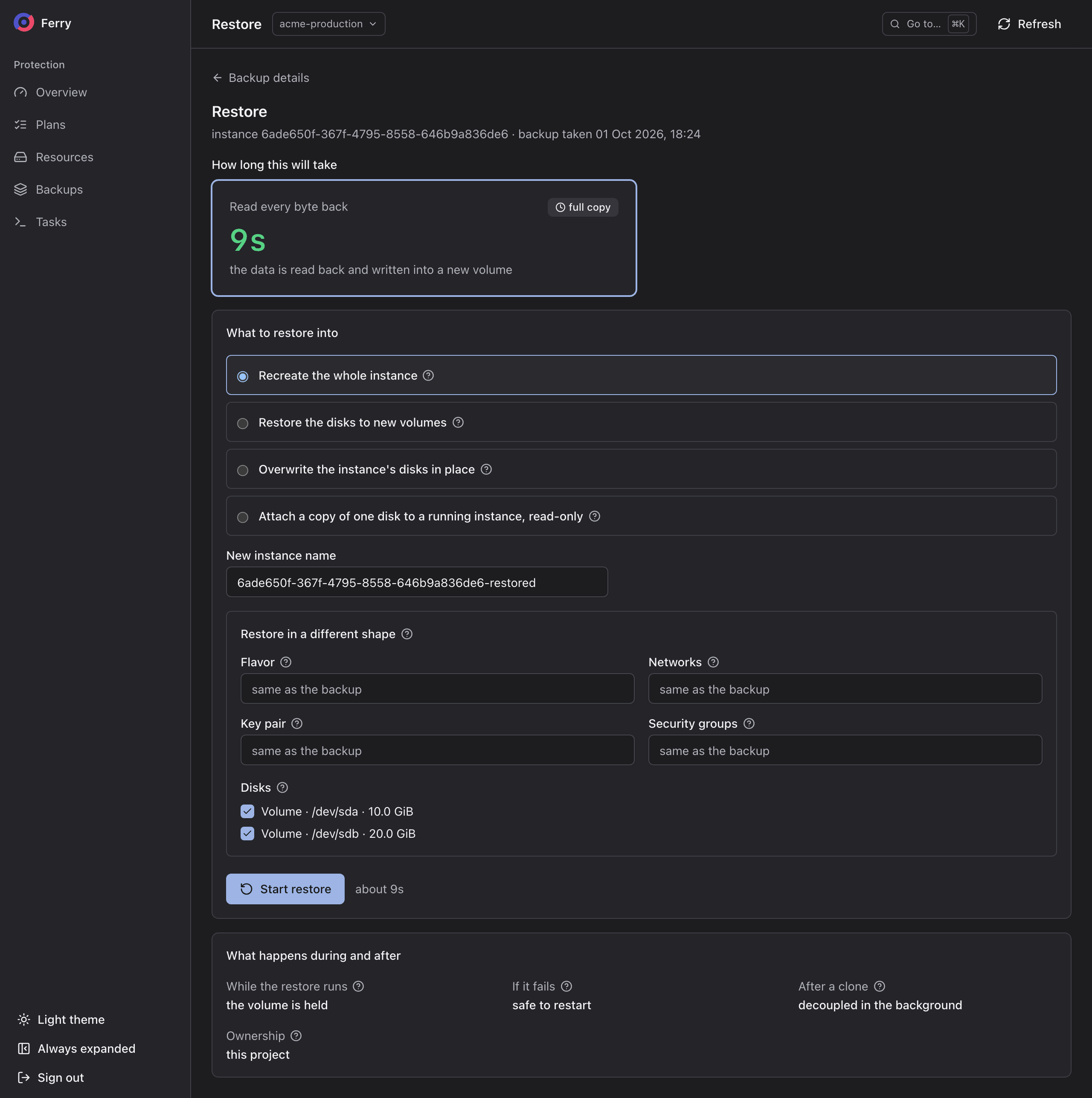
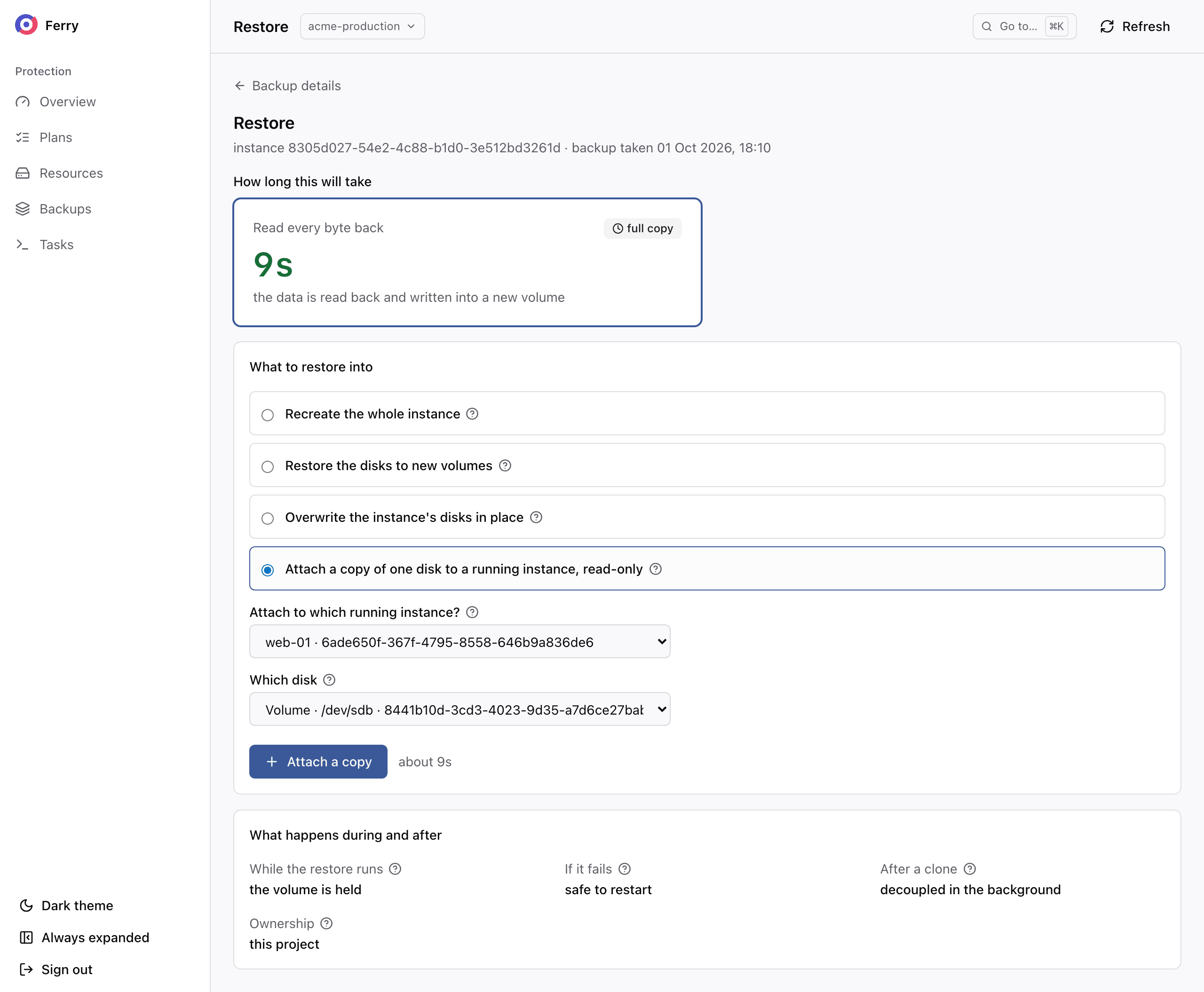
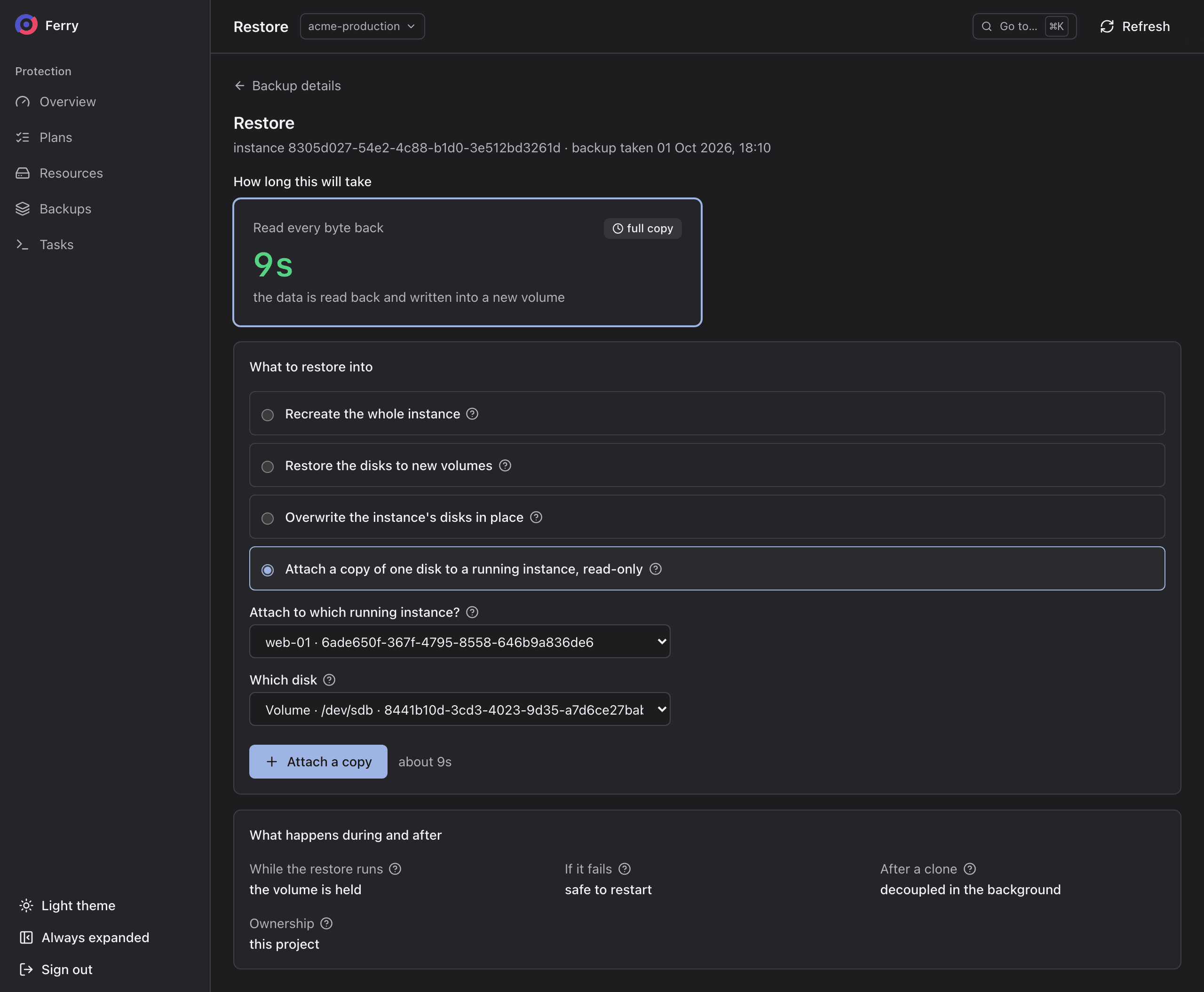
A backup restores into new resources by default: a new instance, new volumes, or a new bucket. An instance can be recreated with a different flavor or network configuration. Its disks can be restored as plain volumes instead. Restoring over the original is available for instances and volumes and is never the default. A single disk of a backup can also be attached read-only to a running instance for a few hours. Mount the attached copy to recover individual files.
Disaster recovery
Disaster recovery restores servers and volumes in another region after a site failure. Each OpenStack region runs its own Ferry and exchanges recovery records through shared storage. Recovery can proceed while the source region is unreachable.
A protection policy defines recovery at another site at one of three recovery tiers. Cold restores the newest backup there. Warm keeps a standby copy of every disk there, replayed from each new backup. Hot recovers Cinder volumes that Ceph's rbd-mirror keeps mirrored there every few minutes. The policy summary tells projects the recovery site and recovery time target. See Disaster recovery for requirements and configuration.
Servers that must recover together form a protection group, with a boot order and a health check per server. A failover releases the group where it runs and recovers it in the other region, tier by tier. It can be tested in an isolated network first, and failed back afterwards. Disaster recovery is off by default, and the operator turns it on in both regions.
Immutable backups protect recovery data against deletion with compromised credentials. S3 Object Lock in compliance mode prevents deletion before the retention date, including by the operator.
Get started
The console. Projects open it at the address the operator gives them. They sign in with their OpenStack user name, user domain and password, then choose a project. The project switcher at the top of every page changes the project later. Inside the OpenStack dashboard it is under Project › Backup › Backup. There the dashboard signs the user in and chooses the project. Users with a system role reach the Operator section from the same console.
The CLI. The service adds an openstack backup command group to the OpenStack CLI. It
authenticates like every other openstack command and finds the service in the catalog under the type
backup:
pip install python-openstackclient python-ferryclient
openstack backup policy list
If the command reports no backup endpoint, the service is not registered in the region's catalog.
To confirm, run openstack catalog show backup. Operators also use ferry, the service's own command line
(Access control). Every command is in the
CLI reference.
A token issued from an application credential cannot start a restore. A restore runs on a Keystone trust, and Keystone does not let an application credential create one. Restore with a password-based login, or ask the operator to run the restore.
Roles. Access follows the caller's OpenStack role:
| Role | May |
|---|---|
reader in a project | See the project's plans, backups, restores and tasks, the policies and vaults offered to it, and its usage. |
member (also _member_ and admin) in a project | Everything a reader may, and create, change, pause and delete plans, take, verify and delete backups, restore, and cancel tasks. |
admin on the system | Operator tasks: repositories, policies, vaults, quotas, coverage, recovery, and other projects' data. An admin role on a project is not enough. See Access control. |
Frequently asked questions
Which OpenStack resources can Ferry back up?
Nova instances, with the root disk and every attached volume captured at one instant; Cinder volumes on Ceph RBD and on other Cinder storage; and object storage buckets served by the Ceph RADOS Gateway.
How are OpenStack backups stored?
Backups are stored in S3-compatible object storage, compressed and deduplicated. After the first backup, the service stores only new data. Barbican or HashiCorp Vault provides keys for encrypted plans. Each backup records all the data needed to restore it.
Can backups be protected against ransomware?
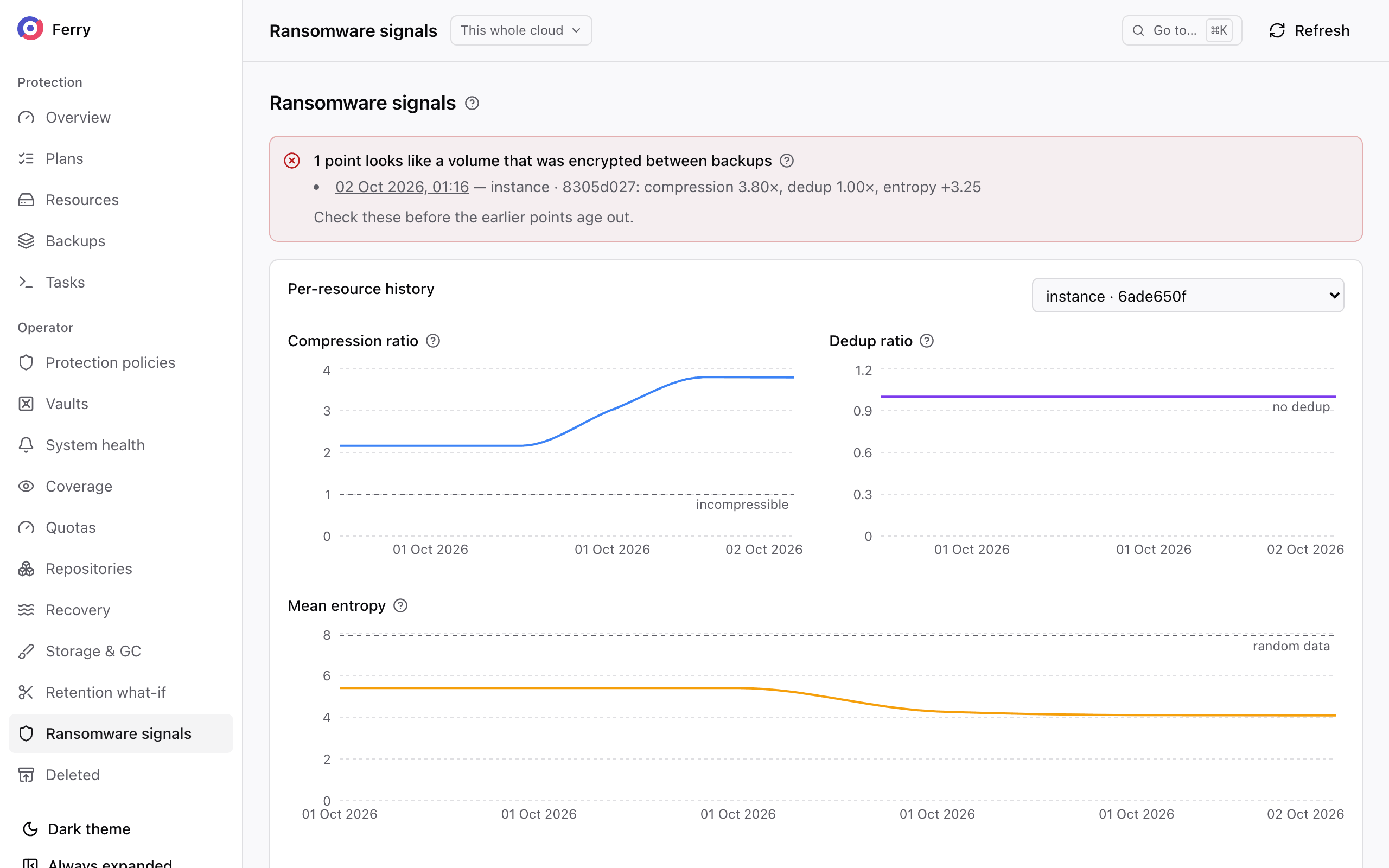
S3 Object Lock in compliance mode prevents deletion or overwriting before a backup's retention date, including by users with storage credentials. The operator console also flags changes in compression, entropy and new data that may indicate ransomware. Operators must investigate these signals to determine the cause.
Does it provide disaster recovery for OpenStack?
Yes. A recovery region restores servers and volumes from backups, warm standbys or Cinder volumes mirrored by Ceph rbd-mirror. Protection groups define which servers recover together, their boot order and their health checks. You can test recovery in an isolated network and fail back afterwards. The operator must enable disaster recovery in both regions.
Are the backups application-consistent?
Backups support filesystem consistency when the QEMU guest agent is running and the plan enables freezing. The agent freezes the filesystems while the service snapshots the disks. Application recovery requirements still depend on the workload. If the guest cannot be frozen, the backup is crash-consistent and records that result.
Can projects restore on their own?
Yes. Projects create plans, take manual backups and restore from the backup console, from the OpenStack dashboard, or with the openstack backup command line, without asking the operator.
Who develops Ferry?
The OSIE team develops Ferry and OSIE, the OpenStack dashboard and billing system.
Which OpenStack deployments does it support?
kolla-ansible 2025.1 and later, OpenStack-Helm and the distributions built on it, Red Hat OpenStack Services on OpenShift, Charmed OpenStack and Canonical OpenStack (Sunbeam), on libvirt and KVM.
Configure and integrate
- Deploy the service and connect it to your cloud's storage.
- Use the CLI to manage backups and recovery from a terminal.
- Use the API to integrate backup and recovery into your platform.