Services and regions
A cloud offers the services its Keystone catalog lists, in the regions where it lists them. You decide which of them customers can use, region by region. A service you leave off in a region is absent from the client portal there, and OSIE refuses requests for it.
Turn a service on in a region
- Go to System > Service providers, open the cloud, and choose the Services tab.
- Open a service and switch each region where customers can use it to Enabled.
- Select Save. Nothing changes for customers until you save.
The tab reads the catalog each time you open it. A service or region that appears in the catalog later,
after an OpenStack upgrade or a new region, is listed as Disabled until you enable it and save. Give a
new region the name customers see, and its place in the list, under System > General Settings, on the
Regions tab. OSIE lists Cinder as volumev3, whether the catalog registers it as volumev3 or as
block-storage. The catalog types OSIE uses are listed in
Network flows and ports.
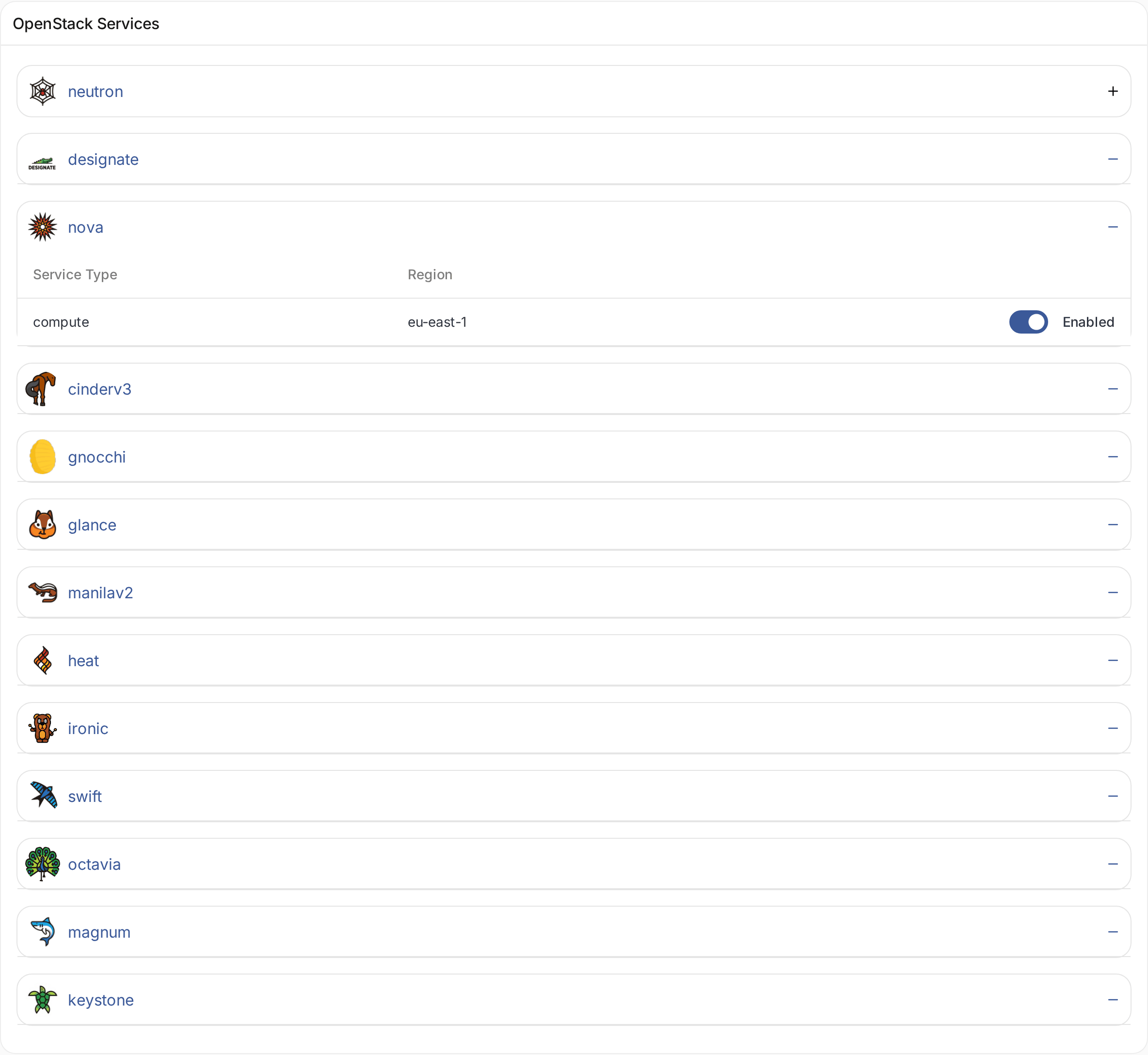
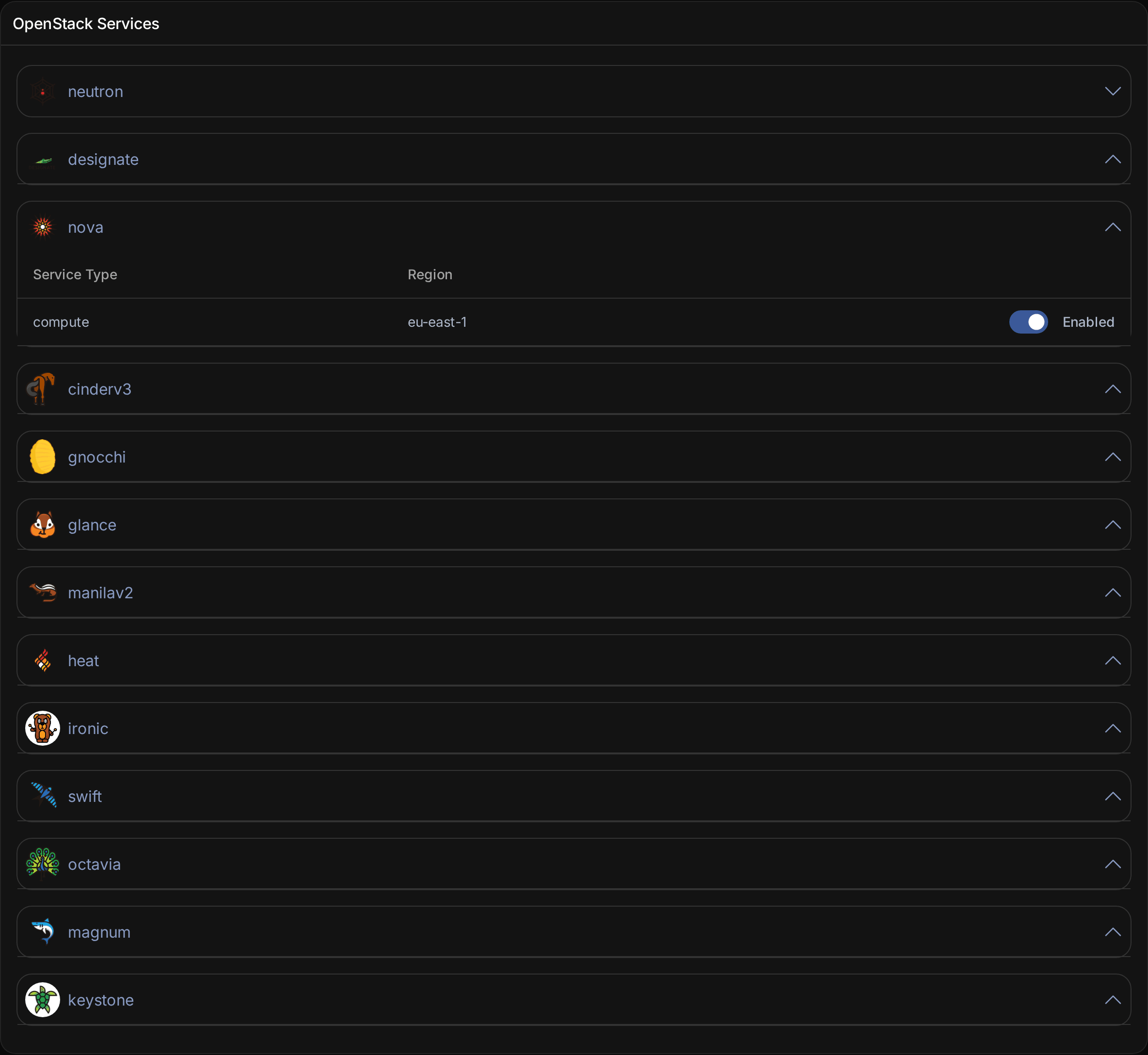
Services in the client portal
The client portal shows a service in its menu when at least one region of the project's clouds offers it. Each create form lists only the regions where the service is enabled. Behind the portal, OSIE refuses to create, change or delete a resource of a service in a region where that service is off, so customers using the OSIE API meet the same limits.
Firewalls also need the cloud's Neutron to offer the FWaaS v2
extension (fwaas_v2). Where it does, the client portal shows the Firewalls tab in every region with the
network service enabled. There is no separate switch for them, and this dashboard does not show whether a cloud
has the extension: see what firewalls require.
Firewall groups, policies and rules are billed through their own
resource types.
Turn a service off where resources exist
Turning a service off in a region does not delete anything. Resources customers already have stay in OpenStack and in OSIE, but OSIE stops synchronizing them and refuses to change or delete them. Changes made directly in OpenStack no longer appear in the portal. Turn a service off in a region only after customers have removed their resources of that service there.