Cloud diagnostics
OSIE works on an OpenStack cloud with the administrator credentials, roles, domains and endpoints you give it. When one of them is missing, the failure appears somewhere else and later: a project that cannot be deleted, volumes missing from the client portal, or instance charts that stay empty. Diagnostics check this access in one run, change nothing, and say how to fix what they find.
Run them after you add a cloud, after you change its credentials, roles or domain mappings, and after an OpenStack upgrade.
Run the diagnostics
- Go to System > Service providers and open the cloud.
- On the Connection tab, select Diagnostics.
- Fix what the result reports, then select Run again.
Most findings come with the openstack command that fixes them, to run with the cloud's administrator
credentials.
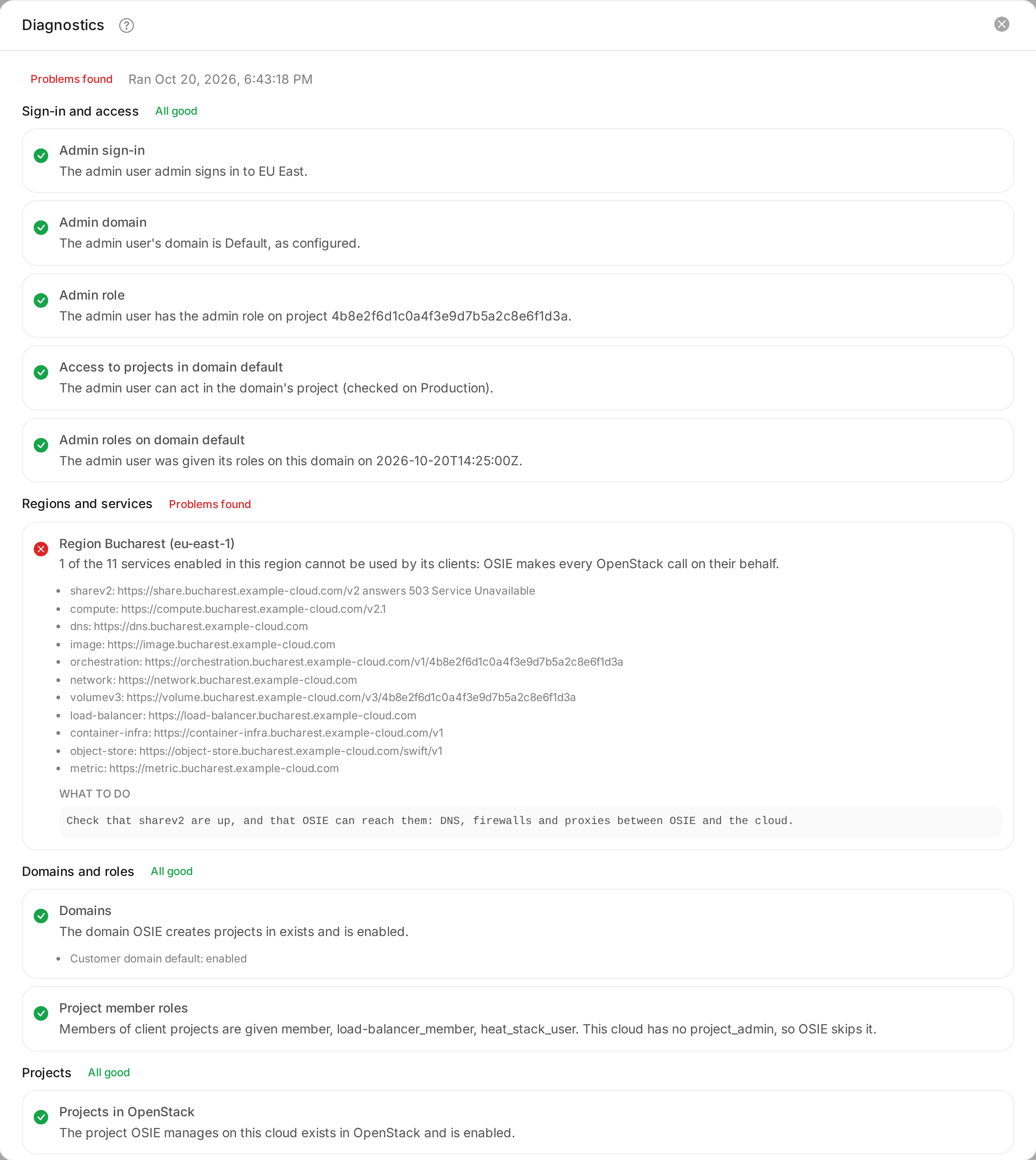
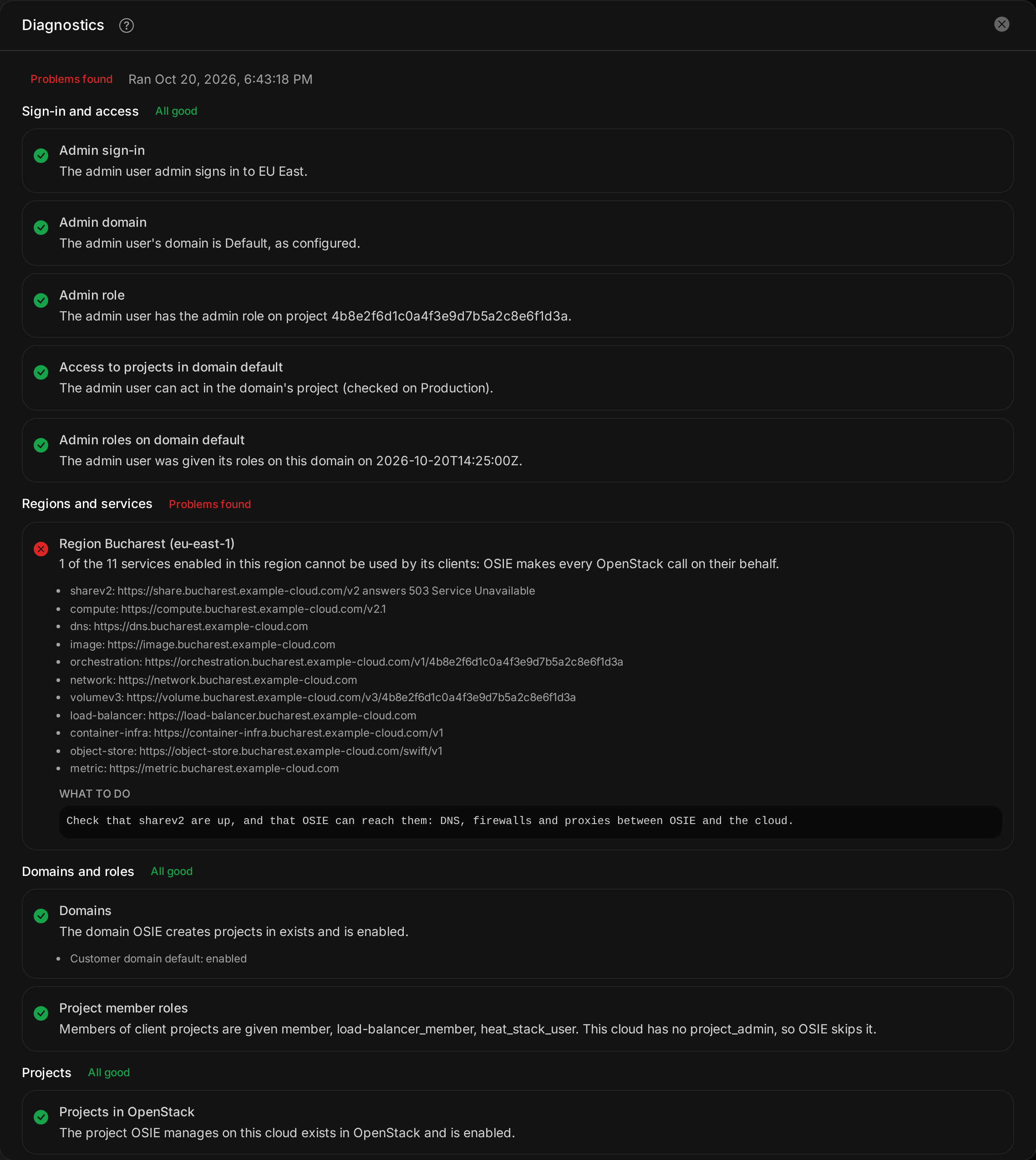
Diagnostics are not available for a shared cloud. A shared cloud runs every customer in one project, and most checks concern the customer projects OSIE creates on a cloud of its own.
Diagnostic checks
A run signs in with the cloud's administrator credentials and checks that the administrator user has the admin role and can act in the projects of each domain OSIE creates projects in. It calls the public endpoint of every service you enabled for clients, in every region. It checks that those domains, and the roles OSIE gives to project members, exist in OpenStack, and that every project OSIE manages on the cloud still exists and is enabled. Finally, it reads the instance metrics source configured for each region.
When the administrator user cannot sign in, the checks that depend on it are skipped. A cloud that answers slowly can leave checks unfinished, and running the diagnostics again completes them.
A clean run shows that OSIE had the access it needs at that moment. OpenStack policies and the state of individual resources can still refuse a later request.
The roles OSIE needs in customer domains are described in OSIE's own roles on the mapped domain.