Console and branding
The manager serves the backup console at the root of its public address, for example
https://backup.mycompany.com/. Projects sign in there with their OpenStack credentials. Operators
with a system role reach the Operator section from the same page. When it loads, the console reads
what the cloud offers and hides what is not available. It hides the encryption choice without a key
manager, bucket protection without an object gateway, and immutability without a locked repository.
Add the console to the OpenStack dashboard
A dashboard plugin adds two panels that embed the console, signed in with the dashboard session:
| Menu | Opens |
|---|---|
| Project › Backup › Backup | The tenant view of the current project. |
| Admin › Backup › Backup | The operator view. It asks Keystone for a system-scoped token for the signed-in user. This succeeds only if the user holds a system role assignment. |
The token travels from the dashboard to the console inside the browser. It is never put in a URL, so it
stays out of history, bookmarks and proxy logs. The panels find the console through the catalog's backup endpoint.
On kolla-ansible, use the dashboard image with the plugin built in, at the same release as the service:
horizon_image_full: ghcr.io/osie/ferry-horizon:0.16.1
kolla-ansible reconfigure -i /etc/kolla/inventory --tags horizon
The dashboard shows the console in a frame. The manager sends no framing restrictions, so any site can
frame the console. Restrict framing to the dashboard at whatever terminates TLS in front of the
service. For example, send Content-Security-Policy: frame-ancestors https://horizon.mycompany.com.
Open the console signed in from a customer portal
A customer portal can send its users to the console already signed in, without passing a token in a
URL. With the user's token, the portal asks the manager for a one-time code with
POST /v1/auth/handoff and opens the console at ?handoff=<code>. The code is valid once, for one
minute, and the console exchanges it for the session.
Set console branding
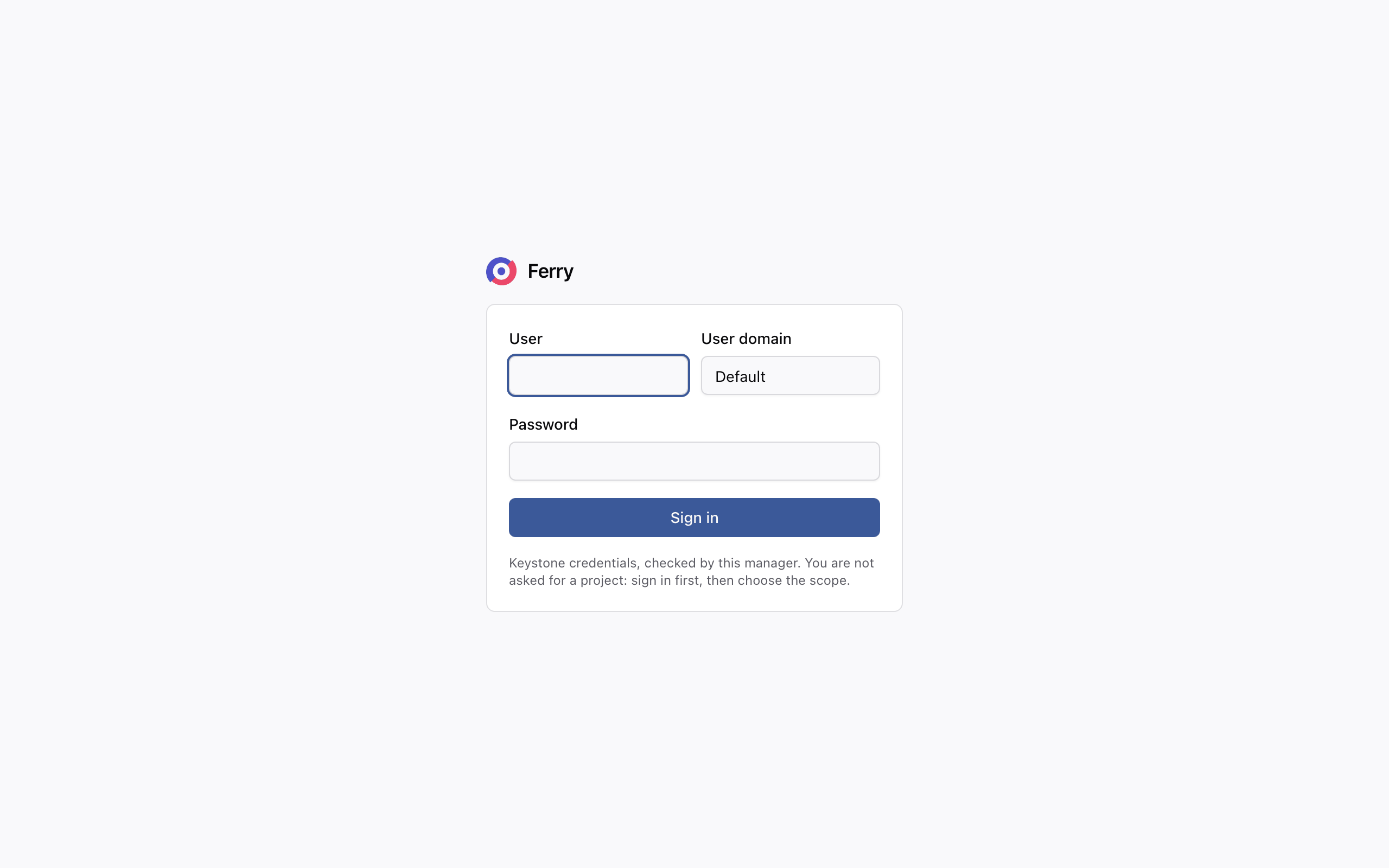
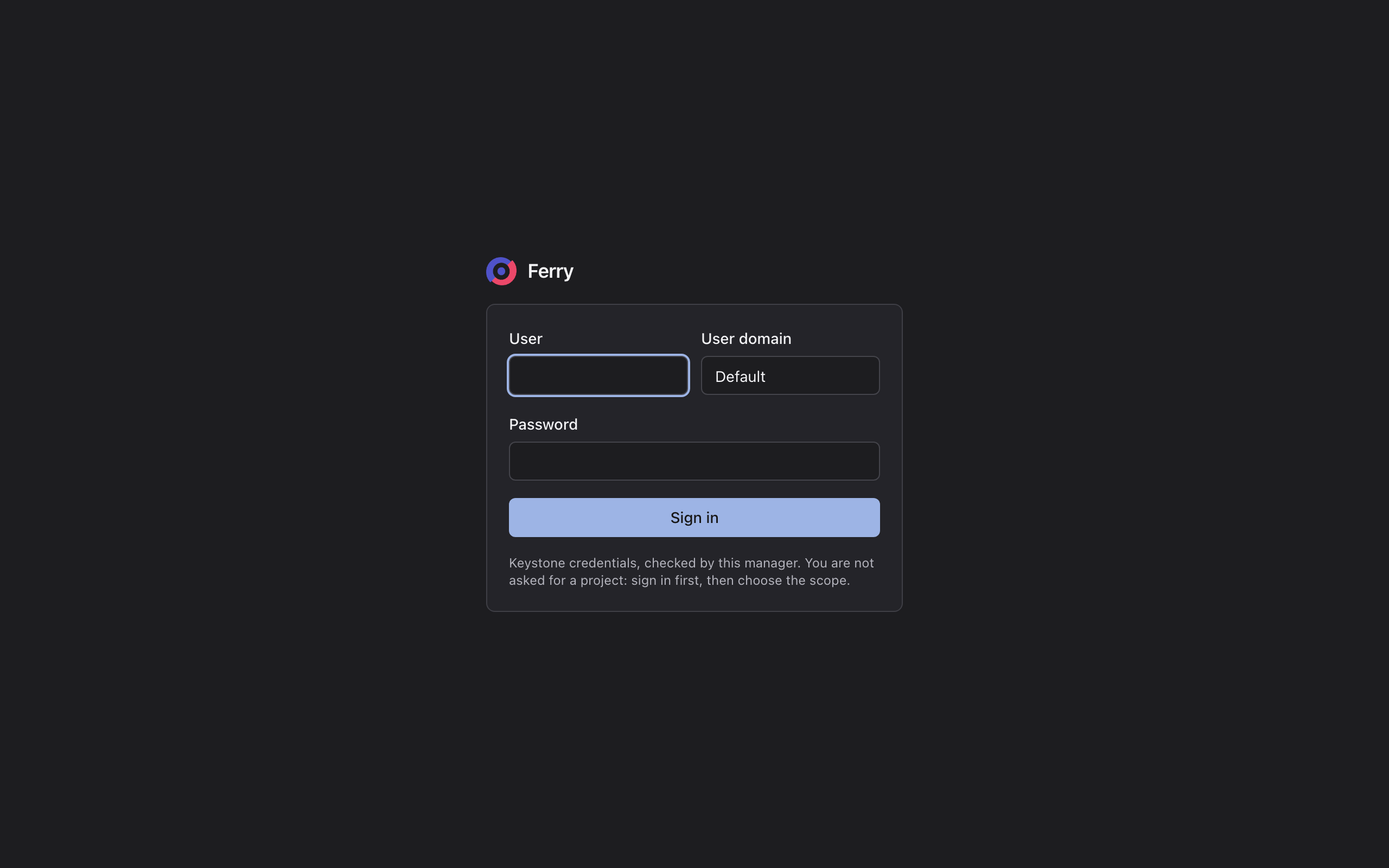
Set your product name, logo, favicon and colours to brand the console. These settings apply to its appearance. API, CLI and catalog identifiers remain fixed. Without a product name the console calls itself Ferry in the sidebar, on the sign-in card and in the browser tab.
| Setting | Effect |
|---|---|
| Product name | Shown in the sidebar, on the sign-in card, in the browser tab, and wherever the console's own text names the product. At most 64 characters. |
| Logo, dark logo | The square mark beside the name, on the light and dark theme. |
| Logo only | Show the logo alone, without the name, with its alignment, height and width. The name still titles the browser tab. |
| Favicon | The browser tab icon. The logo is used when it is not set. |
| Primary colour, dark primary colour | Buttons, checkboxes, progress bars and the focus ring. Text on a coloured button is chosen automatically for contrast. |
| Stylesheet | CSS loaded after the console's own, for anything else. |
The sign-in card uses your configured product name, logo and primary colour:
- kolla-ansible
- Helm
- Juju
Put the files in /etc/kolla/config/ferry/console/ and name them in globals.yml:
ferry_console_product_name: "Acme Cloud Backup"
ferry_console_logo: "logo.svg"
ferry_console_logo_dark: "logo-dark.svg"
ferry_console_favicon: "favicon.png"
ferry_console_primary_color: "#0b5cad"
ferry_console_primary_color_dark: "#6aa8ff"
kolla-ansible reconfigure -i /etc/kolla/inventory -i /etc/kolla/ferry-groups -p $PLAYBOOK
Create a ConfigMap with the files, then name them:
kubectl -n openstack create configmap ferry-console \
  --from-file=logo.svg --from-file=logo-dark.svg --from-file=favicon.png
console:
  productName: Acme Cloud Backup
  primaryColor: "#0b5cad"
  primaryColorDark: "#6aa8ff"
  filesConfigMap: ferry-console
  logo: logo.svg
  logoDark: logo-dark.svg
  favicon: favicon.png
After changing the ConfigMap, restart the managers: kubectl -n openstack rollout restart deploy/ferry-manager.
Files are given base64-encoded:
juju config ferry console-product-name="Acme Cloud Backup" \
  console-primary-color="#0b5cad" console-primary-color-dark="#6aa8ff" \
  console-logo="$(base64 -w0 logo.svg)" console-logo-dark="$(base64 -w0 logo-dark.svg)"
Images may be SVG, PNG, WebP, GIF, JPEG or ICO, up to 1 MiB. The stylesheet may be up to 256 KiB. The manager checks each file when it starts. It refuses to start on a missing, empty or unrecognised file, and names the setting and the path.
A stylesheet should set only the console's documented colour variables: --background, --foreground,
--card, --primary, --muted, --border, --radius and the others defined by the console. Set them
on :root for the light theme and on [data-theme='dark'] for the dark one. Anything beyond those, such
as a class name, can change in any release. If you change a background, you are responsible for
keeping enough contrast.