Vaults
A vault gives projects a name and description for a repository, such as Immutable or Standard. It also defines retention limits and daily allowances for manual backups. Operators manage the underlying storage and credentials.
The repository stores the data and enforces any lock. A vault associated with a locked repository is therefore immutable. Each backup repository can have one vault. Instant-restore tiers do not support vaults.
Choose a vault for manual backups
Within a plan, manual backups use the plan's repository and vault. Outside a plan, you select a vault offered to your project. List the available vaults and their retention terms:
openstack backup vault list -c name -c immutable -c sentence
Immutable — Kept until its date. Nobody can delete it earlier, not even the operator. A backup taken here by hand is kept from a week to 90 days, and cannot be erased before its date, by anyone.
A project is offered a vault when the vault is offered to every project, or when a policy the project may use writes to its repository. If a project asks by id for a vault it is not offered, the answer is not found.
Create a vault
As an operator, create a vault for each repository you want to offer for manual backups. Policies can use a repository without a vault, but manual backups there require one.
- Console
- CLI
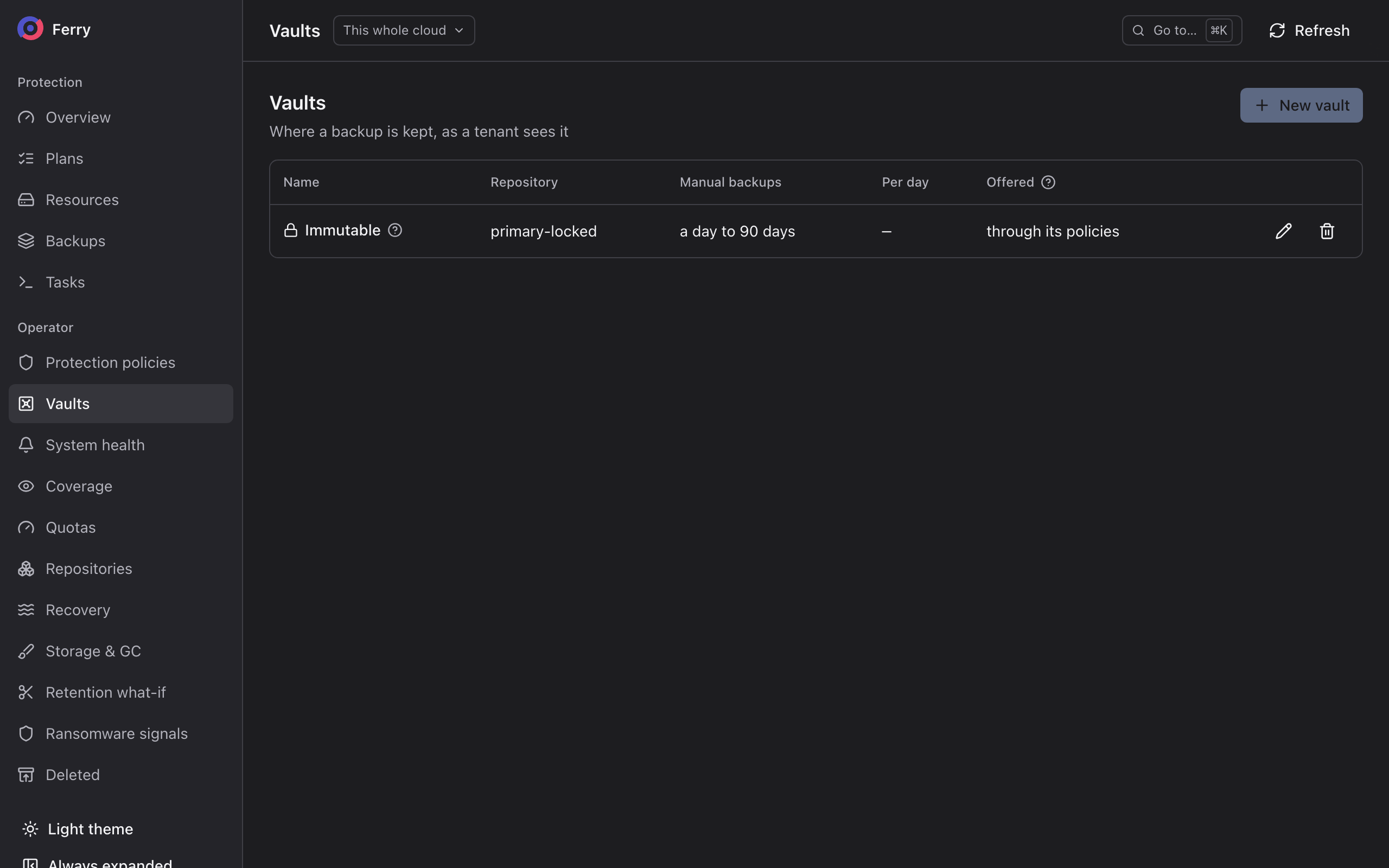
In the operator section, open Vaults and create one. Pick the Repository, give it a Name and a Description, and set the terms below.
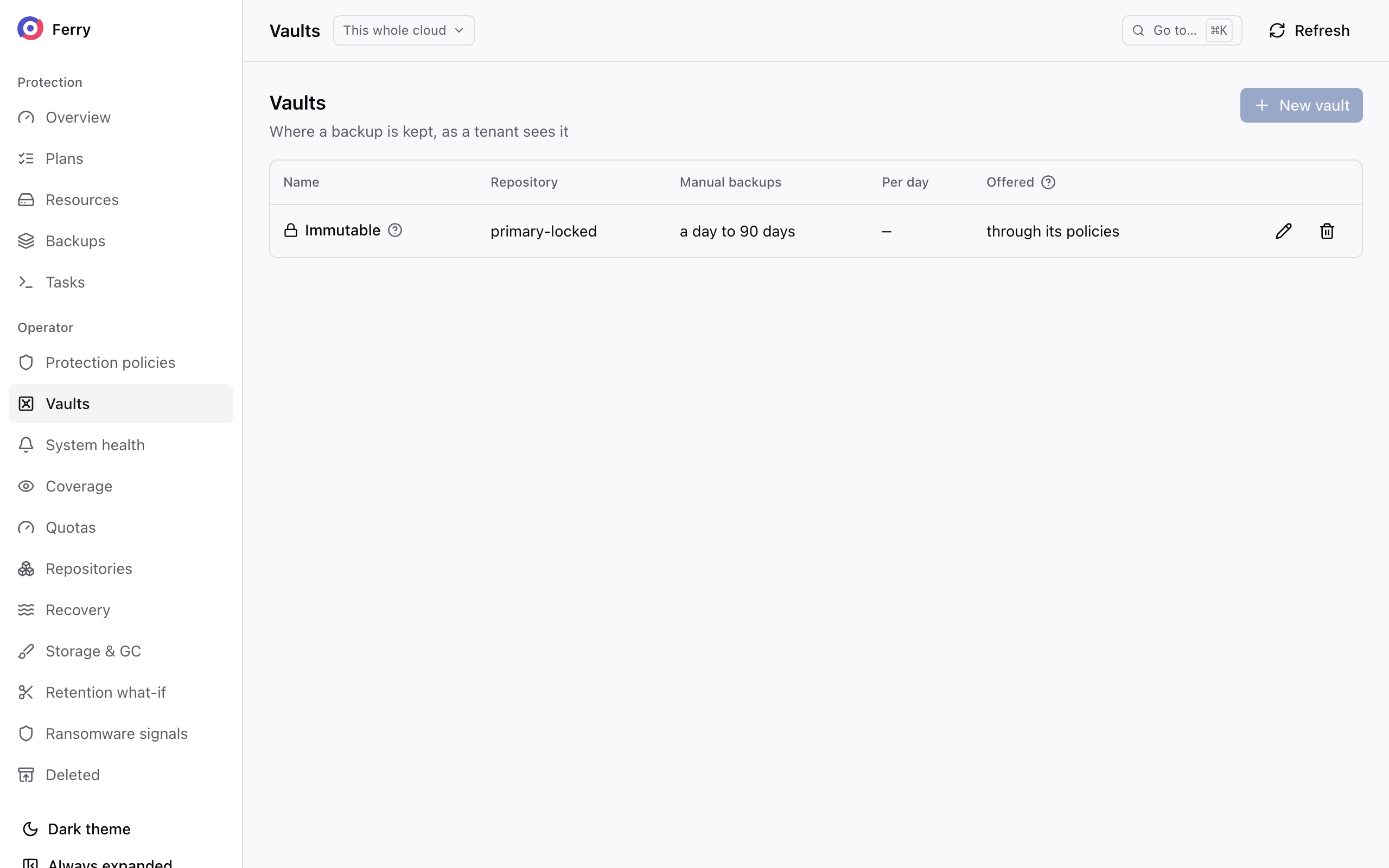
ferry vault create \
  --repository primary-locked \
  --name Immutable \
  --description "Kept until its date. Nobody can delete it earlier, not even the operator." \
  --max-keep 90d \
  --max-per-day 4
| Console | CLI | Meaning |
|---|---|---|
| Offer it to every project | --public | Every project may use it. Otherwise, it is offered only to the projects that may use a policy writing to its repository. |
| Takes manual backups | --manual | Whether projects may take manual backups here. On by default once any of the next three is given. |
| Kept up to | --max-keep | The latest date a project may choose for a manual backup. |
| Or until the tenant deletes it | --until-deleted | Also offer Keep it until I delete it. Only on a repository without a lock. |
| Most per day | --max-per-day | How many backups a project may take manually here each day. Inside a plan, the count is per plan. Outside a plan, it is per project. 0 is no limit. |
Set manual backup retention
| Inside a plan | Outside any plan | |
|---|---|---|
| Vault | The vault of the plan's repository. | One offered to the project, chosen by the user. |
| Shortest | The plan's per-backup retention, which is also the default. | One day, or the repository's floor where that is longer. A date is required. |
| Longest | The vault's Kept up to. | The vault's Kept up to. |
Within a plan, a manual backup must meet the plan's minimum retention period. The next scheduled backup uses it for comparison, so it must remain available until that run.
Check vault constraints
A vault is refused, with the reason, when:
- its repository is an instant-restore tier, or already has a vault;
- Kept up to is shorter than a day, or than the floor of a locked repository;
- Kept up to is longer than a locked repository's ceiling, or than the cloud's longest allowed lock
(
retention.max_lock, 400 days by default); - until I delete it is offered on a locked repository.
Raising a repository's floor above a vault's Kept up to is refused until the vault is changed first.
Withdraw a vault
ferry vault delete <vault>
Deleting a vault stops new manual backups to that repository. Existing backups keep their expiry dates.