Monitoring and coverage
Monitor backup coverage and age to identify resources that may miss their recovery targets. Project members can check their resources on Overview. Operators use System health and Coverage to investigate problems across projects.
Check project protection
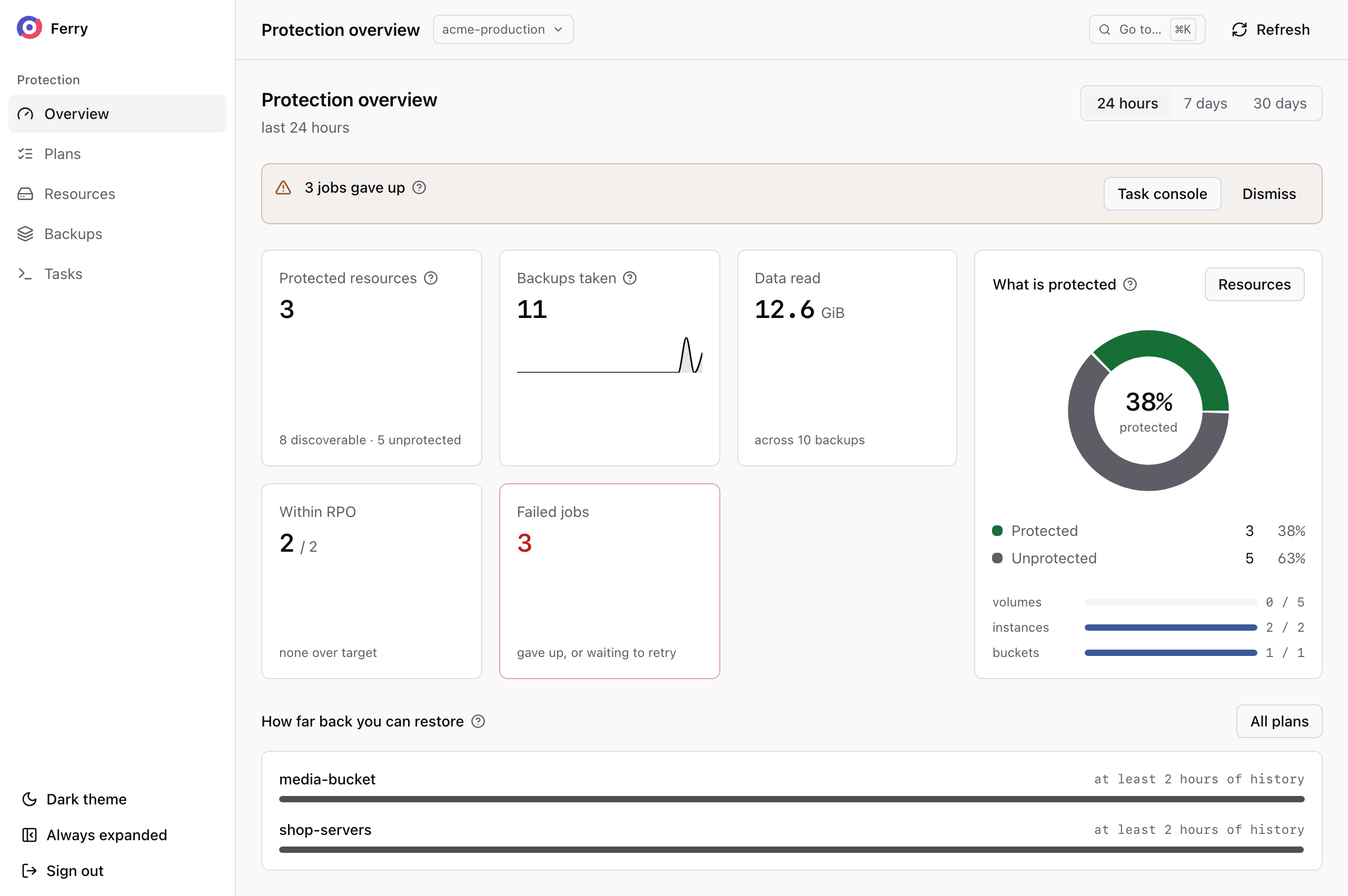
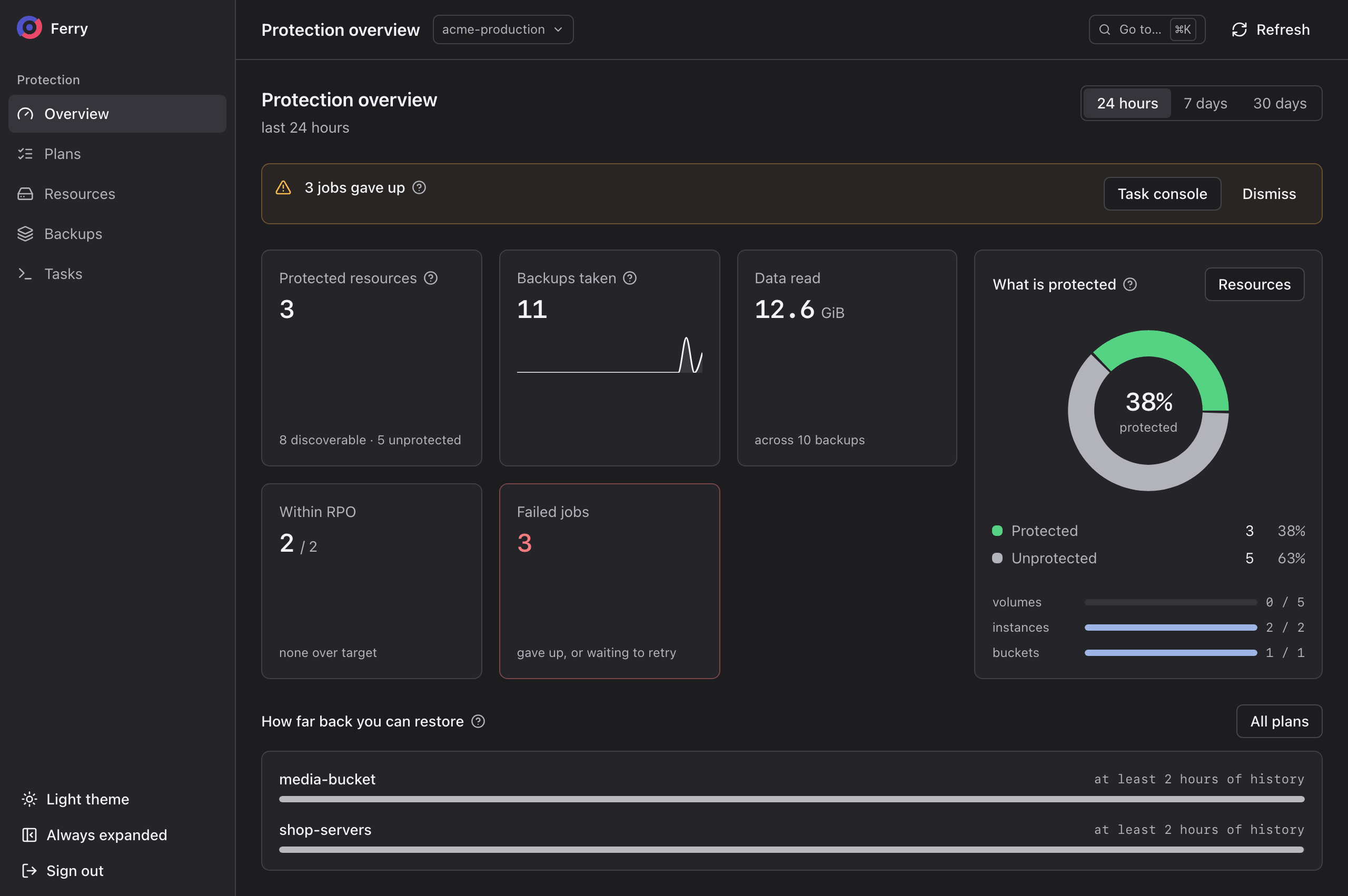
Check for plans that have exceeded their recovery point objective, stopped running or exhausted their task retries. A resource counts as protected when a running plan covers it. Resources in paused plans count as unprotected.
Review coverage by resource kind to find resources that need a plan or require configuration before they can be backed up. Check the available backup history for each plan. A new plan accumulates history until it reaches the policy's retention period.
You can compare backup and failure counts over 24 hours, 7 days or 30 days.
Plans behind their policy
A plan can fall behind its policy in two ways, and the plan page shows both.
Missed backups. A policy gives each scheduled run a deadline to start. A run may fail to start in time because the cloud was busy, its storage was unreachable or the backup window closed. Such a run is recorded as missed, and is not queued behind the next run. The plan page lists Backups that never ran with the reason for each.
openstack backup plan missed tick list <plan-id>
Not running. A plan whose policy cannot be served, for example because its storage is unavailable, takes no backups until the operator fixes the policy or its repository. The plan appears as not running, with the reason. Ask your operator to resolve it.
The plan's service-level figures are also available from the CLI. They are the age of the newest backup, the oldest one you can restore, and whether backups achieved the consistency the plan asks for:
openstack backup plan sla show <plan-id>
Follow backups and restores
Tasks lists every backup, restore, verification and clean-up the project has run. Filter by state or by kind.
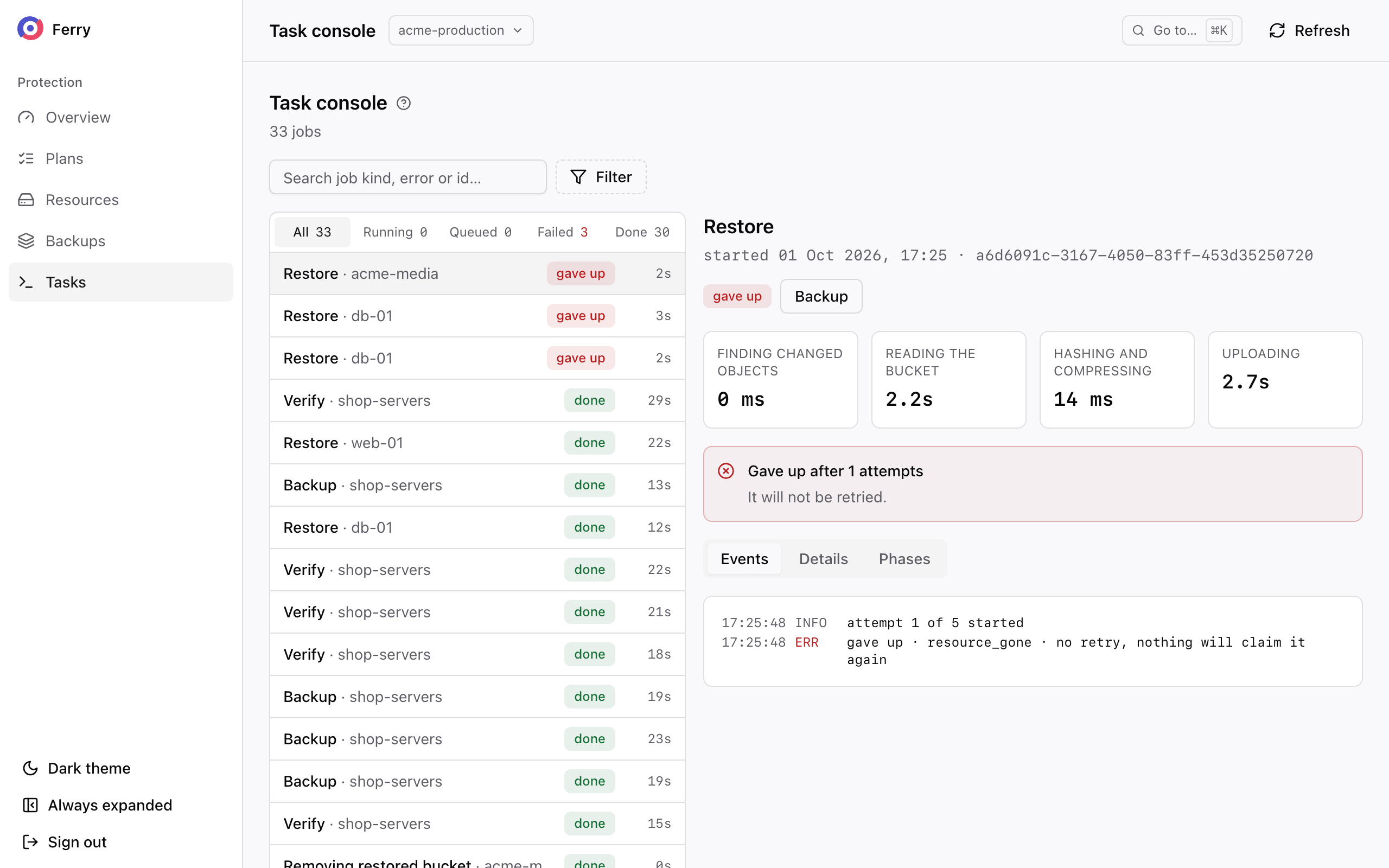
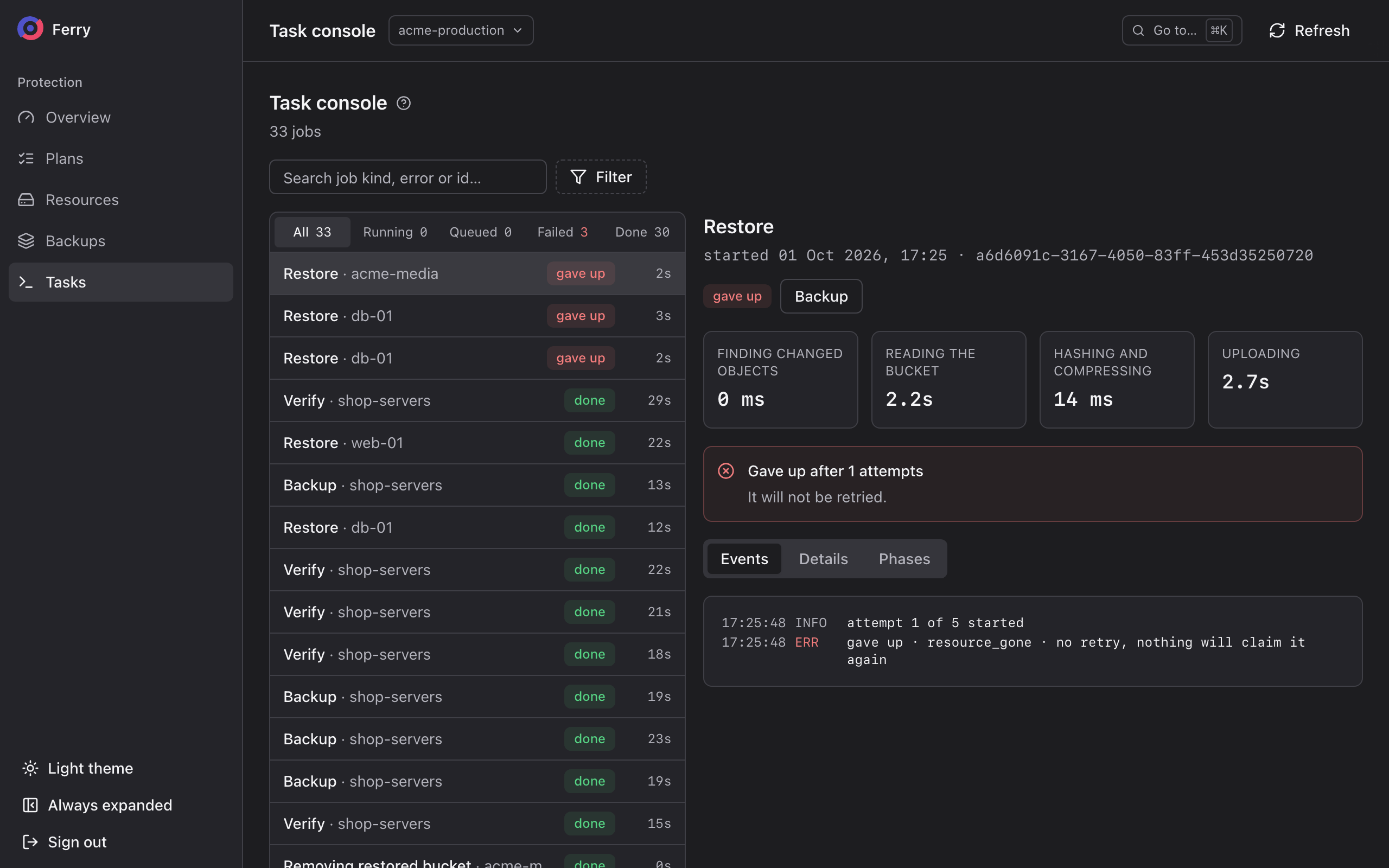
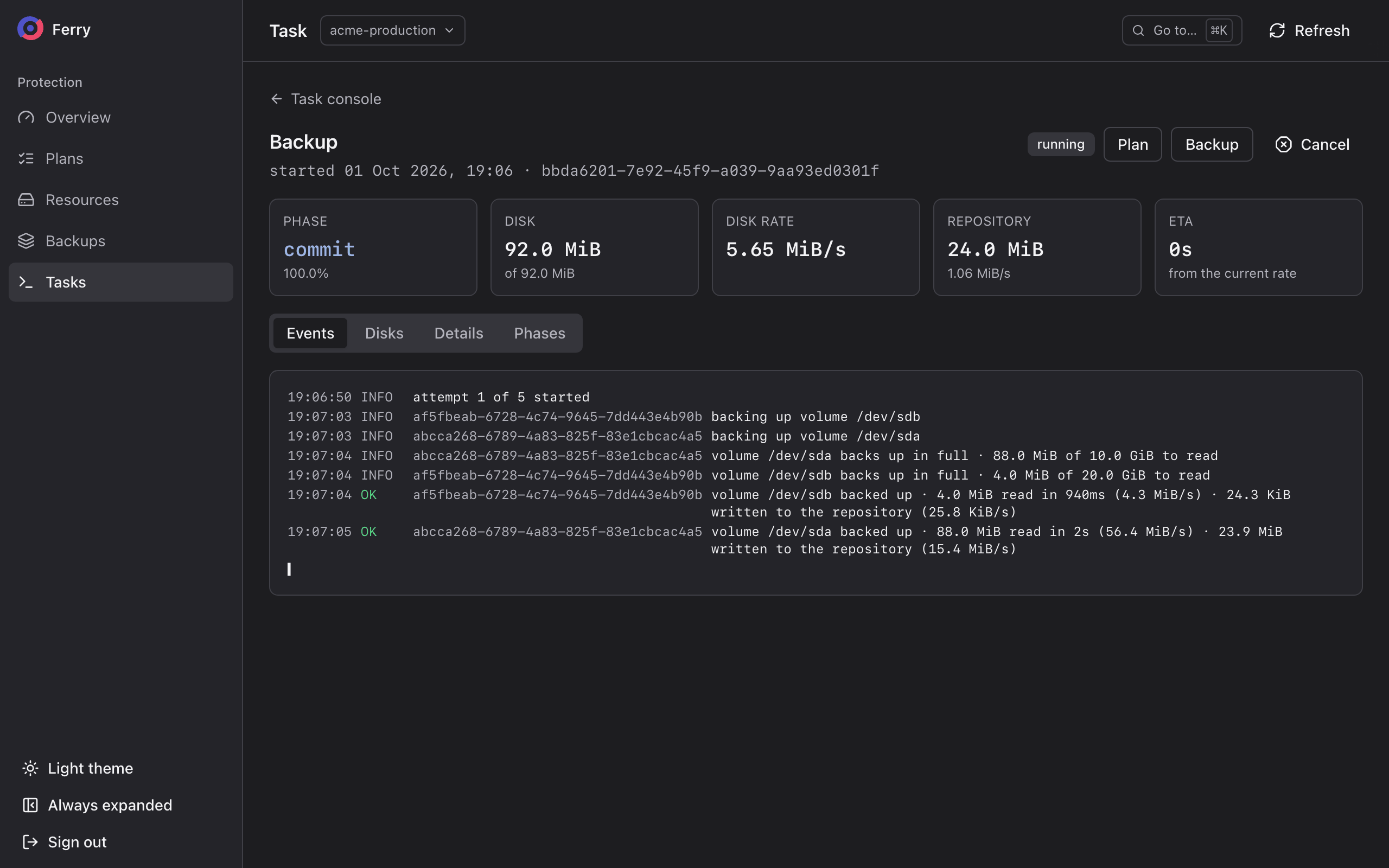
Open a running task to see its progress. It shows the phase, how much of each disk has been read and how fast, how much has been sent to storage, and the estimated time left. Empty regions of a disk are skipped and counted separately as sparse.
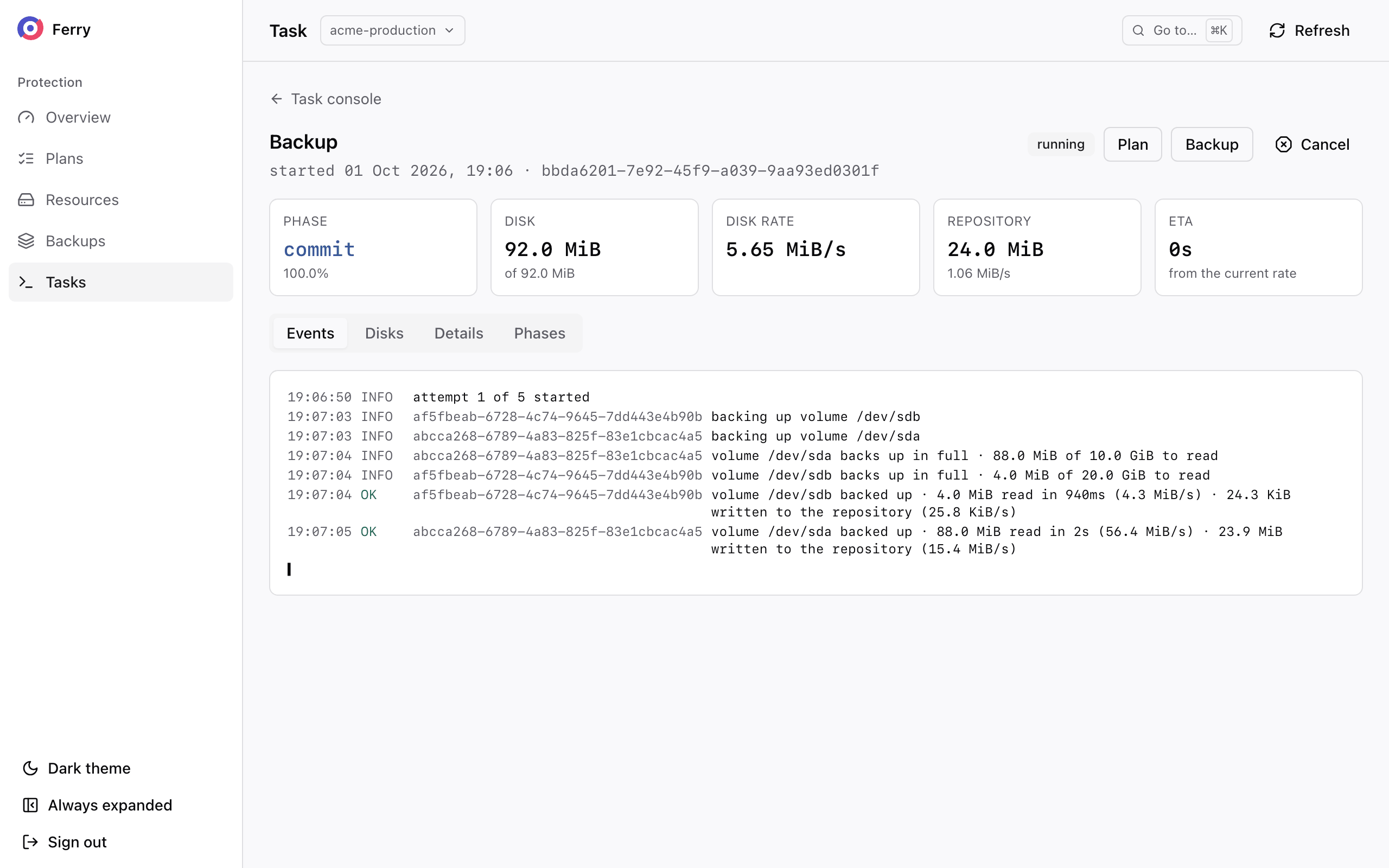
- Console
- CLI
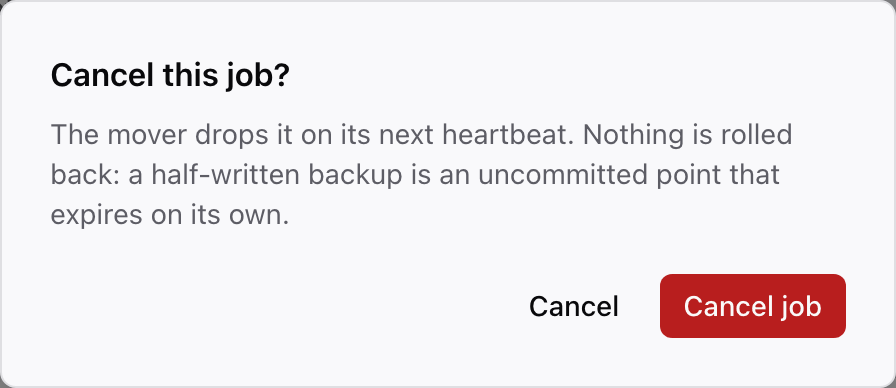
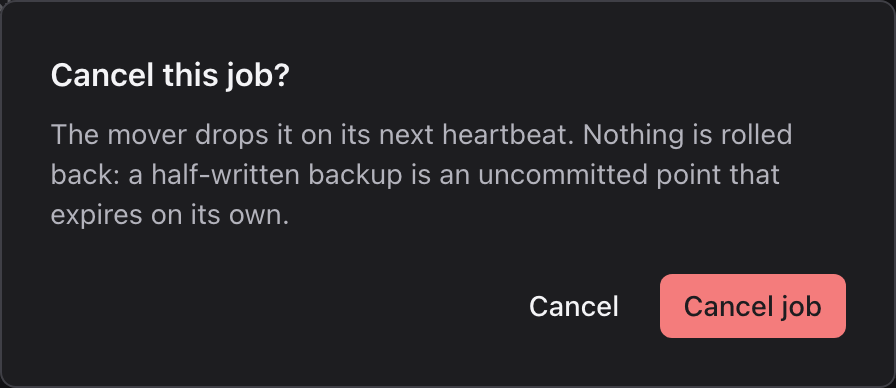
Choose Cancel on a task to stop it. Nothing is rolled back. A backup cancelled half-way leaves an incomplete backup, which expires automatically.
openstack backup job list
openstack backup job show <job-id>
openstack backup job cancel <job-id>
| Task state | Meaning |
|---|---|
| queued | Waiting for capacity. The operator limits how many backups run at the same time, and pauses all of them while the cloud's storage is unhealthy. |
| running | In progress. |
| will retry | Failed and will be tried again. |
| done | Completed. |
| gave up | Failed on its last attempt. It stays listed until somebody clears what stopped it. |
| cancelled | Stopped on request. A scheduled backup also ends here, marked superseded, when its plan has since taken a newer backup of the same resource. That is not a failure. |
When the service delays a task, its page shows a Waiting notice with the reason. For example, tasks wait while the cloud's storage is unhealthy, and backups resume automatically once it recovers. A task that failed and will be retried shows which attempt failed and when the next one starts.
System health
As an operator, use System health to check:
- repositories whose sweep is degraded or has not completed recently, which stops space being reclaimed;
- retention contracts still inside their grace, and so still correctable;
- mover availability and failures to reach repositories;
- tasks that gave up after their last retry, with the reason;
- projects where Ceph's change tracking is unavailable on some images, so their backups read full disks.
The Storage & GC page shows each repository's last sweep, what it holds, what is waiting to be reclaimed, what the lock still holds, and its verification over the last 30 days.
Coverage
As an operator, use Coverage to identify gaps by project and domain. ferry coverage show reports the same
figures except legal holds:
| Figure | Meaning |
|---|---|
| Plans without a policy | Plans that take no backups until moved onto a policy. |
| Paused | Plans a project paused, and for how long. |
| On a deprecated policy | Plans still running on a withdrawn policy. |
| Not running | Plans whose policy cannot be served. |
| Missed ticks | Scheduled backups that did not run over the last week. They did not start before their deadline, or were skipped because the policy could not be served, was retired or is gone. |
| Awaiting a second copy | Backups the policy's copy tier has not reached yet. |
| Not immutable | Backups outside any locked repository. |
| Legal hold | Holds placed on the project's backups. |
| Records owed | Backups whose record of the server or volume is not complete yet, with the attempts so far and the last error. The service keeps retrying until Nova and Cinder answer. |
| Orphaned backups | Backups whose policy can no longer be read, so they have no retention date. |
You can also state the cloud's own minimum and have coverage report every policy below it:
ferry_coverage_minimum_keep_all: 48h
ferry_coverage_requires_lock: true
ferry_missed_tick_window: 168h
Coverage lists the policies below this minimum and leaves them running.
The same figures are Prometheus series; see Metrics, alerts and logs.