Ransomware signals
Ransomware encryption can reduce a volume's compression ratio, increase its entropy and replace most of its data between backups. Ferry compares these measurements between successive backups and flags sudden changes. Investigate flagged backups while earlier recovery points are still available.
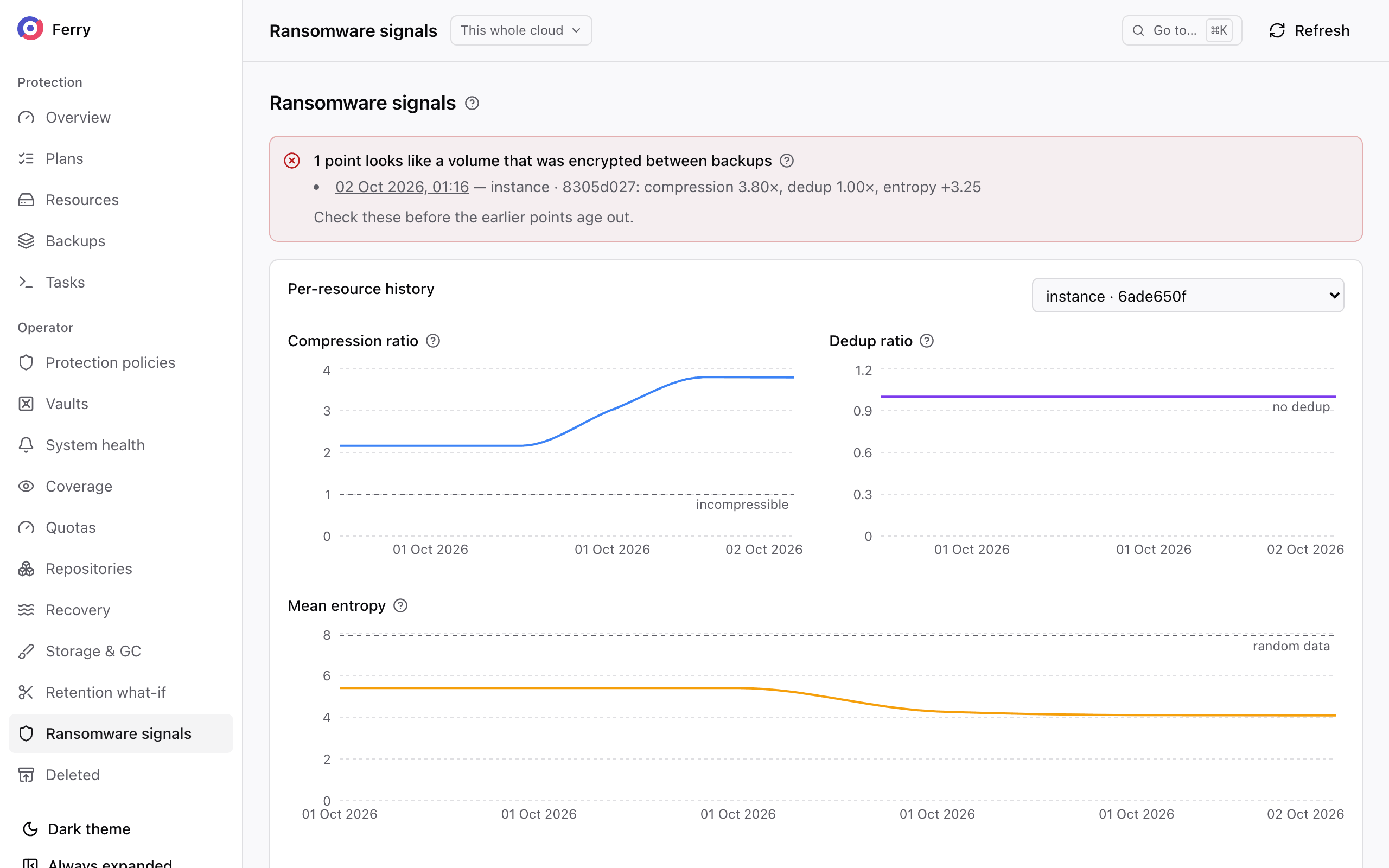
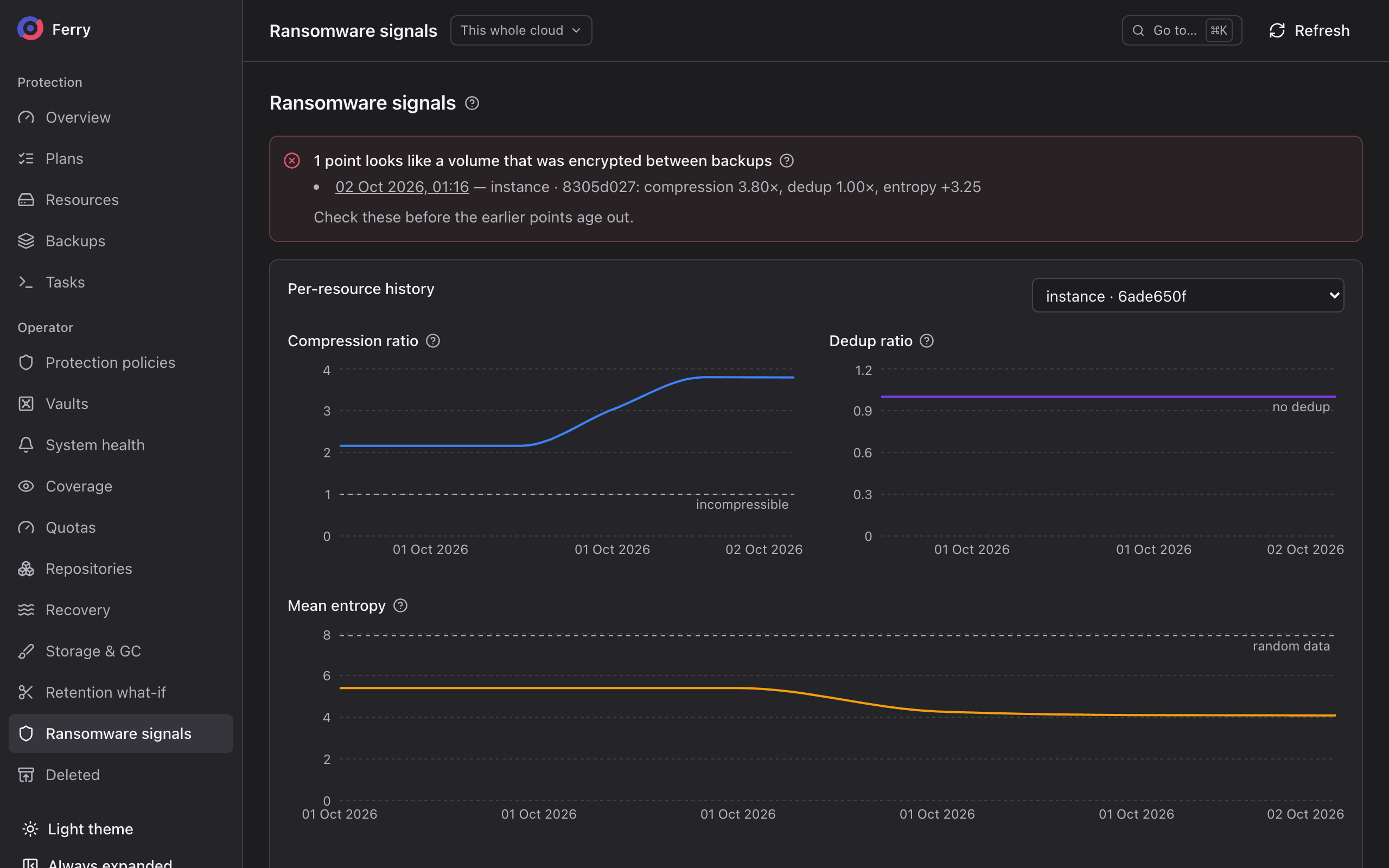
Measurements of each backup
| Figure | Measures |
|---|---|
| Compression ratio | How much the data the backup read compressed. Encrypted data does not compress, so it falls towards 1. |
| Dedup ratio | How much of the data the backup read repeated itself. 1 means nothing repeated. |
| Mean entropy | How random the data looks, from 0 to 8 bits per byte. Encrypted and random data sit near 8. |
| Entropy change | The mean entropy minus that of the resource's previous backup. |
| New data | What the backup wrote that the repository did not hold yet. Compared with the disk's allocated size, it shows whether the backup was incremental or rewrote the whole disk. |
The figures describe the data a backup read, which on Ceph is what changed since the previous backup. A backup kept only on the instant-restore tier has none.
Flagged backups
In the console's operator section, Ransomware signals checks the newest 400 backups in the cloud. It compares each one with the previous backup of the same resource, and flags it when:
- its data stopped compressing: a compression ratio under 1.3 together with a mean entropy of 7.5 bits per byte or more, where the previous backup's data did not look like that; or
- it rewrote the whole disk: new data of 90% or more of the disk's allocated size, after an incremental backup that rewrote less.
A resource's oldest backup in that window has no comparison point and is excluded. Entropy changes alone do not trigger a flag because normal workload changes can also affect entropy.
The page lists the six newest flagged backups, and each one opens that backup. It also charts the compression ratio, dedup ratio and mean entropy of any resource over its last 40 backups.
Compressed archives and disk restores can trigger the same signals. Open the flagged backup and check the workload to determine the cause. If you confirm ransomware encryption, identify and restore an unaffected backup before it expires. Immutable backups protect earlier recovery points against deletion until their lock dates.
This command shows the same figures for one backup. A project can run it for its own backups too:
openstack backup point metrics show <backup-id>