Backups
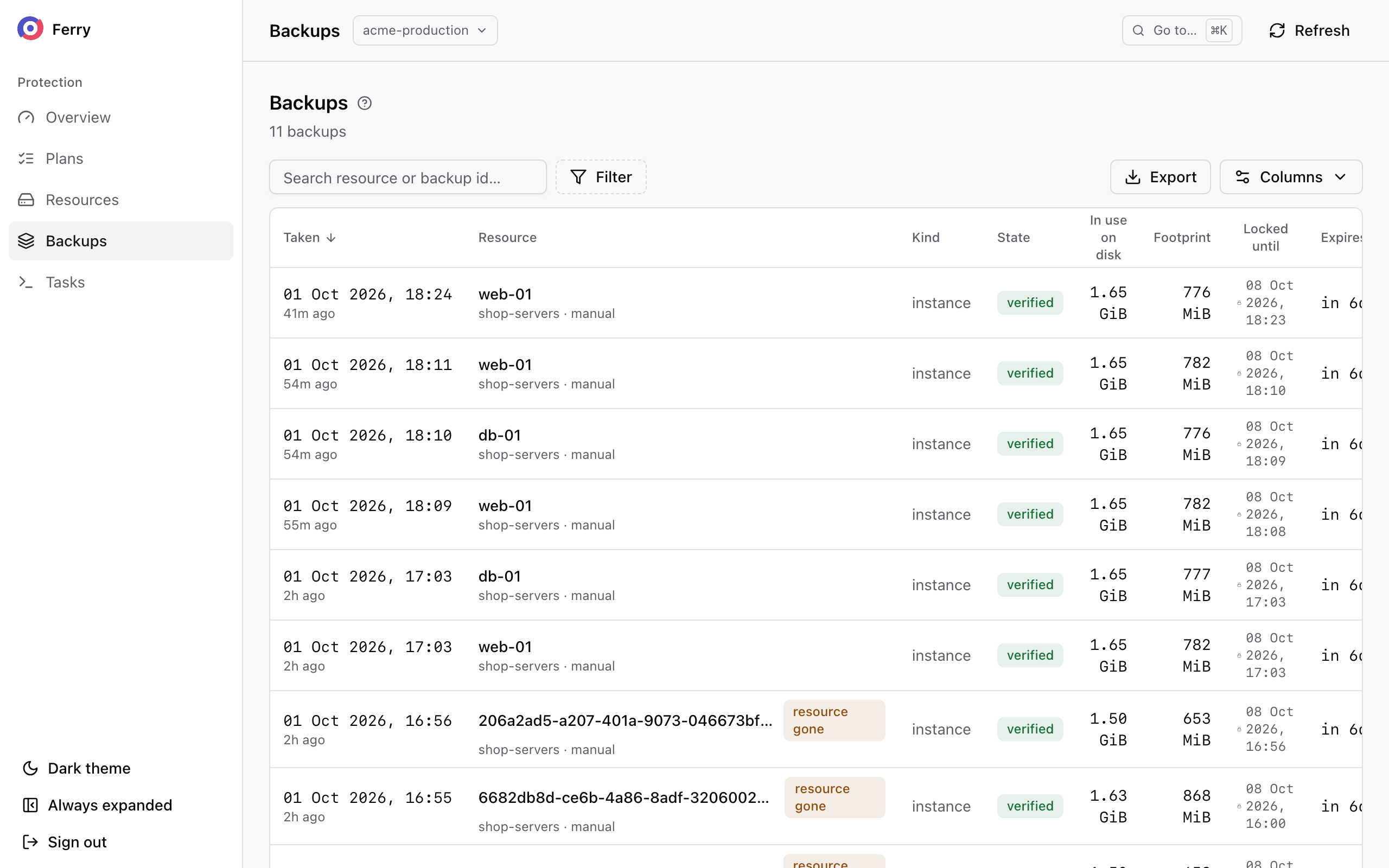
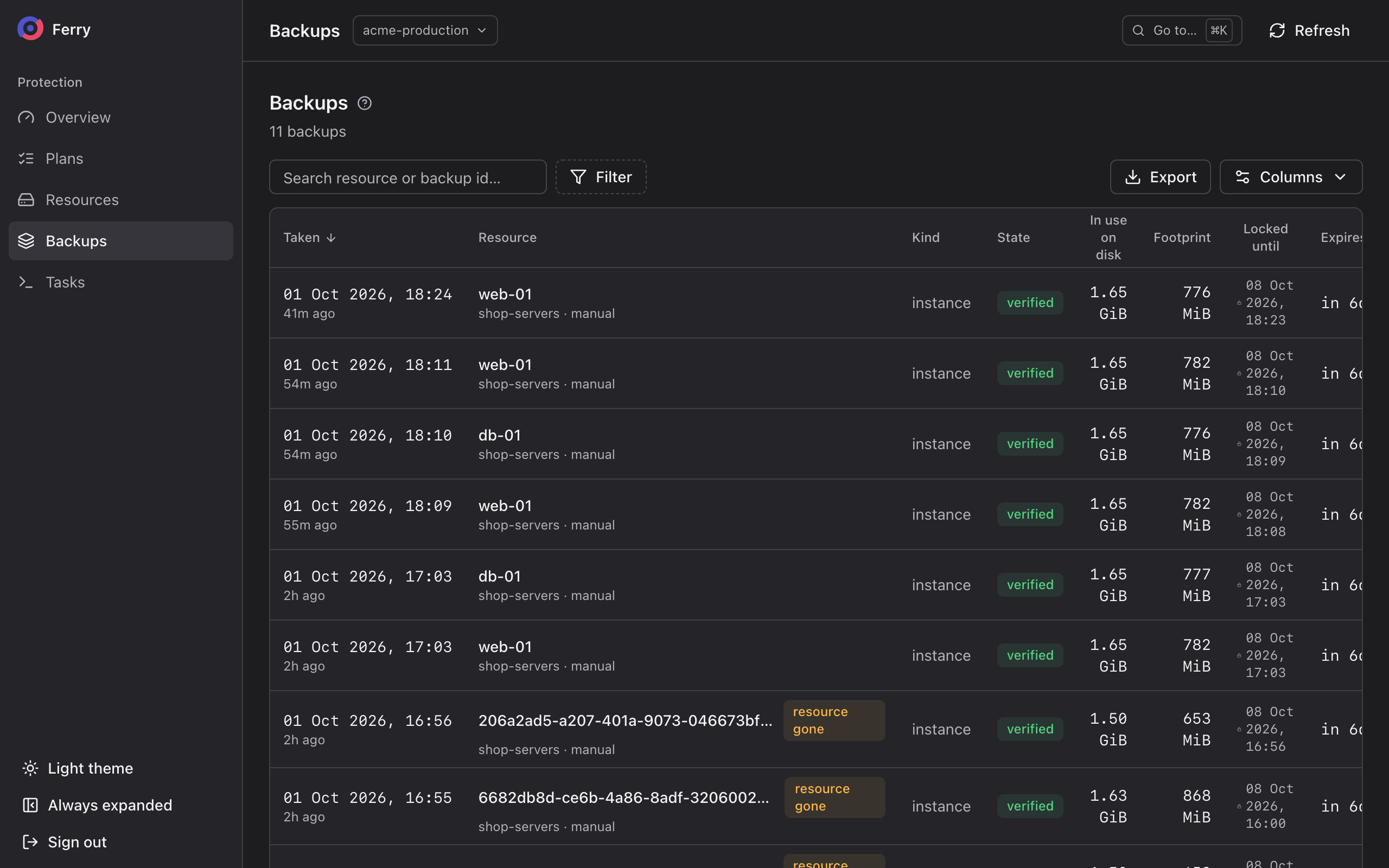
You can restore a resource from a scheduled or manual backup until that backup expires. Deleting a server or volume preserves its backups. Open Backups to find your project's backups, newest first.
- Console
- CLI
Filter by state, kind, plan or resource, or search by resource name. A resource's own page lists only its backups, newest first, each with a Restore button.
openstack backup point list
openstack backup point list --plan <plan-id>
openstack backup point list --resource <resource-id>
openstack backup point show <backup-id>
The CLI calls a backup a point, short for restore point.
States
| State | Meaning |
|---|---|
| pending | Being taken. Not restorable yet. |
| committed | Complete and restorable. |
| verified | Read back from storage after it was taken and checked against its own checksums. |
| broken | Part of it is missing from storage. It cannot be restored. Restore an older or newer backup. |
| expiring | Past its expiry date and about to be removed. |
| lock held | Past its expiry date, but the storage's lock still holds it. It leaves when the lock ends. |
Check consistency and retention
Check a backup's consistency, included disks and expiry date before using it for a restore.
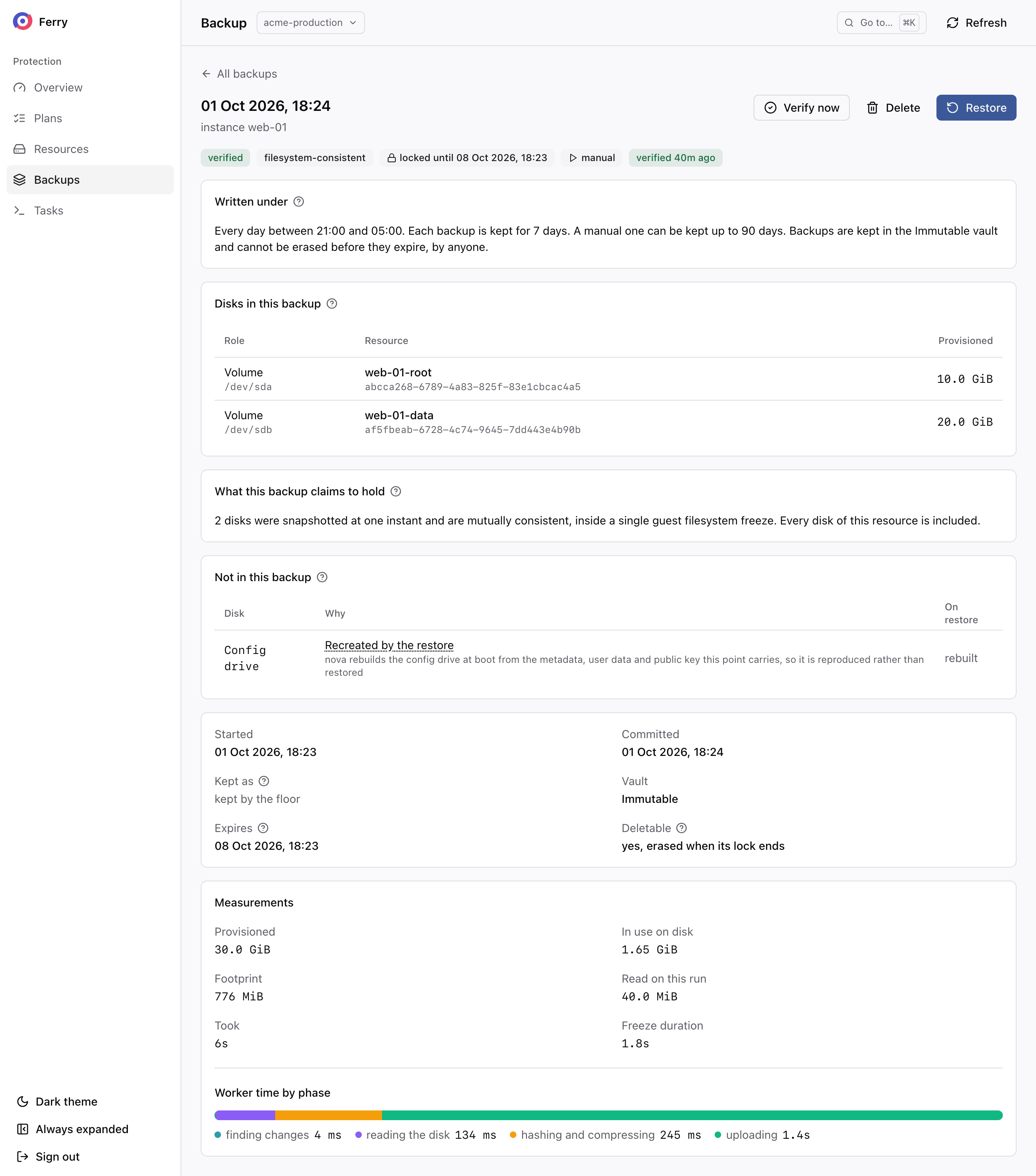
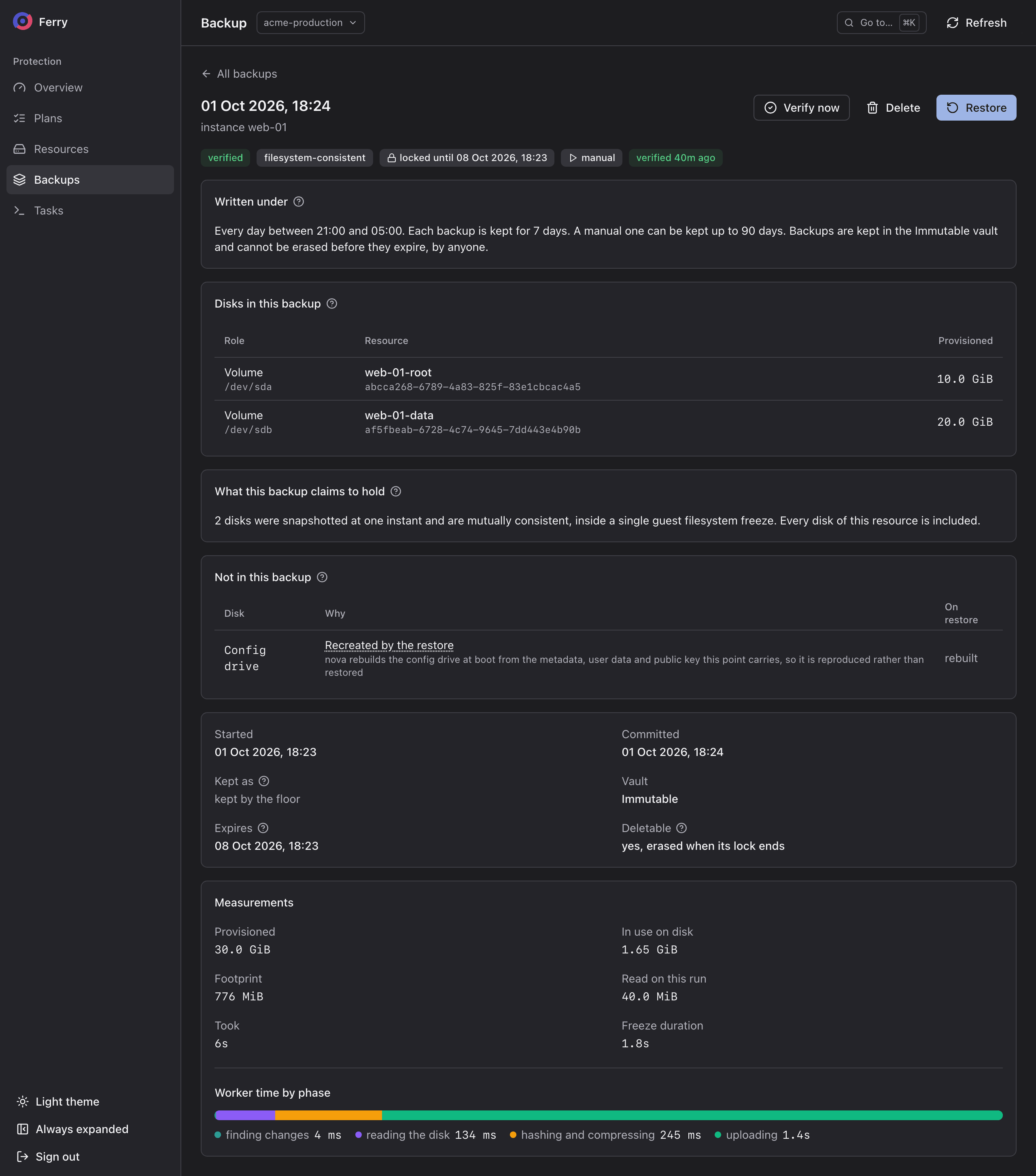
Consistency. filesystem-consistent when the guest was frozen, crash-consistent when it was not. crash-consistent, degraded means the plan asked for a freeze and the guest could not be frozen, so the backup is crash-consistent.
Role. A badge such as the daily or the monthly says which period this backup is the first of. The policy uses this role to set its retention period. A manual backup is marked manual, or manual, no plan when no plan covers the resource.
Expires and Locked until. The expiry date and, in an immutable vault, the date until which storage retains the data. Deletable says whether you can remove the backup from your project's listing now.
Disks. For an instance, every disk the backup holds, and any disk left out of it.
Sizes.
| Figure | What it measures |
|---|---|
| Provisioned | The size of the disks, as created. |
| In use on disk | The part of the disks that holds data. Empty space is never read or stored. |
| Footprint | The compressed size of all data this backup refers to. Most of it is usually shared with the backups before and after it. |
| Read on this run | What was read from the disks to take this backup. On storage that tracks changes, a fraction of what is in use. |
Take a manual backup
Take a manual backup before an upgrade, migration or schema change. You choose its expiry date within the vault's limits. Manual backups run outside the schedule. The protection overview counts resources covered by running plans, so a manual backup alone leaves a resource listed as unprotected.
You can take one of a whole plan, of some of its resources, or of a server or volume that no plan covers.
Manual backup storage and retention
A vault identifies the repository that stores your manual backup. It sets the maximum retention period and daily backup allowance. Its repository's lock determines when the data can be erased.
openstack backup vault list -c name -c immutable -c sentence
+-----------+-----------+--------------------------------------------------------------------------+
| name      | immutable | sentence                                                                 |
+-----------+-----------+--------------------------------------------------------------------------+
| Immutable | True      | A backup taken here by hand is kept from a day to 90 days, and cannot be |
|           |           | erased before its date, by anyone.                                       |
+-----------+-----------+--------------------------------------------------------------------------+
| Inside a plan | Outside any plan | |
|---|---|---|
| Vault | The one the plan's policy keeps its backups in. | One you choose among those offered to the project. |
| Shortest you may keep it | As long as the plan keeps a scheduled backup. | One day, or longer where the vault's storage holds everything for longer. |
| Longest you may keep it | The vault's limit. | The vault's limit. |
| Without a date | Kept as long as a scheduled backup. | Refused: a date is required. |
Some vaults also offer Keep it until I delete it. Only a vault whose backups can be deleted offers it. An immutable vault always needs a date.
In an immutable vault, storage retains the data until the lock date even if you delete the backup from your listing. A governance-mode lock allows an administrator with bypass permission to erase it earlier. The vault's description identifies this exception.
Back up a plan
- Console
- CLI
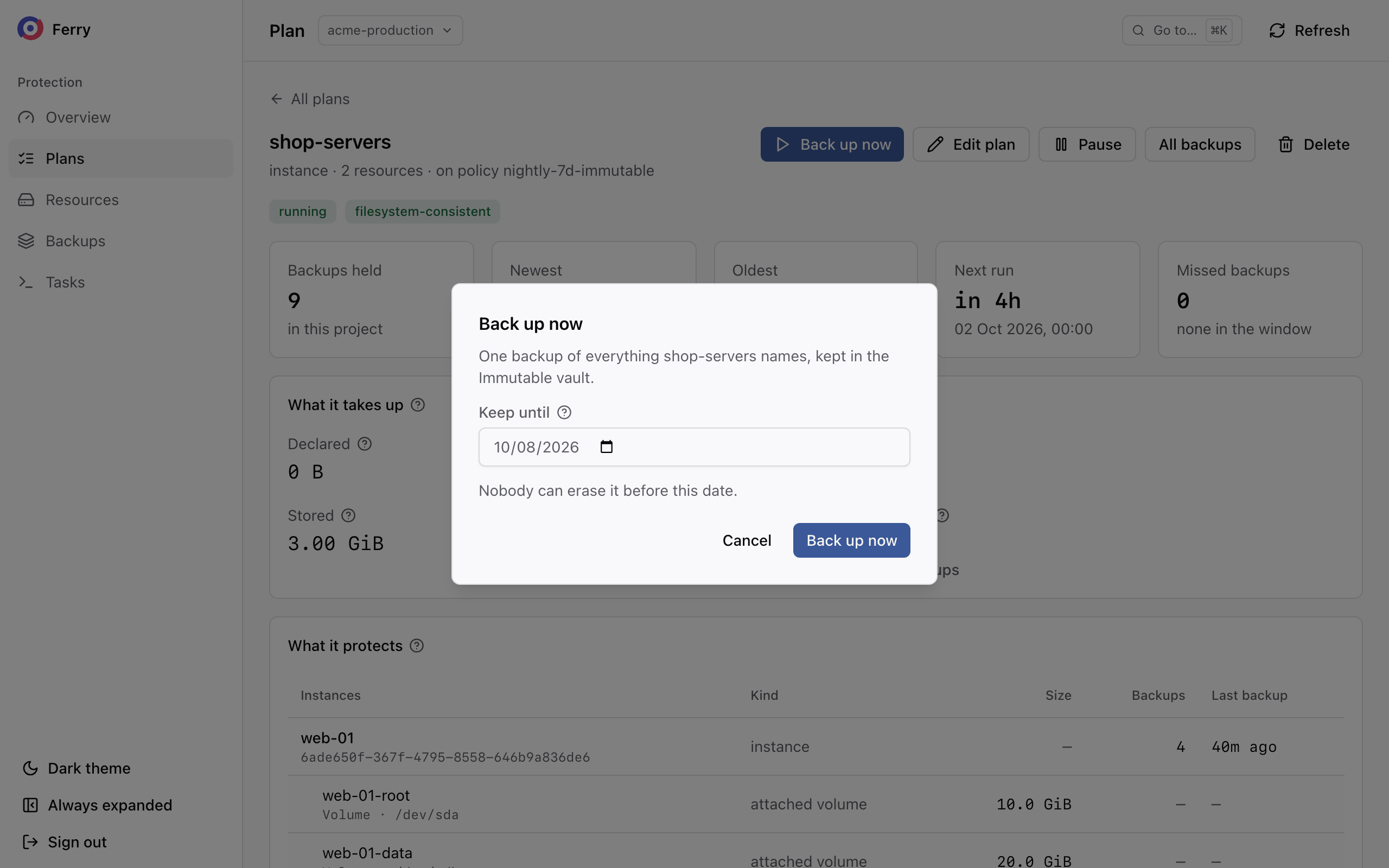
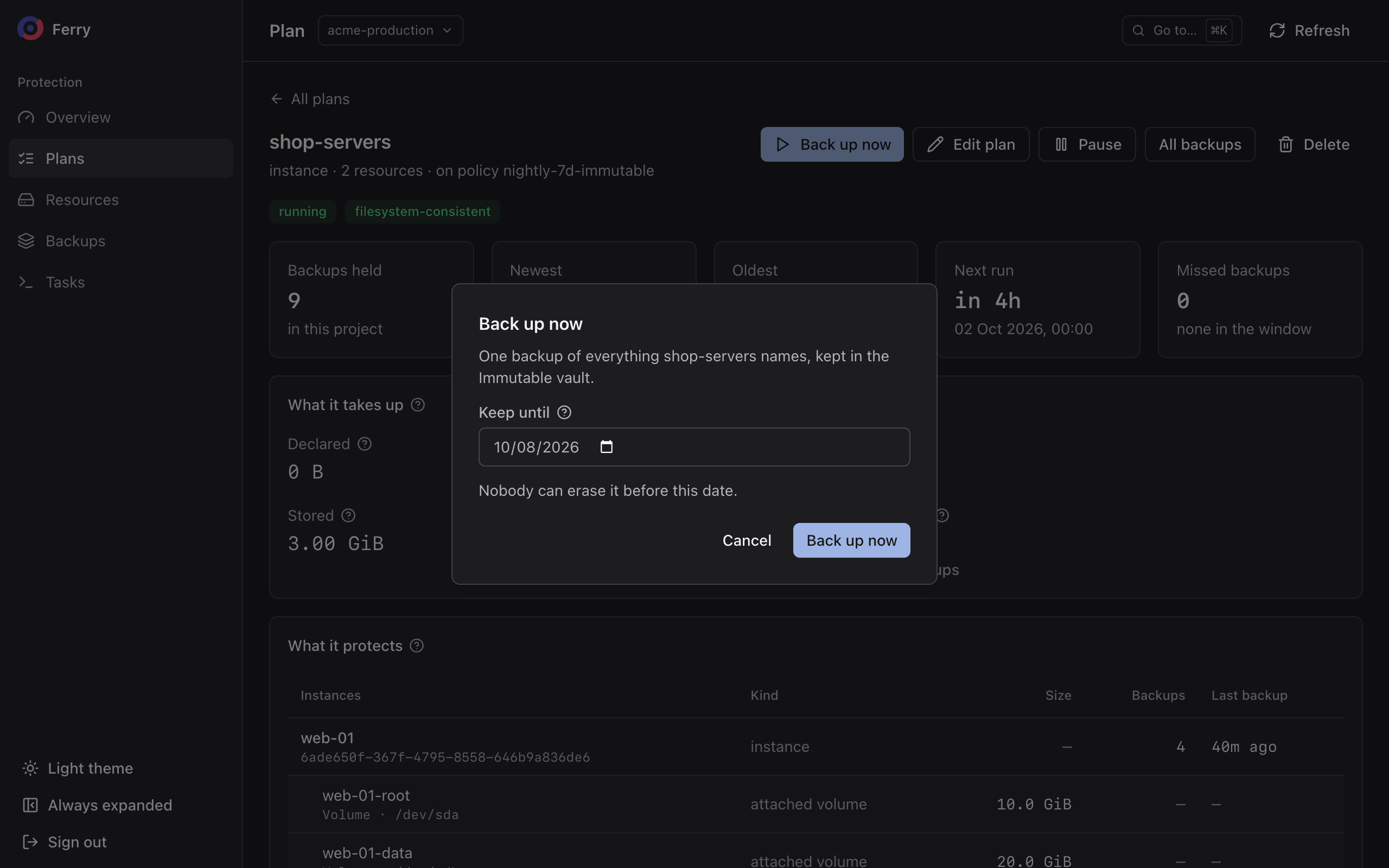
Open the plan and choose Back up now. Pick the date to keep it until, then confirm.
openstack backup point create --plan <plan-id> \
  --keep-until 2026-12-31T23:59:59Z \
  --reason "before the 4.2 upgrade"
Add --resource <id> once per resource to back up only some of the plan. Without --keep-until the
backup is kept as long as a scheduled one.
Each resource in the plan gets its own backup, as on a scheduled run. The backup uses the plan's previous backup for comparison. Storage that supports change tracking reads only changed blocks.
Back up a server or volume outside a plan
- Console
- CLI
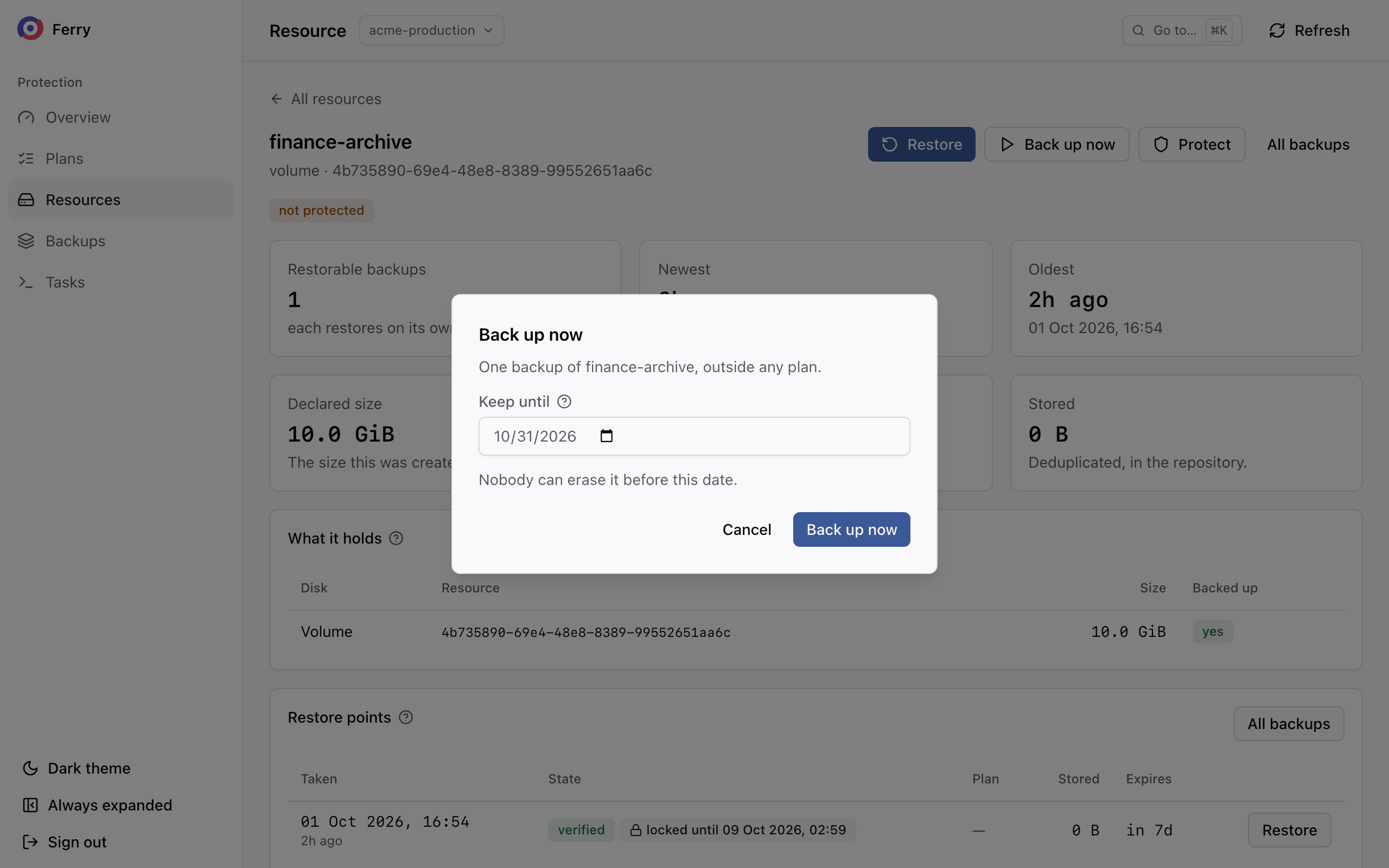
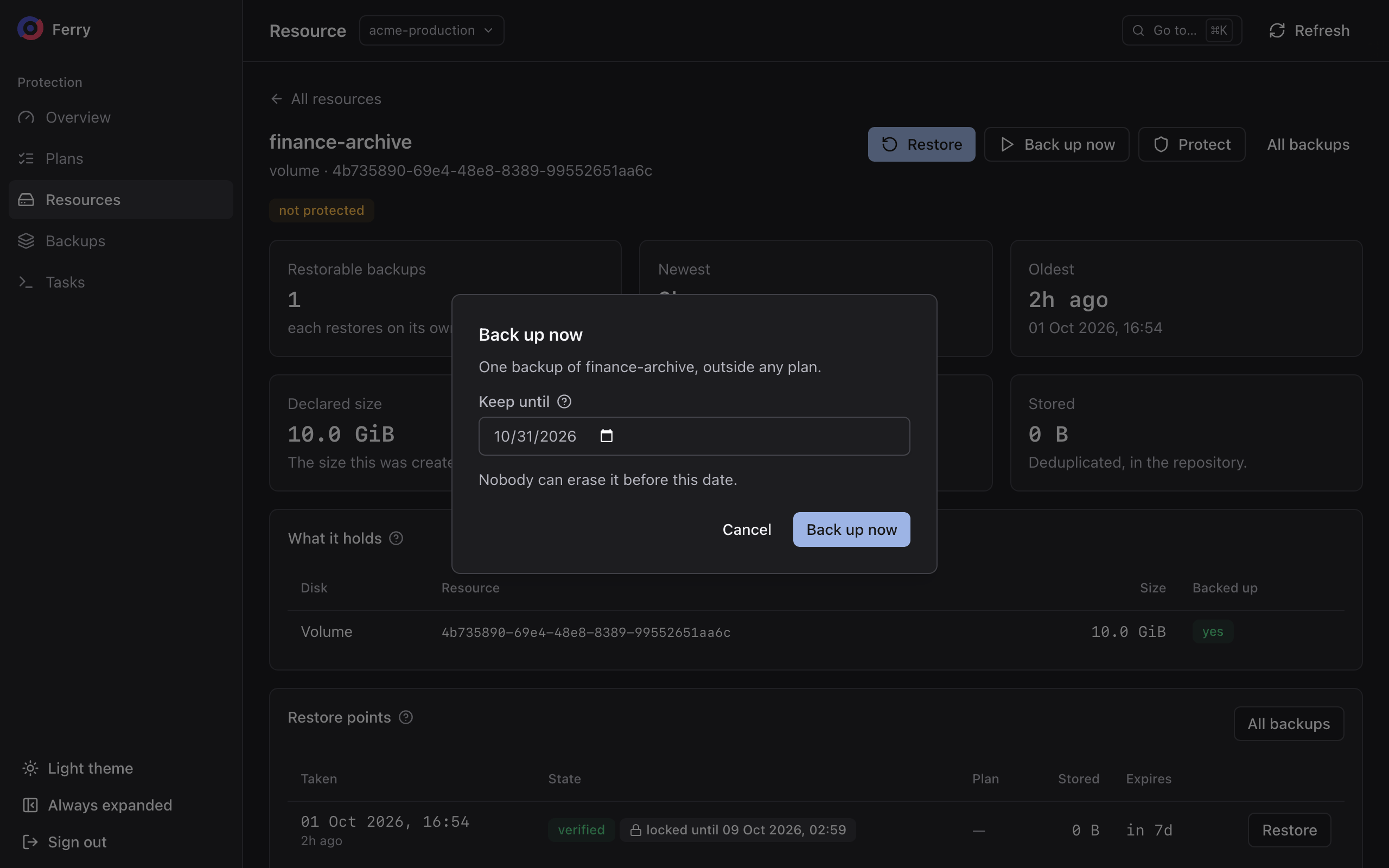
Open the server or volume under Resources and choose Back up now. When more than one vault is offered, pick one. The vault the resource's plan uses is preselected. Pick a date and confirm.
openstack backup point create \
  --resource <volume-id> \
  --resource-kind volume \
  --vault Immutable \
  --keep-until 2026-10-31T23:59:59Z
--resource-kind is instance or volume. Use --until-deleted in place of --keep-until where the
vault offers it. For an instance, --consistency filesystem freezes the guest first.
A bucket can be backed up manually only through its plan.
If the resource is already in a plan whose backups are kept in the vault you chose, the backup is taken in that plan, with the plan's minimum date. A resource whose plan encrypts it with its own key can be backed up manually only into that plan's vault.
Monitor the backup
The request returns as soon as the backup is queued. The console shows it under Tasks. The CLI prints the job id to follow:
openstack backup job show <job-id>
The backup is listed immediately, pending and marked manual. It becomes restorable when it completes.
Troubleshoot refused backups
| Message | Cause | Fix |
|---|---|---|
| a manual backup … is kept at least until … and at most until … | The date is outside the vault's terms. | Choose a date inside the range the message names. |
| … has used its manual backups for today | The vault's daily allowance is used up, per plan inside a plan, per project outside one. | Wait until the next day, or ask your operator to raise the allowance. |
| vault … takes no manual backups | The vault does not accept manual backups. | Choose another vault, or back up through a plan. |
| this resource is encrypted with its own key, kept in another vault | The resource's plan has a key of its own. | Back it up into its plan's vault. |
| this project is over its quota | The project is over a limit your operator set. | See Quotas. |
Verify a backup
A backup is checked when it is written. Verification reads it back from storage and compares every chunk with its checksum to detect missing or changed data. Your operator may also schedule verification. Each backup records when it was last verified.
- Console
- CLI
Choose Verify now on the backup.
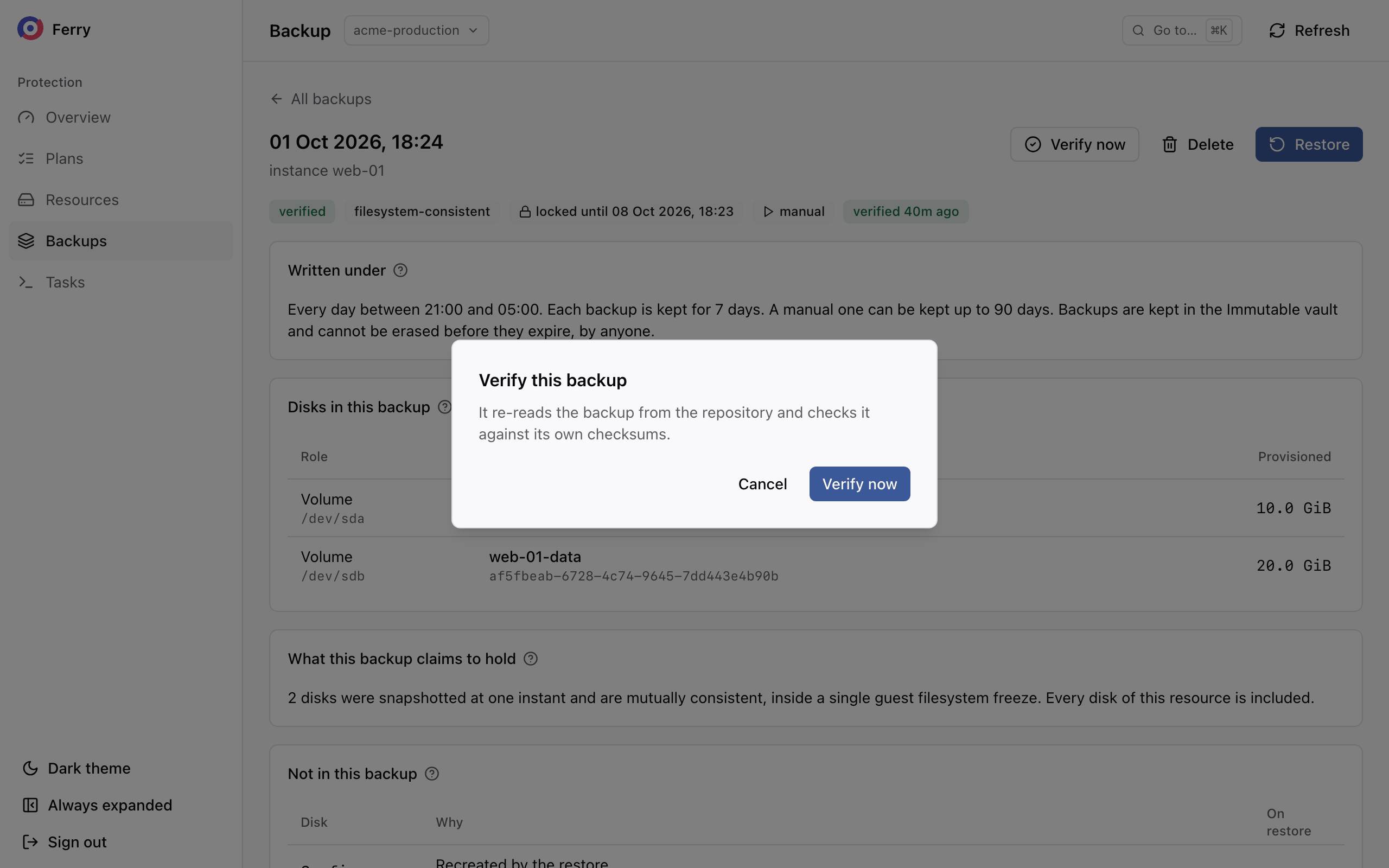
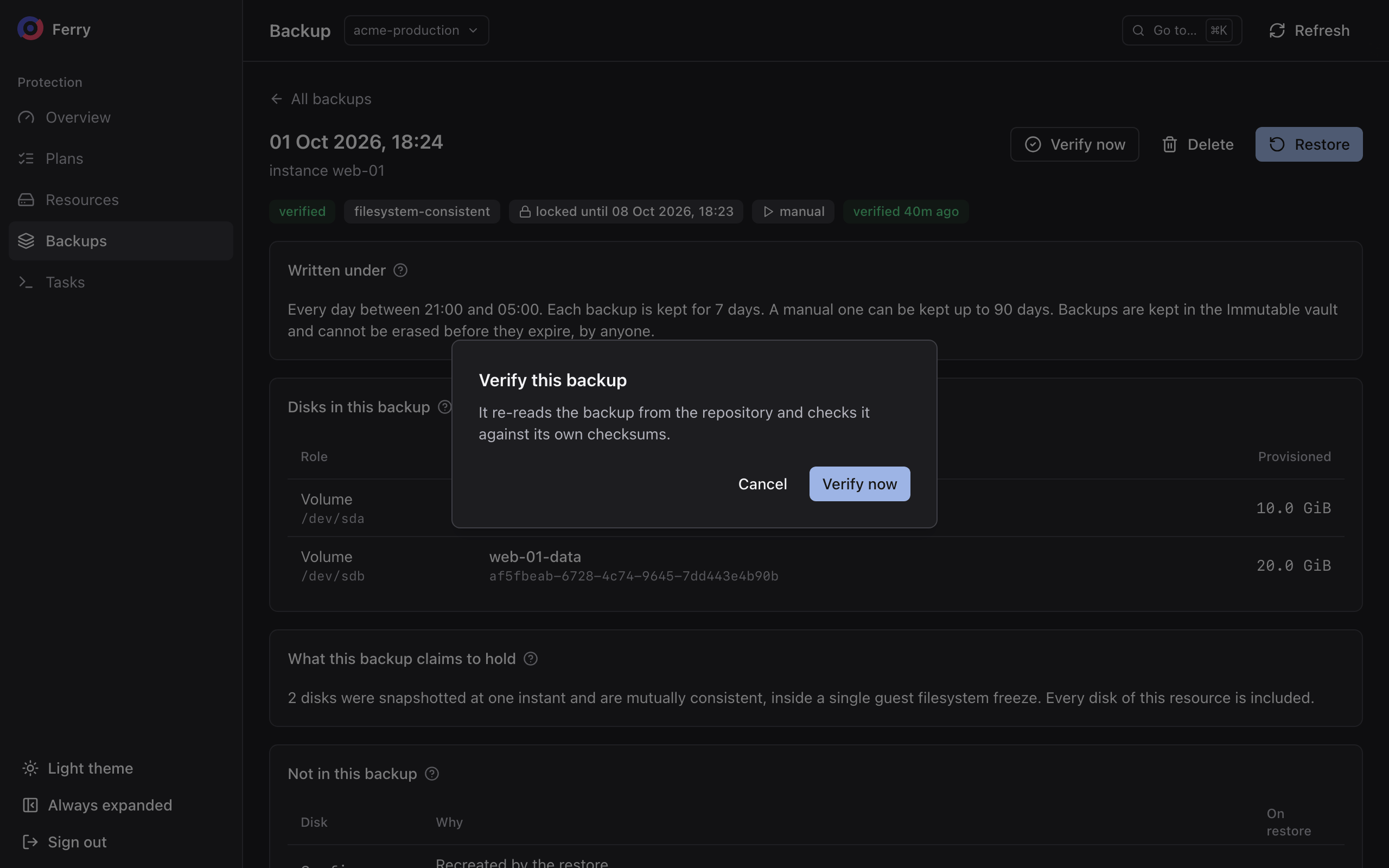
openstack backup point verify <backup-id>
A backup that fails verification is marked broken.
Delete a backup
- Console
- CLI
Choose Delete on the backup and confirm. On a locked backup the dialog says the storage erases it when its lock ends. The backup's Locked until date says when.
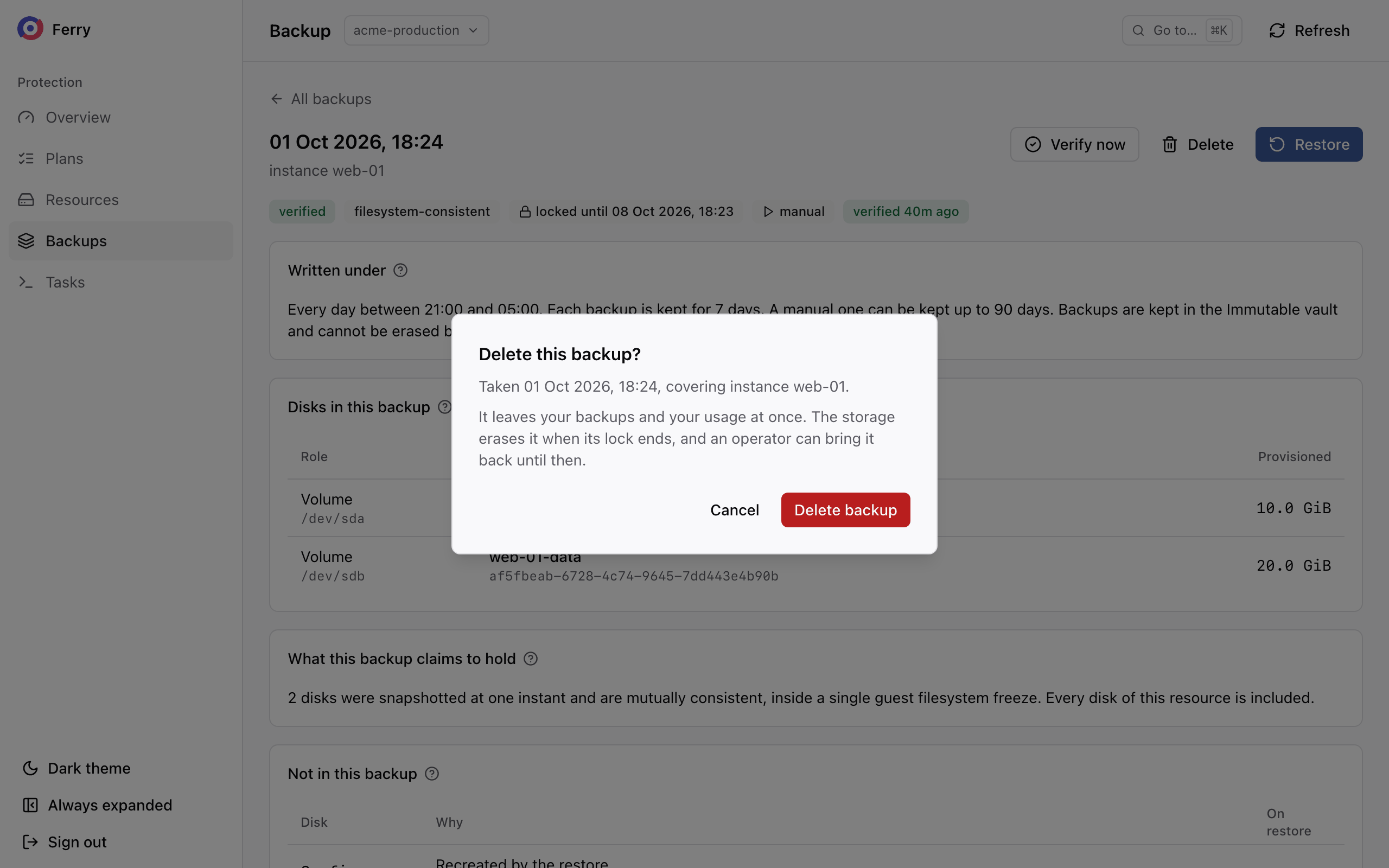
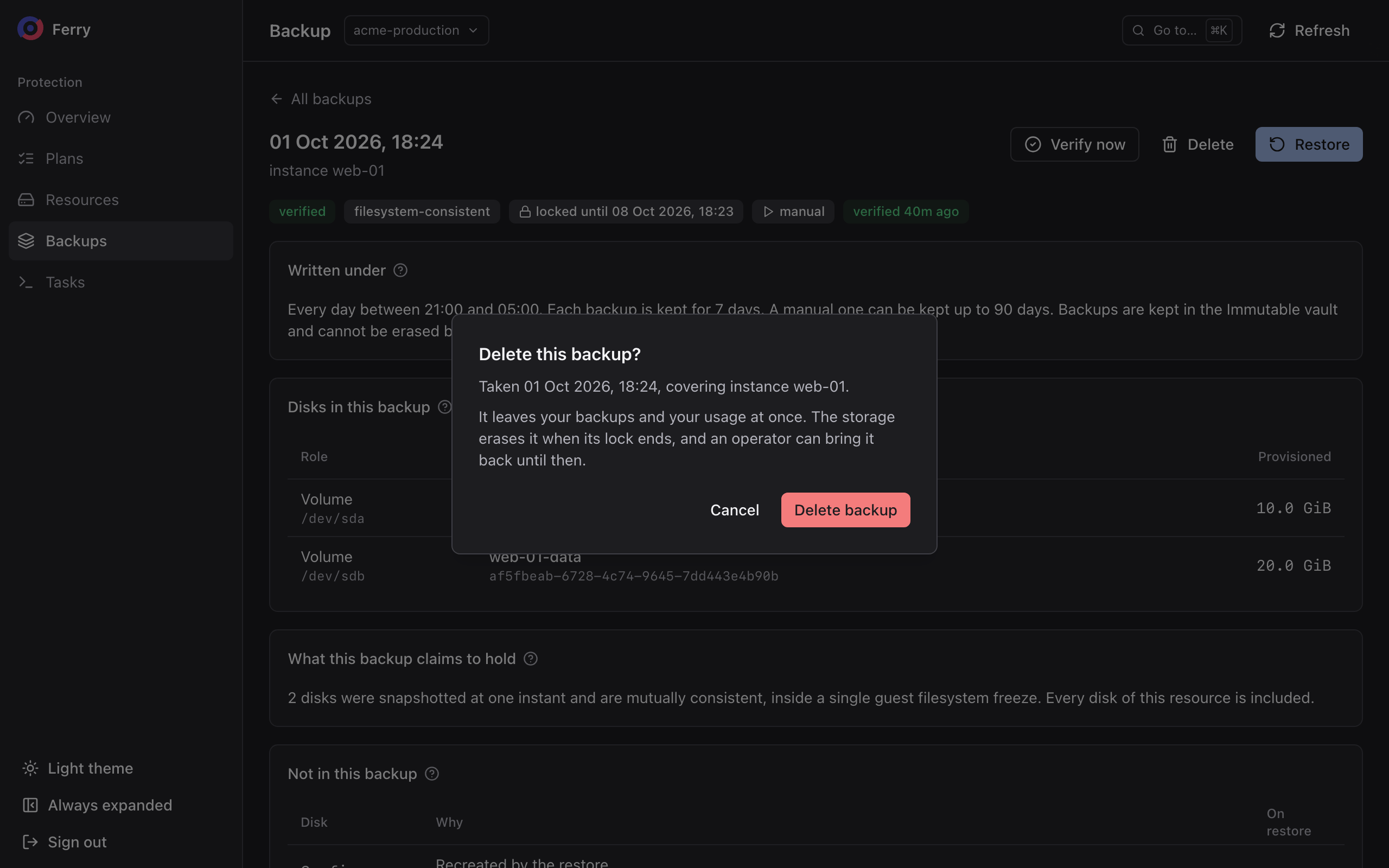
openstack backup point delete <backup-id>
A deleted backup leaves your listing and your usage immediately. What happens to its data depends on the vault:
- In a vault whose backups can be deleted, the data is kept for the cloud's deletion grace period, then erased. During that period, your operator can bring the backup back.
- In an immutable vault, storage retains the data until the lock and deletion grace period have both ended. Your operator can recover the backup during that period.
Deleting the backup that holds a role, such as the monthly, does not promote another backup into its place. The console warns before you do it.
A backup cannot be deleted by a tenant while it is still being taken or expiring, while it is under a legal hold placed by the operator, or when its plan's policy is mandatory.