Setting up promotional credits for new customers
Introduction
Promotional credits are a great way to attract new customers to your platform. You can offer them to new customers as a sign-up bonus, or to existing customers as a reward for their loyalty. This guide will show you how to set up promotional credits for new customers when they sign up.
Let's go to the Billing Settings at the Provisioning Promotional Credits section. Here you can set up the promotional credits for new customers.
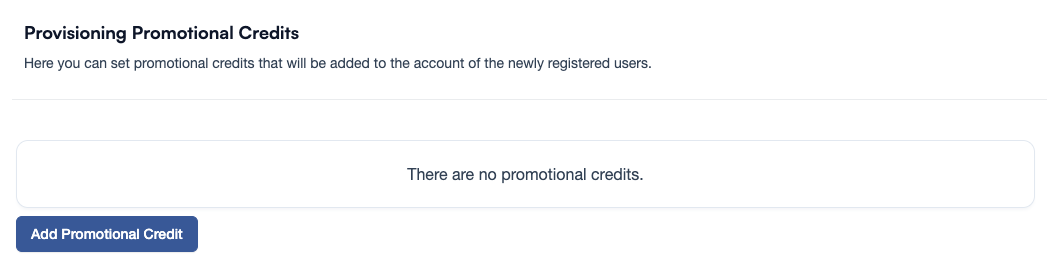
Set up promotional credits
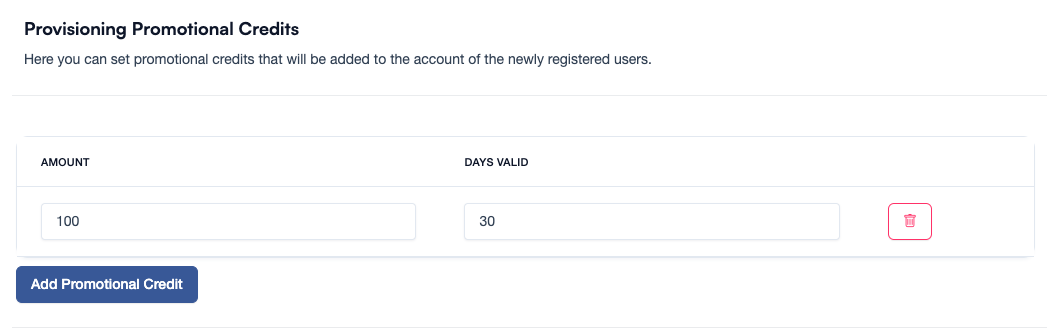
Click on the Add Promotional Credit button to create a new promotional credit. Let's set 100€ as the amount and 30 days as the validity period.
Now, save the promotional credit, and it will be available for new customers when they sign up.